# TrakRF Docs
> RFID Asset Tracking Platform
This file contains all documentation content in a single document following the llmstxt.org standard.
## API docs
## TrakRF API
The TrakRF public REST API lets integrators read and write the same assets, locations, and scan events the first-party web app uses — via API-key authentication and predictable JSON.
This page is the map. The pages linked below are the territory.
export const SpecLinks = () => {
const { appHost } = useDeployEnv();
return (
<>
{appHost}/api/openapi.json /{" "}
{appHost}/api/openapi.yaml
);
};
### Where to start
- New to the API? **[Quickstart](./quickstart)** — mint a key, make your first call, round-trip a resource. ~10 minutes.
- Already know the shape? **[Interactive reference](/api)** — every endpoint, rendered from the OpenAPI spec that ships with each release.
- Generating a client? Point your generator at . The same URLs feed the [API client guide](./postman) (Postman, Insomnia, Bruno, Hoppscotch).
- Static fallback for Markdown consumers: production specs are `https://app.trakrf.id/api/openapi.json` and `https://app.trakrf.id/api/openapi.yaml`; preview deployments use the matching `app.preview.trakrf.id` host.
### Concept guides
- **[Authentication](./authentication)** — API keys, Bearer headers, scopes, key lifecycle
- **[Resource identifiers](./resource-identifiers)** — canonical integer `id`, natural-key `external_key`, list-filter access by natural key, and how the two work together
- **[Pagination, filtering, sorting](./pagination-filtering-sorting)** — conventions that apply to every list endpoint
- **[Errors](./errors)** — error envelope, error-type catalog, retry guidance
- **[Rate limits](./rate-limits)** — per-key token bucket, `X-RateLimit-*` headers, `Retry-After`
- **[Versioning](./versioning)** — v1 stability commitment, deprecation policy, open vs closed enums
- **[Changelog](./changelog)** — release-by-release record of added / deprecated / removed
- **[Webhooks](./webhooks)** — outbound `asset.moved` delivery, signature verification, and delivery guarantees
- **[API clients](./postman)** — import the spec into Postman, Insomnia, Bruno, or Hoppscotch
- **[Private endpoints](./private-endpoints)** — session-cookie-only endpoints used by the first-party web app (not part of the public API surface)
### License
This documentation site (`trakrf/docs`) is licensed under the MIT License. The source of these prose pages is in the [trakrf/docs GitHub repo](https://github.com/trakrf/docs) — file improvements or corrections there.
The TrakRF platform implementation lives in a separate repository under the Business Source License 1.1. Self-hosting platform operators should consult the platform repo's own `docs/api/` for operator-specific guidance (deployment, admin bootstrap, per-instance configuration); the API surface described here is the same in both cases.
---
## Authentication
The TrakRF API uses the **OAuth2 `client_credentials`** flow. You mint a long-lived `client_id` + `client_secret` pair once from the web app, exchange that pair for a short-lived **access token** at `POST /api/v1/oauth/token`, and send the access token as an `Authorization: Bearer` header on every request. Access tokens are JSON Web Tokens (JWTs) scoped to a single organization and a set of permissions.
### How authentication works
1. **Mint credentials** in the app — you receive a `client_id` and an opaque `client_secret`. This pair is long-lived; store it in a secrets manager.
2. **Exchange** the pair for an access token at `POST /api/v1/oauth/token` (`grant_type=client_credentials`).
3. **Call the API** with `Authorization: Bearer `.
4. **Refresh** before the access token expires (`grant_type=refresh_token`), or just request a new pair-exchange.
The `client_id`/`client_secret` are your durable credential; access tokens are short-lived (15 minutes) and disposable.
### Mint your first API key {#mint-your-first-api-key}
API credentials are minted from the SPA's **Account menu → API Keys → New Key**. The `client_secret` is shown once at creation — save it immediately.
Minting happens in the web app, not via the API. Programmatic key issuance is intentionally not exposed on the public surface: possession of a key-minting API would defeat the trust boundary, since any compromised credential could mint a more-privileged one. The session-authenticated mint flow keeps issuance tied to a signed-in user, consistent with how Stripe and similar services gate dashboard-only credential issuance.
If you have a use case that genuinely requires programmatic provisioning (per-tenant SaaS automation that mints a credential per customer org), [contact us](mailto:support@trakrf.id) — we'll evaluate exposing it.
1. Sign in (production: [app.trakrf.id](https://app.trakrf.id); preview: [app.preview.trakrf.id](https://app.preview.trakrf.id)). Both hosts run the same UI and flow — use the one that matches your account. See [Base URL](#base-url) for the matching API host.
2. Open the **Account menu** in the top-right corner and choose **API Keys**. (The left-nav **Settings** page is for device configuration — signal power, session, worker log level — not key management.)
3. **If your account belongs to multiple organizations,** credentials are scoped to whichever organization is currently selected in the Account menu. Check the organization switcher before clicking **New key** — a credential minted under the wrong organization cannot be reassigned.
4. Click **New key**. Give it a descriptive name (e.g. `"prod-integration"` or `"local-dev"`) and pick the scopes the integration needs — only the scopes required for the endpoints you'll call. See the [Scopes](#scopes) table below.
5. Submit. The response shows a `client_id` and a `client_secret` **once**:
- `client_id` — a stable UUID identifying the credential (e.g. `6f1c2a8e-7d3b-4e90-9a11-2c4d5e6f7a8b`).
- `client_secret` — an opaque secret of the form `trakrf_` followed by 64 hex characters. It is stored only as a hash and **cannot be shown again**. Copy it to your secrets store immediately.
6. Exchange the pair for an access token (next section) and use that token as `Authorization: Bearer `.
:::tip Misminted scopes? Revoke and re-mint
Scopes are fixed at creation and cannot be edited afterward — there is no "edit key" flow. If you mint a credential with the wrong scopes (or against the wrong organization, or with the wrong expiration), revoke it from the same **Account menu → API Keys** view and mint a fresh one. The old and new credentials are both valid until you revoke, so the cutover is non-disruptive: mint the new credential, swap it into your secrets store, then revoke the old one.
:::
### Get an access token
Exchange your `client_id` + `client_secret` for an access token at `POST /api/v1/oauth/token` with `grant_type=client_credentials`. The request and response are JSON; set `$BASE_URL` per [Base URL](#base-url).
```bash
curl -X POST "$BASE_URL/api/v1/oauth/token" \
-H "Content-Type: application/json" \
-d '{
"grant_type": "client_credentials",
"client_id": "6f1c2a8e-7d3b-4e90-9a11-2c4d5e6f7a8b",
"client_secret": "trakrf_9f8e7d6c5b4a39281706f5e4d3c2b1a0ffeeddccbbaa99887766554433221100"
}'
```
A successful exchange returns:
```json
{
"access_token": "eyJhbGciOiJIUzI1NiIsInR5cCI6IkpXVCJ9.",
"refresh_token": "f3b0c44298fc1c149afbf4c8996fb92427ae41e4649b934ca495991b7852b855",
"token_type": "Bearer",
"expires_in": 900
}
```
- `access_token` — a short-lived JWT (15 minutes). Send it as `Authorization: Bearer `.
- `refresh_token` — an opaque, single-use token (30-day lifetime) used to obtain the next access token without re-sending your `client_secret`. See [Refresh an access token](#refresh-an-access-token).
- `expires_in` — access-token lifetime in seconds (`900` = 15 minutes).
A `400` means the body failed validation or `grant_type` was unsupported; a `401` (`detail: "Invalid client credentials"`) means the `client_id`/`client_secret` pair did not verify. Errors use the standard [error envelope](./errors).
:::note Refresh tokens on `client_credentials` grants
TrakRF returns a `refresh_token` on every `client_credentials` response, which deviates from the SHOULD-NOT in [RFC 6749 §4.4.3](https://datatracker.ietf.org/doc/html/rfc6749#section-4.4.3) for that grant. The deviation is deliberate: it lets you rotate access tokens via the `refresh_token` grant without re-sending `client_secret` to the token endpoint — a real win for server-to-server integrations that keep `client_secret` in secrets infrastructure rather than on their app servers. The §4.4.3 SHOULD-NOT guards browser-issued token flows with implicit credentials; TrakRF's bearer model has neither, so the rationale doesn't apply. Treat the `refresh_token` with the same protection you give the `client_secret`, and use it to rotate access tokens — see [Refresh an access token](#refresh-an-access-token).
:::
### Request header
Every authenticated request must include the **access token** as a Bearer token in the `Authorization` header:
```
Authorization: Bearer
```
The header name is `Authorization`; the scheme is `Bearer`. The access-token JWT directly follows the scheme with a single space separator. Do **not** send your `client_secret` here — only the access token returned from `/oauth/token`.
:::caution `X-API-Key` is not accepted
The server only honors the `Authorization: Bearer` form. Sending the token as `X-API-Key: ` (or any other header) returns `401 unauthorized` with detail `"Use Authorization: Bearer "`. If you see that detail, check the header name and scheme.
:::
#### 401 response detail strings {#unauthorized-detail-strings}
The 401 envelope carries one of these `error.detail` strings depending on the failure mode. All return `error.type: "unauthorized"` and the standard `WWW-Authenticate: Bearer realm="trakrf-api"` header per [RFC 7235](https://datatracker.ietf.org/doc/html/rfc7235):
| Failure mode | `error.detail` |
| ------------------------------------------- | ------------------------------------- |
| Missing `Authorization` header | `"Missing authorization header"` |
| Malformed bearer or invalid / expired token | `"Invalid or expired token"` |
| Wrong scheme (e.g. `X-API-Key: `) | `"Use Authorization: Bearer "` |
Branch on `error.type` for the canonical signal — that's the field that locks to a stable contract. The `detail` strings are accurate diagnostic prose suitable for logging, but they are not part of the response contract and may evolve in wording. If your integration classifies 401s for routing or retry, key on `type` and treat `detail` as human-readable context.
An expired access token returns `401` with `detail: "Invalid or expired token"` — that's the signal to refresh (see below) and retry.
### Refresh an access token {#refresh-an-access-token}
Before the 15-minute access token expires, exchange your `refresh_token` for a fresh pair — no `client_secret` required:
```bash
curl -X POST "$BASE_URL/api/v1/oauth/token" \
-H "Content-Type: application/json" \
-d '{
"grant_type": "refresh_token",
"refresh_token": "f3b0c44298fc1c149afbf4c8996fb92427ae41e4649b934ca495991b7852b855"
}'
```
The response shape is identical to the `client_credentials` exchange: a new `access_token` **and a new `refresh_token`**. Refresh tokens are **single-use** — each refresh rotates the token, so store the new `refresh_token` and discard the old one. Presenting an already-used refresh token returns `401` and **revokes the entire token chain** as a replay-detection measure; if that happens, start over from a `client_credentials` exchange.
### Security properties
- **Short-lived access tokens.** Access tokens live 15 minutes, limiting the blast radius of a leaked token.
- **Opaque, hashed secret.** The `client_secret` is a high-entropy opaque value stored only as a SHA-256 hash and shown exactly once. TrakRF cannot recover it; if lost, revoke and re-mint.
- **Single-use refresh rotation.** Every refresh issues a new `refresh_token`; replaying an old one is treated as a compromise signal and revokes the chain.
- **Scope-limited.** Each credential carries only the scopes selected at mint time (see [Scopes](#scopes)); the access token inherits them.
- **Store credentials in a secrets manager** — never in source control. Treat the `client_secret` like a password and the `access_token` like a session token.
### Scopes
Each credential is issued with one or more scopes. The API rejects requests whose access token lacks the scope required by the endpoint (`403 forbidden` with `"Missing required scope: "`). The scopes are fixed on the credential at mint time and carried into every access token minted from it.
#### UI labels vs scope strings {#ui-labels}
The **New key** form in the web app lets you pick a resource (Assets / Locations / Tracking) and an access level (None / Read / Read + Write). Each combination maps to one or two of the scope strings used throughout these docs and in API responses.
| UI form (resource × level) | Scopes granted |
| -------------------------- | ----------------------------------- |
| Assets → Read | `assets:read` |
| Assets → Read + Write | `assets:read`, `assets:write` |
| Locations → Read | `locations:read` |
| Locations → Read + Write | `locations:read`, `locations:write` |
| Tracking → Read | `tracking:read` |
Selecting **None** for a resource grants no scope for that resource. Selecting **Read + Write** always grants both the read and the write scope — there is no write-only level today.
The table below is the human-readable summary; the machine-readable canonical source is the [`x-required-scopes` extension](#x-required-scopes-on-operations) on each operation in the OpenAPI spec. The runtime enforces what the spec declares, and codegen ingestors should read the extension directly. If the table ever drifts from the extension, the spec wins.
| Scope | Access | Endpoints (representative) |
| ----------------- | ------ | --------------------------------------------------------------------------------------------------------------------------------------------------------------------------------------------------------------------- |
| `assets:read` | Read | `GET /assets`, `GET /assets/{asset_id}` |
| `assets:write` | Write | `POST /assets`, `PATCH /assets/{asset_id}`, `POST /assets/{asset_id}/rename`, `DELETE /assets/{asset_id}`, `POST /assets/{asset_id}/tags`, `DELETE /assets/{asset_id}/tags/{tag_id}` |
| `locations:read` | Read | `GET /locations`, `GET /locations/{location_id}` |
| `locations:write` | Write | `POST /locations`, `PATCH /locations/{location_id}`, `POST /locations/{location_id}/rename`, `DELETE /locations/{location_id}`, `POST /locations/{location_id}/tags`, `DELETE /locations/{location_id}/tags/{tag_id}` |
| `tracking:read` | Read | `GET /reports/asset-locations`, `GET /assets/{asset_id}/history` |
`tracking:read` gates the two endpoints that answer "where are things — now and over time." It covers both the time-series history feed (`/assets/{asset_id}/history`) and the current-state snapshot report (`/reports/asset-locations`), because both views are derived from the same underlying scan-event stream. The name reflects that data lineage: it's permission to read tracking data, not just historical data.
A few non-obvious pairings worth calling out:
- **Tag subresource operations** inherit their parent resource's `:write` scope. Attaching or detaching a tag on an asset (`POST /api/v1/assets/{asset_id}/tags`, `DELETE /api/v1/assets/{asset_id}/tags/{tag_id}`) requires `assets:write`; the location-side equivalents require `locations:write`. There is no separate `tags:write` scope — granting it would split the write authority for a single resource across two scope strings, which the platform deliberately avoids.
- **`/reports/asset-locations`** is gated by **`tracking:read`**, not `locations:read` (and not `assets:read`). The endpoint's URL says "reports," the response rows are asset-at-location pairs, but the scope follows the **data lineage**: every field on every row is derived from the scan-event stream — `asset_last_seen` is the timestamp of the most recent scan event for that asset, and the `location_id` / `location_external_key` on the row is the location of that scan. Granting `assets:read` or `locations:read` does **not** unlock this endpoint; you need `tracking:read`.
- **`/assets/{asset_id}/history`** is gated by **`tracking:read`** for the same reason — it's a projection of scan events, not a property of the asset.
Additional scopes may be added in any v1 release. Clients should tolerate unknown scope strings without breaking (see [Versioning → Open enums](./versioning#open-extensible-enums-in-v1)).
#### `x-required-scopes` on operations
Every operation in the public spec carries an `x-required-scopes` extension listing the scope strings the endpoint requires (e.g. `x-required-scopes: [assets:write]` on `POST /api/v1/assets`). An empty array — `x-required-scopes: []` — means "any authenticated token works, no scope required" and currently appears only on `GET /api/v1/orgs/me`, the lightweight health-check endpoint integrators hit to confirm a token is live. The extension is present on every operation precisely so the absence of a required scope is a positive signal (empty array) rather than a missing-field ambiguity.
This is the canonical machine-readable scope source. Codegen ingestors, policy tooling, and scope-aware partners minting minimal-scope credentials should read this extension rather than parsing the **Required scope:** marker in each operation's prose description. The OpenAPI spec's `BearerAuth` scheme (HTTP Bearer, JWT format) can't express scope-per-operation by itself; the extension fills that gap.
The table above and the **Required scope:** markers in operation descriptions are the canonical reference for human readers. Both views are auto-derived from the same server-side annotations at spec-publish time and must stay in sync — any drift between prose and extension is a spec-generation bug, not a documentation choice.
#### Internal scope: `keys:admin` {#internal-scopes}
A sixth scope, `keys:admin`, exists in the platform but does not appear in the public spec or the **New Key** picker. It gates the SPA-side key administration surface (mint, list, revoke). The scope is granted implicitly to authenticated session JWTs inside the web app; it is not selectable when minting an API credential and is not required by any documented public endpoint. Integrators do not need to request, hold, or branch on this scope. It is documented here only so the five-row table above isn't read as the platform's complete scope list.
### Example requests
Examples use `$BASE_URL` — set it to `https://app.trakrf.id` for production or `https://app.preview.trakrf.id` for preview accounts. See [Base URL](#base-url). They assume `$TRAKRF_ACCESS_TOKEN` holds a current access token from [Get an access token](#get-an-access-token).
#### curl
```bash
curl -H "Authorization: Bearer $TRAKRF_ACCESS_TOKEN" \
"$BASE_URL/api/v1/assets"
```
#### Python (requests)
```python
import os
import requests
base_url = os.environ["TRAKRF_BASE_URL"]
headers = {"Authorization": f"Bearer {os.environ['TRAKRF_ACCESS_TOKEN']}"}
response = requests.get(f"{base_url}/api/v1/assets", headers=headers)
response.raise_for_status()
print(response.json())
```
:::caution Python stdlib `urllib` users: set an explicit User-Agent
Cloudflare's edge WAF blocks the default `Python-urllib/N` User-Agent that `urllib.request.urlopen()` sends, returning a non-API `403 error code: 1010` HTML response **before** the request reaches TrakRF — so you get a Cloudflare error page, not the documented JSON [error envelope](./errors). Set an explicit `User-Agent` header on every request, or use a library that sends a sensible default — `requests` (above), `httpx`, `urllib3`, or any of the generated SDK clients (`openapi-generator-cli`'s Python target sends `OpenAPI-Generator/1.0.0/python`, which passes). This is a deploy-edge behavior, not an API contract: `curl` and the generated clients work without any adjustment.
:::
#### JavaScript (fetch)
```javascript
const baseUrl = process.env.TRAKRF_BASE_URL;
const res = await fetch(`${baseUrl}/api/v1/assets`, {
headers: { Authorization: `Bearer ${process.env.TRAKRF_ACCESS_TOKEN}` },
});
if (!res.ok) throw new Error(`API error: ${res.status}`);
const data = await res.json();
```
### Credential lifecycle
All lifecycle actions — creation, listing, rotation, revocation — happen in the SPA. There is no programmatic API for credential management; see [Mint your first API key](#mint-your-first-api-key) for the design rationale.
- **Creation:** credentials are minted by an organization administrator. The `client_secret` is shown **once** at creation time — copy it immediately to your secrets store.
- **Listing:** a credential's `client_id` and metadata (name, scopes, created / last-used timestamps) remain visible to administrators; the `client_secret` is never shown again.
- **Rotation:** create a new credential, update your integration, then revoke the old one. TrakRF does not support in-place secret rotation; create-new-revoke-old keeps both credentials valid during the cutover.
- **Revocation:** an administrator can revoke a credential at any time. Revoked credentials fail the `client_credentials` exchange (`401`), and any outstanding refresh-token chains are invalidated.
- **Expiration:** credentials do not expire by default — leaving the field blank (the **Never** option in the SPA picker) mints a permanent credential. Picking an explicit expiration sets an expiry after which the `client_credentials` exchange returns `401`. For any credential beyond a throwaway local-dev one, set an explicit expiration (e.g. 90 days) and schedule the rotation.
#### Listing and revocation are SPA-side {#listing-revocation-spa-side}
Listing existing credentials, viewing metadata (name, scopes, created / last-used / expires timestamps), and revoking a credential are browser affordances in the SPA's **Account menu → API Keys** view, not public API endpoints. Any rotation workflow that needs to enumerate or revoke prior credentials has to drive the SPA flow (manual or scripted via a session login), or maintain its own out-of-band record of which credential handles map to which integrations. If you have a use case that genuinely requires programmatic listing or revocation, [contact us](mailto:support@trakrf.id).
### Base URL
- **Production:** `https://app.trakrf.id`
- **Preview (per-PR test deploys):** `https://app.preview.trakrf.id`
All API endpoints live under the `/api/v1/` prefix. The interactive reference at [`/api`](/api) lists the complete endpoint catalog. Shell examples in these docs use a `$BASE_URL` env var so the same commands work against either environment:
```bash
# Production
export BASE_URL=https://app.trakrf.id
# Preview
export BASE_URL=https://app.preview.trakrf.id
```
Preview-scoped credentials will not authenticate against production and vice versa — make sure `BASE_URL` matches the environment your credential was minted on.
**The API and the SPA share the same origin.** `$BASE_URL` resolves to the application host that also serves the web app — `app.trakrf.id` is both the SPA URL and the API host, and the OpenAPI spec's `servers[]` entries match these hosts one-for-one. Generated clients can point at `servers[0]` directly; the `/api/v1/` prefix is the only path differentiation between SPA routes and API routes.
### Server-to-server design {#server-to-server}
TrakRF's public API is built for **server-to-server** integration: partners typically call it from their own backend, where API credentials never leave the server. That describes how the API is most commonly used — it is not an access restriction. Cross-origin browser requests are permitted (`Access-Control-Allow-Origin: *`).
Bearer tokens are attached explicitly to each request via the `Authorization` header. The API uses no cookies, no HTTP Basic auth, and no other ambient credentials — so a bearer token can't be exposed through a cross-origin read the way a session cookie can, because the browser never attaches it automatically. CORS is therefore not a credential-protection mechanism here, and we don't treat it as one. Keeping tokens safe is the client's responsibility: don't embed long-lived secrets in client-side code, and rely on refresh-token rotation to keep access tokens short-lived (15 minutes).
**Session JWTs are also accepted** on most public endpoints (same `Authorization: Bearer ` form), because the web app and the API share a router. A session JWT is effectively unscoped for its short lifetime and is only convenient for ad-hoc UI-driven requests; integrators should use the `client_credentials` flow so that auth is durable and scope-limited. (One exception: `/orgs/me` accepts API-credential access tokens only — see [Private endpoints → Response shape: `/orgs/me`](./private-endpoints#orgs-me).)
### Environment variables
Store your `client_id`/`client_secret` in a secrets manager — **never in source control**. The access token is short-lived; obtain it at runtime via the `client_credentials` exchange rather than committing it. The examples on this site assume `$TRAKRF_ACCESS_TOKEN` holds a current access token:
```bash
# Obtain an access token (see "Get an access token") and capture it:
export TRAKRF_ACCESS_TOKEN="eyJhbGciOiJIUzI1NiIsInR5cCI6IkpXVCJ9..."
```
Because access tokens expire after 15 minutes, scripts that run longer should re-exchange (or refresh) rather than relying on a stale exported value.
### Testing connectivity
Once you have an access token, verify it with curl:
```bash
curl -i -H "Authorization: Bearer $TRAKRF_ACCESS_TOKEN" \
"$BASE_URL/api/v1/assets?limit=1"
```
A `200 OK` with a JSON body confirms the token and scope are correct. A `401 unauthorized` indicates a missing, malformed, or expired token (re-exchange and retry); `403 forbidden` indicates the credential lacks the scope required for that endpoint.
---
## Changelog
This log records changes to the TrakRF public API under `/api/v1/` that affect integrators. Entries follow the [Keep a Changelog](https://keepachangelog.com/en/1.1.0/) convention with the v1 stability commitment in [Versioning](./versioning): within v1, changes are additive only — no silent breaking changes. Deprecations are flagged at least six months before sunset via RFC 8594 headers.
Changes to the TrakRF app itself are logged separately in the [release notes](../release-notes). The two are deliberately decoupled: the API version tracks the contract documented here, while the app version moves on its own release cadence, so an app release that changes nothing for integrators produces no entry on this page.
### Location history and movement events gain one-minute resolution {#minute-resolution-history}
Ships with app **v1.5.0**. No path, field name, response shape, or error envelope changes — this entry records a behavioral semantics change to data your code already consumes, the same reason webhook delivery semantics are logged here.
- **`GET /api/v1/assets/{asset_id}/history` returns at most one row per asset per minute.** The first location observed in a minute is the minute's recorded location; subsequent reads of the same asset in that minute do not add rows or change it. An operator save from the app is the exception — it overrides the current minute's recorded location. History was previously per-read; if your integration counted history rows as a proxy for read activity, that proxy is gone (it was never contractual). Row shape is unchanged.
- **`asset.moved` webhooks inherit the same resolution.** Passive readers emit at most one location change per asset per minute, and a mid-minute move delivers with the next minute's observation — up to 60 seconds after the physical move. An asset seen by two overlapping read zones can no longer produce an event storm: the minute is a built-in debounce window. Operator saves emit immediately, carrying the overridden location as `from_location`. See [Webhooks → Movement detection has one-minute resolution](./webhooks#movement-detection-has-one-minute-resolution).
- **`occurred_at` on save-driven events may carry the save's minute rather than the exact second.** Reader-driven events keep the scan instant. The recommended five-minute signature-timestamp tolerance absorbs this; a materially tighter window may not.
### v1.0 — Launch (2026-05-30)
Initial public API release. Stable contract for paths, field names, response shapes, and error envelopes per the [v1 stability commitment](./versioning).
#### Webhooks: outbound `asset.moved` delivery {#webhooks-asset-moved}
TrakRF can now push an event to an HTTPS endpoint you host when an asset is scanned at a location different from the one it was last seen at. One event type (`asset.moved`), one webhook per organization, registered from the app's **Account menu → Webhooks** rather than through the API — webhook management is an admin browser action and has no public API surface. This is additive; nothing about the existing polling endpoints changes.
Webhooks shipped with app [v1.3.0](../release-notes#v1-3-0-webhooks), after the v1.0 launch date above; they are logged here because the delivery payload is something your code parses, not because the `/api/v1/` contract changed.
- **Delivery is at-most-once and delta-only.** A failed delivery is retried at roughly one and five seconds, jittered, then dropped — no dead-letter queue and no replay. Rescans at an unchanged location emit nothing at all, so this is a movement feed rather than a scan feed. Receivers must tolerate a missed event and reconcile periodically against `GET /api/v1/reports/asset-locations`.
- **Ordering is not guaranteed and there is no `sequence` field.** Concurrent scans can deliver out of order; order by `occurred_at`. Duplicates are possible on the retry path — deduplicate on `delivery_id`.
- **Every delivery is signed.** `X-TrakRF-Signature` carries an HMAC-SHA256 over `timestamp + "." + rawBody`, hex-encoded, with the signed timestamp in `X-TrakRF-Timestamp` so a captured delivery cannot be replayed indefinitely. The signature must be computed over the raw request bytes, not a re-serialized parse. See [Webhooks](./webhooks).
#### `id` is globally unique and opaque; `external_key` auto-mint clarified to `MAX(live key) + 1` {#id-global-uniqueness-external-key-max-plus-one}
Two identifier-model clarifications that sharpen the line between the surrogate `id` and the `external_key` handle. Pre-launch; no `v1.0.0`-or-later wire baseline to break. The `external_key` item is a docs correction only (service behavior unchanged); the `id` item reflects the move to a single shared id sequence landing under the hood.
- **The surrogate `id` is globally unique across every resource type, opaque, and permanent.** No two rows — of any type — share an `id`; an `id` never changes and is never reused, even after a resource is deleted. The prior docs described ids as unique only within an entity type (so the same integer could be both an asset id and a tag id). That cross-type collision is eliminated: ids are now minted from one shared sequence, so global uniqueness holds by construction. Treat `id` as opaque (don't parse it, order by it, or infer a count or creation time) — it is a stable internal anchor for reconciliation, not your business foreign key; join your own systems on the natural key (`external_key`). See [ID format](./id-format) and [Resource identifiers → Numeric `id` is a surrogate key](./resource-identifiers#numeric-id-is-a-surrogate-key).
- **`external_key` auto-mint is `MAX(live key) + 1`, not a lowest-unused-slot allocator.** Earlier wording ("lowest unused slot among live rows," "gap-filling") was incorrect: the server takes the highest live `ASSET-NNNN` / `LOC-NNN` in your org and adds one, zero-padded (`ASSET-%04d` / `LOC-%03d`). A middle-of-range delete therefore leaves a *permanent* gap that is never backfilled; only deleting the current highest live key frees its number for re-issue. A separate, caller-initiated path still lets you re-supply a soft-deleted key string directly (the partial unique index is `WHERE deleted_at IS NULL`, so deleted keys sit outside it). The [auto-mint section on Resource identifiers](./resource-identifiers#external_key-is-optional-on-create) and the `LOC-NNN` changelog entry below are corrected to match. Service behavior is unchanged; only the docs were wrong.
#### Surrogate ids are int64 end-to-end; the int32 ceiling and id `too_large` are retired {#surrogate-ids-int64}
Every surrogate id — primary keys (`id`), foreign keys (`parent_id`, `location_id`, `asset_id`, `tag_id`, `org_id`), the `_id` query filters, and the numeric path parameters — now declares `format: int64` with `maximum: 9007199254740991` (JavaScript's `Number.MAX_SAFE_INTEGER`, 2⁵³−1) uniformly across response bodies, request bodies, query strings, and path parameters. The previous split — `format: int64` on the wire but an int32 (`2147483647`) runtime ceiling backed by an `int4` column — is gone: the storage column is now `int8`, and the spec is internally coherent at one id type everywhere. The id `too_large` rejection (`params.max: 2147483647`) is retired with it. Pre-launch alignment; no `v1.0.0`-or-later wire baseline to break.
- **One id type, one ceiling.** Path params (including `tag_id`), `_id` query filters, request-body FKs, and response ids all carry `format: int64` + `maximum: 9007199254740991`. The `maximum` is the JS-safe-integer bound, declared so a `number`-typed client never receives an id it would round rather than as a storage limit (`int8` reaches 2⁶³−1). `duration_seconds` is unaffected — it is not a surrogate id and stays `int32`. See [ID format: int64 wire, int64 runtime](./id-format).
- **Surrogate ids no longer range-reject.** A syntactically valid id that doesn't resolve takes the ordinary lookup path for its surface instead of bouncing with `too_large`: a path param returns `404 not_found` (e.g. `GET /api/v1/assets/2147483648`), an `_id` query filter returns `200` with an empty page (`?parent_id=2147483648`), and a request-body FK returns `400 validation_error` / `code: fk_not_found` (`{"parent_id": 2147483648}`). The controls are unchanged — a `0` / `-5` path id returns `code: too_small`, and a non-numeric or int64-overflow value returns `code: invalid_value`. See [Errors → Path- and query-parameter validation errors](./errors#path-and-query-parameter-validation-errors).
- **`too_large` survives only where a real maximum applies.** The pagination `limit` (max 200) still returns `400 validation_error` / `code: too_large`; the code is simply no longer part of the surrogate-id error catalog. [ID format](./id-format), [Resource identifiers](./resource-identifiers#numeric-id-is-a-surrogate-key), and [Errors](./errors#validation-errors) are rewritten to match.
#### `OPTIONS` returns a `204` CORS preflight; permissive-CORS framing replaces the "credential-leak guardrail" wording
The public API serves a permissive CORS posture, and the docs are corrected to describe the deploy as it actually behaves. Every response — including unauthenticated ones — carries `Access-Control-Allow-Origin: *` and the `Access-Control-*` header set, and an `OPTIONS` preflight on any `/api/v1/*` route returns `204 No Content`. The earlier docs claim that the API "ships with CORS disabled" and returns `405` on `OPTIONS` was flatly contradicted by the live headers. The "CORS is a guardrail against leaking credentials" framing is also dropped: bearer tokens are attached explicitly on each request and are never auto-sent by the browser the way a session cookie is, so CORS was never the mechanism protecting them. Pre-launch correction; no `v1.0.0`-or-later wire baseline to break.
- **`OPTIONS` is answered as a CORS preflight (`204 No Content`), not a `405`.** The preflight carries no body and no `Allow` header; method discovery moves entirely to the `Allow` header on a `405` from a genuinely unsupported verb. See [HTTP method coverage → `OPTIONS`](./http-method-coverage#options).
- **`Access-Control-Allow-Methods` trimmed to the real route table: `GET, HEAD, POST, PATCH, DELETE, OPTIONS`.** `PUT` is dropped — no route declares it — and `HEAD` is added, since it is valid on every `GET` path. The previous advertised set listed `PUT` and omitted `HEAD`, matching neither the spec nor the runtime.
- **"Server-to-server" is reframed as positioning, not an enforcement boundary.** [Authentication → Server-to-server design](./authentication#server-to-server) now describes server-to-server as how partners primarily integrate, with cross-origin browser access explicitly permitted; protecting bearer tokens at rest and in transit is the client's responsibility. The [errors page](./errors#error-type-catalog) and [HTTP method coverage](./http-method-coverage#options) are aligned to the same `204`-preflight reality.
#### API authentication moves to the OAuth2 `client_credentials` flow
Integrator authentication changes from "use your API-key JWT directly as a Bearer token" to the OAuth2 `client_credentials` grant. Minting an API key now yields an opaque `client_id` + `client_secret` pair that you exchange at `POST /api/v1/oauth/token` for a short-lived access token; that access token is what you send as `Authorization: Bearer`. Pre-launch contract change; no `v1.0.0`-or-later wire baseline to break. Full flow: [Authentication](./authentication).
- **Key creation returns `{client_id, client_secret}`, not a JWT.** The `client_secret` is an opaque value (`trakrf_` followed by 64 hex characters), stored only as a hash and shown exactly once at creation. The `client_id` is a stable UUID. Minting remains an in-app **Account menu → API Keys → New Key** action — there is no public programmatic mint endpoint. See [Authentication → Mint your first API key](./authentication#mint-your-first-api-key).
- **Exchange credentials at `POST /api/v1/oauth/token`.** `grant_type=client_credentials` with the `client_id`/`client_secret` returns `{access_token, refresh_token, token_type: "Bearer", expires_in: 900}` — a 15-minute access-token JWT plus a 30-day refresh token. `grant_type=refresh_token` rotates the pair without re-sending the secret. Refresh tokens are single-use: replaying a spent refresh token returns `401` and revokes the whole chain. See [Authentication → Get an access token](./authentication#get-an-access-token) and [Refresh an access token](./authentication#refresh-an-access-token).
- **A long-lived key JWT is no longer accepted as a Bearer credential.** Requests authenticate with the short-lived access token from the exchange, sent as `Authorization: Bearer `. Examples across the docs now use a `$TRAKRF_ACCESS_TOKEN` variable holding that token rather than a long-lived key. Session JWTs remain accepted on most public endpoints for ad-hoc UI-driven use, but integrators should use the `client_credentials` flow for durable, scope-limited auth.
#### Location `external_key` auto-mint finalized to `LOC-NNN`
The location auto-mint format is `LOC-NNN` (3 digits, first mint `LOC-001` in a fresh organization), parallel to but intentionally narrower than `ASSET-NNNN`. The asymmetry reflects how the two resources are used in practice: assets accumulate ad-hoc creates without a pre-known partner-side handle (a quick scan-in from the SPA, a row pasted in from a CSV with no upstream SKU), while locations are typically named-and-known artifacts already documented in a facilities export, so auto-mint is the exception rather than the norm and the smaller slot suffices for the typical volume. Pre-launch correction; the [Resource identifiers](./resource-identifiers#external_key-is-optional-on-create) page previously described the location format as `LOC-NNNN` from the prior interim plumbing — no `v1.0.0`-or-later wire baseline to break.
- **Format and first mint.** Auto-mint produces `LOC-001` for the first omit-on-create in a fresh organization, then `LOC-002`, `LOC-003`, and so on, governed by the same `MAX(live key) + 1` rule the [auto-mint paragraph on Resource identifiers](./resource-identifiers#external_key-is-optional-on-create) documents for both resources. Because the next mint is one past the highest live key, soft-deleting a middle value like `LOC-002` leaves a permanent gap that is never backfilled, while soft-deleting the current highest `LOC-NNN` frees that number for re-issue; the partial unique index `(org_id, external_key) WHERE deleted_at IS NULL` is the system of record for "what keys are live."
- **Digit-count-agnostic past the natural width.** The `LOC-NNN` shape is the shape of the typical mint, not a width constraint on the value. Once the 3-digit space is exhausted in an organization the next mint is `LOC-1000`, then `LOC-1001`, with no migration or zero-pad reflow; the same property holds for `ASSET-NNNN` past `ASSET-9999`. Client-side parsers should match `^LOC-\d{3,}$` / `^ASSET-\d{4,}$` (or, more durably, treat the value as opaque) rather than anchoring on fixed-width digit groups. The new paragraph adjacent to the [auto-mint table](./resource-identifiers#external_key-is-optional-on-create) spells this out so a code generator emitting a strict-width validator doesn't reject a legitimately-minted `LOC-1042` after the 1000th create.
- **System-of-record guidance unchanged.** The load-bearing recommendation (supply the partner-side handle on create when integrating with an ERP / WMS / floor-plan tool — don't rely on the auto-mint) carries over verbatim; the auto-mint is the right call only for ad-hoc creates where no upstream handle yet exists. The `MAX(live key) + 1` high-water-mark behavior and the non-monotonic, namespace-shaped (not counter-shaped) framing from the [prior changelog entry on non-monotonic auto-mint](#bb52-docs--validation_error-vs-bad_request-envelope-split-non-monotonic-auto-mint-wording) apply unchanged to the narrower location format.
Older changelog entries: https://docs.preview.trakrf.id/docs/api/changelog.md (33 more entries).
---
## Data model: master sync and scan data
The TrakRF public API surfaces two categories of data and treats them differently on writes. Knowing which category a field falls into tells you whether you can `POST` / `PATCH` it from your side or whether the API is read-only on it.
- **Master data** is **read-write.** The API both accepts it on write and returns it on read. Your system of record is upstream; you sync into TrakRF.
- **Scan / operational data** is **read-only.** The API returns it for consumption. Collection happens through ingestion paths that are deliberately separate from the public API — fixed-reader MQTT and handheld UI submission.
If you tried to `POST` or `PATCH` `location_id` on an asset and got `400 read_only`, this page is the explanation. The short answer: asset location is scan-derived, not partner-set. The longer answer follows.
### Master data (read-write)
Master data is the set of resources the API both serves on read and accepts on write. These resources represent partner-side facts — what assets exist, where the locations are organized, which tag is on which asset — and you keep them in sync from a system of record on your side (ERP, WMS, facilities management, tag printer, asset-management software).
| Resource | Typical upstream system | Write surface |
| ------------------------- | ---------------------------------------------------------------------------------------------- | ---------------------------------------------------------------------------------------------------------------------------------------------------------- |
| Assets | ERP, asset-management software | `POST /api/v1/assets`, `PATCH /api/v1/assets/{asset_id}`, `POST /api/v1/assets/{asset_id}/rename`, `DELETE /api/v1/assets/{asset_id}` |
| Locations | Facilities management, WMS, layout tool (hierarchical via `parent_id` / `parent_external_key`) | `POST /api/v1/locations`, `PATCH /api/v1/locations/{location_id}`, `POST /api/v1/locations/{location_id}/rename`, `DELETE /api/v1/locations/{location_id}` |
| Tag-asset associations | Tag printer firmware, ERP-managed tag inventory (print-and-apply workflows) | `POST /api/v1/assets/{asset_id}/tags`, `DELETE /api/v1/assets/{asset_id}/tags/{tag_id}` |
| Tag-location associations | Facilities tag printer, fixed-installation BLE/RFID layout | `POST /api/v1/locations/{location_id}/tags`, `DELETE /api/v1/locations/{location_id}/tags/{tag_id}` |
The rename endpoints are master-data operations. `external_key` is immutable through `PATCH` (sending a different value returns `400 validation_error` / `code: invalid_context` — the field is settable, just not via this verb); the `/rename` endpoint is the canonical mutation path. See [Resource identifiers → Renaming an `external_key`](./resource-identifiers#renaming-an-external_key) for the rationale.
Tag-asset associations stay on the public API because the integration use case is real — partners running print-and-apply lines or ERP-synced tag inventories drive these writes from their side. The tag CRUD surface is part of the master-data category and behaves like the others (POST to attach, DELETE to detach; the parent resource's read shape includes the current tag set).
### Scan / operational data (read-only)
Scan / operational data is the set of resources the API exposes for **consumption only.** Collection happens through ingestion paths that are deliberately separate from the public API:
- **Fixed-reader MQTT pipeline.** Readers in the field publish scan events to MQTT topics the platform subscribes to. The MQTT contract is not a public-API surface; integrator-facing access is through the consumption endpoints below.
- **Handheld UI submission.** The operator workflow submits scans through the TrakRF web and mobile apps. The submission path is internal to the first-party UI; it is not on the public API.
The separation is intentional. Scan data carries provenance — which reader observed the tag, at what time, under what auth — that the public-API write path cannot reproduce without re-implementing the ingestion contract. Keeping ingestion off the public API is what makes the read views trustworthy: every row served by the endpoints below traces back to a scan event with verifiable origin, not a partner-side guess about where an asset is.
Consumption endpoints for scan data:
| Endpoint | Shape | Scope |
| --------------------------------------- | ------------------------------------------ | --------------- |
| `GET /api/v1/assets/{asset_id}/history` | Per-asset scan history; time-series rows | `tracking:read` |
| `GET /api/v1/reports/asset-locations` | Bulk current-location lookup across assets | `tracking:read` |
Both endpoints are projections of the scan-event stream — that's why the scope name reflects data lineage rather than the URL shape. See [Authentication → Scopes](./authentication#scopes) for the full mapping.
Current location is **not** a field on the asset resource. `GET /api/v1/assets` and `GET /api/v1/assets/{asset_id}` return master data only — name, `external_key`, `is_active`, effective dates, tags. To read where an asset is, use the two scan-data endpoints above.
#### What you cannot do
- **`POST /api/v1/assets` with `location_id` or `location_external_key` in the body** returns `400 read_only`. The fields are absent from `CreateAssetWithTagsRequest`. Create the asset; record scans to populate location.
- **`PATCH /api/v1/assets/{asset_id}` with `location_id` or `location_external_key` in the body** returns `400 read_only`. The fields are absent from `UpdateAssetRequest` — and from the asset response shape — so there is nothing to round-trip; `PATCH` rejects them on presence, exactly as `POST` does.
- **There is no public endpoint to record a scan event from a partner side.** Ingestion is reader-pipeline-only by design.
### Consumption pattern guidance
The most common integrator pattern is "I have a list of asset external keys from my system of record and I want their current locations." The canonical batch-lookup form is the asset-locations report:
```bash
curl -H "Authorization: Bearer $TRAKRF_ACCESS_TOKEN" \
"$BASE_URL/api/v1/reports/asset-locations?asset_external_key=SKU-7421-A&asset_external_key=BACK-STORAGE-2"
```
The response is one row per scanned asset, with `asset_external_key`, `location_id`, `location_external_key`, and `asset_last_seen` for each. Pass repeated `asset_external_key` parameters for the assets you care about; the server returns rows in `-asset_last_seen` order by default. The `asset_external_key` query parameter (and its surrogate sibling `asset_id`) is the [repeatable filter](./pagination-filtering-sorting#filtering) that makes this batch-lookup expressible in one request rather than N — see [Pagination, filtering, sorting](./pagination-filtering-sorting) for the cursor and sort surface and the full filter param list on this endpoint.
If you only have surrogate ids in hand (you cached them from a previous create or list), use `asset_id` instead — both filter forms are supported, and the resolution rules match every other paired-key surface on the API (the two are [mutually exclusive in a single request](./pagination-filtering-sorting#paired-by-id-and-by-natural-key-filters-are-mutually-exclusive); the asset and location filter pairs are independent and intersect when combined). For a single asset, filter the report down to it — `GET /api/v1/reports/asset-locations?asset_id=4287` — or read the latest row of `GET /api/v1/assets/{asset_id}/history`; the asset resource itself carries no location field.
For per-asset history rather than current-state — "where has this asset been over the last seven days" — use `GET /api/v1/assets/{asset_id}/history?from=...&to=...`. The endpoint is the projection of the same scan-event stream with a different shape (time-series rows rather than current-state pairs). See [Pagination, filtering, sorting → Time range (history)](./pagination-filtering-sorting#time-range-history) for the `from`/`to` semantics.
History has **one-minute resolution**: at most one row per asset per minute, recording the first location observed in that minute (an operator save from the app overrides it). It is location history, not a per-read scan log — a fixed reader seeing a stationary tag hundreds of times an hour produces one row per minute, and the raw read stream is not exposed. The same resolution governs when [`asset.moved` webhooks](./webhooks#movement-detection-has-one-minute-resolution) fire.
### See also
- [Resource identifiers](./resource-identifiers) — how to address master-data rows by `id` or `external_key`.
- [Resource identifiers → Read shape vs. write shape](./resource-identifiers#read-shape-vs-write-shape) — the per-field write-surface table, including the `read_only` rejection contract for scan-derived fields on the asset write surface.
- [Authentication → Scopes](./authentication#scopes) — `assets:write` / `locations:write` for master-data mutations, `tracking:read` for scan-data consumption.
- [Errors → `read_only`](./errors#error-type-catalog) — the validation-error envelope returned when a write targets a read-only field.
---
## Date fields
Every timestamped resource in the TrakRF v1 API uses the same two effective-date fields: `valid_from` and `valid_to`. This page describes their shape on the wire and what the API accepts on input. Audit timestamps (`created_at`, `updated_at`) follow a different convention and are not covered here. Soft-deletion surfaces as `deleted_at` on per-resource list rows (`/assets`, `/locations`) and as `asset_deleted_at` on the cross-resource report row from `/reports/asset-locations` — see [Resource identifiers → Soft-delete visibility on lists](./resource-identifiers#soft-delete-visibility) for the rule and the field-naming asymmetry.
:::note Audit timestamps in one paragraph
`created_at`, `updated_at`, and `deleted_at` are server-managed read-only fields. Outbound they share the wire shape used by everything else on the public API: RFC 3339 in UTC with fixed three-digit millisecond precision (`.NNNZ`). They cannot be set on `POST` or `PATCH` — any value differing from the current state returns `400 validation_error` / `code: read_only`. A verbatim `GET` → `PATCH` echo is accepted: the comparator matches by instant, so any RFC 3339 representation of the same point in time round-trips cleanly even when a generated client re-serializes via its language default (e.g. `+00:00` instead of `Z`, or microsecond fractional precision). See [Pagination, filtering, sorting → Validator behavior on writes](./pagination-filtering-sorting#validator-behavior-on-writes) and [Resource identifiers → Read shape vs. write shape](./resource-identifiers#read-shape-vs-write-shape) for the full accept-if-matches contract.
:::
The history-derived endpoints carry their own per-row timestamp: `event_observed_at` on `GET /api/v1/assets/{asset_id}/history` and `asset_last_seen` on `GET /api/v1/reports/asset-locations`. Both share the outbound RFC 3339-UTC convention documented below for `valid_from`; their semantics and nullability are covered separately under [Scan-event date fields](#scan-event-date-fields).
### The two fields at a glance
| Field | Always present? | Type on response | Meaning |
| ------------ | --------------- | ----------------------- | -------------------------------------------------------------------------- |
| `valid_from` | Yes | RFC 3339 UTC | When the record became effective. Defaults to the creation time on insert. |
| `valid_to` | Yes | RFC 3339 UTC, or `null` | When the record expires. **`null` = no expiry.** |
The API never returns `0001-01-01T00:00:00Z` zero-time and never returns a `2099-12-31` far-future sentinel. The unset signal for `valid_to` is JSON `null`, not an absent key and not a sentinel value. If a client sees a sentinel, it's a bug — please [report it](mailto:support@trakrf.id).
`valid_from` / `valid_to` drive the **currently-effective** predicate that list endpoints apply by default. See [Effective dating and `is_active`](./resource-identifiers#effective-dating-and-is-active) for the rule and the list-vs-path-param distinction.
### Outbound: always RFC 3339 or `null`
Every `valid_from` on the response is RFC 3339 in UTC. `valid_to` is either RFC 3339 in UTC or JSON `null` — clients can parse the populated value with a single formatter and branch only on null vs. non-null. Two records from the same list endpoint, one with an expiry and one without:
```json
{
"data": [
{
"id": 7,
"external_key": "LOC-001",
"name": "Warehouse A",
"valid_from": "2026-01-15T00:00:00Z",
"valid_to": "2026-12-31T23:59:59Z"
},
{
"id": 8,
"external_key": "LOC-002",
"name": "Warehouse B",
"valid_from": "2026-02-01T00:00:00Z",
"valid_to": null
}
]
}
```
Note that the second record's `valid_to` is **`null`, not absent** — the field is always emitted, with the OpenAPI spec marking it `nullable: true` and required. Null-check the value, don't key-check.
### Inbound: RFC 3339, any offset {#inbound-rfc3339-only}
Send `valid_from` / `valid_to` as **RFC 3339** (e.g. `2026-04-24T15:30:00Z`). The OpenAPI spec declares both fields as `format: date-time`, and that is the contract — generated clients and spec validators will reject anything else. Use a date library to format your inputs (`Instant.toString()` in Java, `datetime.isoformat() + "Z"` in Python, `new Date().toISOString()` in JavaScript) rather than constructing the string by hand.
The service accepts any valid RFC 3339 timestamp regardless of offset — both `Z` and a numeric offset like `+05:00` parse. **Non-UTC offsets are silently converted to UTC at write**, so a `valid_from` sent as `2026-04-24T20:30:00+05:00` is stored — and emitted on the next read — as `2026-04-24T15:30:00Z`. The conversion is lossless on the instant: an integrator who sends a non-UTC offset gets the same point in time back, just normalized to `Z`. The one exception is the sentinel rejection rule below: non-UTC offsets that resolve to a rejected instant (e.g. `1970-01-01T05:00:00+05:00`) are still rejected — see [Default-value sentinels](#default-value-sentinels).
If you want your client-side pipeline to surface local-timezone bugs before they reach the server, **normalize to `Z` at the client** rather than relying on the service's silent conversion to mask them. Otherwise either form round-trips correctly to the same instant.
The body validator rejects (with `400 validation_error`) every form the spec doesn't permit — date-only (`2026-05-10`), slash-separated (`2026/05/10`), and empty string are all explicit rejections, not silent coercions to a server-computed default. Format failures return `fields[].message` = `"{field} must be an RFC 3339 timestamp"` (e.g. `"valid_from must be an RFC 3339 timestamp"`). Two otherwise-valid RFC 3339 timestamps are also rejected as default-value sentinels — see [Default-value sentinels](#default-value-sentinels) below. Date-only support is not on the v1 launch surface and may be added in a later v1.x revision of the API contract; today, send a full RFC 3339 timestamp every time. To pick up the server's `valid_from` default on create, **omit the key entirely**; sending an empty string is a 400, not an auto-default trigger.
Sub-microsecond precision is accepted on input but **truncated toward zero** to the microsecond at write. Storage is microsecond; the wire is millisecond. The combined round-trip for `2026-04-24T15:30:00.123456789Z` is: stored as `2026-04-24T15:30:00.123456` in Postgres (the `.789` tail dropped at the µs boundary), emitted on a subsequent read as `2026-04-24T15:30:00.123Z` (the `.456` tail dropped at the ms boundary, per [Wire format](#scan-event-date-fields) on outbound). Truncation toward zero is uniform at both boundaries — `.0000015Z` stores as `.000001`, `.9999999Z` stores as `.999999`; the wire then keeps only the leading three digits. The behavior is deterministic; if you need a specific millisecond on the wire, send no more precision than that.
#### Default-value sentinels are rejected {#default-value-sentinels}
Two otherwise-valid RFC 3339 timestamps are rejected as default-value sentinels:
- `0001-01-01T00:00:00Z` — the Go zero time.
- `1970-01-01T00:00:00Z` — the Unix epoch.
Both are programming-language default-value markers that almost always mean an upstream serializer forgot to map "unset" to JSON `null`. Silent acceptance would produce rows that drop out of the [currently-effective predicate](./resource-identifiers#effective-dating-and-is-active) at read time and look like missing assets in reports — a worse surprise than rejecting at write time. The rejection is by exact instant, not a heuristic, so the documented list above is the full list; nearby real values (`1970-01-01T00:00:01Z`, `1969-12-31T23:59:59Z`) are accepted normally. Non-UTC offsets that resolve to the same instant (e.g. `1970-01-01T05:00:00+05:00`) are also rejected — changing the offset isn't a workaround.
Sentinel rejections share `code: invalid_value` with other value-validation failures and have a distinct `message` that echoes the offending value and names JSON `null` as the unset signal:
```json
{
"error": {
"type": "validation_error",
"title": "Validation failed",
"status": 400,
"detail": "valid_to must not be a default-value sentinel (1970-01-01T00:00:00Z); use JSON null to leave the field unset",
"instance": "/api/v1/assets/4287",
"request_id": "01JXXXXXXXXXXXXXXXXXXXXXXX",
"fields": [
{
"field": "valid_to",
"code": "invalid_value",
"message": "valid_to must not be a default-value sentinel (1970-01-01T00:00:00Z); use JSON null to leave the field unset"
}
]
}
}
```
For programmatic handling, branch on `fields[].code` as usual ([Errors → Validation errors](./errors#validation-errors)); the `message` is human-readable and not a wire contract. To send "unset" for `valid_to`, send JSON `null`; to leave a field unchanged on `PATCH`, omit it.
#### `valid_from: null` is rejected on both Create and Update {#valid-from-null-rejected}
Sending `"valid_from": null` returns `400 validation_error` / `code: invalid_value` on both `POST` and `PATCH`. The unset signal is **key omission**, not explicit null: omit the key on `POST` to pick up the server default of now, and omit it on `PATCH` to leave the value unchanged. `valid_to` follows a different pattern — nullable on both create and update, where `null` means "no expiry."
### Example
Create an asset with an explicit `valid_from` and no `valid_to`, then read it back:
```bash
# Create — capture the assigned id from the response
ASSET_ID=$(curl -s -X POST \
-H "Authorization: Bearer $TRAKRF_ACCESS_TOKEN" \
-H "Content-Type: application/json" \
-d '{
"external_key": "ASSET-0042",
"name": "Pallet jack",
"valid_from": "2026-04-24T00:00:00Z"
}' \
"$BASE_URL/api/v1/assets" | jq -r '.data.id')
# Read it back by canonical id
curl -H "Authorization: Bearer $TRAKRF_ACCESS_TOKEN" \
"$BASE_URL/api/v1/assets/$ASSET_ID"
```
Response:
```json
{
"data": {
"id": 4287,
"external_key": "ASSET-0042",
"name": "Pallet jack",
"valid_from": "2026-04-24T00:00:00Z",
"valid_to": null
}
}
```
The response carries `"valid_to": null` because the asset has no expiry. If a later `PATCH` sets `valid_to`, subsequent reads will return it as RFC 3339.
### Scan-event date fields {#scan-event-date-fields}
The two history-derived endpoints expose a per-row scan timestamp under different field names. Both reflect when a reader observed the tag, not when the surrounding asset or location record was created or last edited; they're projections of the underlying scan-event stream ([scan events are a domain concept, not an API resource](./resource-identifiers#scan-event-vocabulary)).
| Field | Endpoint | Always present? | Meaning |
| ------------------- | --------------------------------------- | -------------------------------- | ------------------------------------------------------------------------------------------------------------ |
| `event_observed_at` | `GET /api/v1/assets/{asset_id}/history` | Yes — never `null`, never absent | When this scan event was observed for the asset. |
| `asset_last_seen` | `GET /api/v1/reports/asset-locations` | Yes — never `null`, never absent | When the asset's most recent scan was observed. Drives the `-asset_last_seen` default sort on this endpoint. |
Both fields are declared `required` on their respective response schemas (`AssetHistoryItem.event_observed_at`, `AssetLocationItem.asset_last_seen`) and **not** marked `nullable`. `/reports/asset-locations` returns one row per scanned asset, so an asset that has never been scanned does not appear in the response — there is no "scanned but `asset_last_seen: null`" state.
Both names follow the qualifier-prefix pattern shared with `asset_deleted_at` on the same report row — same-primitive cross-endpoint cohesion that preserves the event-row vs asset-most-recent semantic split.
#### Wire format: RFC 3339 in UTC, fixed millisecond precision
Both fields are RFC 3339 timestamps in UTC, emitted with **fixed three-digit millisecond fractional precision** — every outbound timestamp on the public API carries `.NNNZ`, never `.NNNNNNZ`, never a bare `Z`. Sample row from `/reports/asset-locations`:
```json
{
"asset_id": 4287,
"asset_external_key": "SKU-7421-A",
"location_id": 42,
"location_external_key": "DOCK-1",
"asset_deleted_at": null,
"asset_last_seen": "2026-04-28T00:33:38.021Z"
}
```
A history-item row:
```json
{
"event_observed_at": "2026-04-28T00:33:38.021Z",
"location_id": 42,
"location_external_key": "DOCK-1",
"duration_seconds": 1843
}
```
The wire shape is uniform: no trailing-zero trimming, no nanosecond suffix. A regex match like `\.\d{3}Z$` is safe on every outbound timestamp the public API emits. The underlying `timestamp with time zone` column stores microsecond precision; the wire is truncated to millisecond because server-receipt-time on the reader path carries millisecond-scale network jitter, so the bottom three digits would be false precision relative to what reader clients can act on.
Inbound parsing on the `from` / `to` query parameters of `GET /api/v1/assets/{asset_id}/history` accepts any RFC 3339 fractional-second precision (0–9 digits) — a client may copy an emitted `event_observed_at` value verbatim into a filter without parse rejection, and a client whose date library emits nanosecond precision can pass it through unchanged. Use the same date-library helpers covered in [Inbound: RFC 3339 only](#inbound-rfc3339-only).
#### `duration_seconds` on asset history rows
`AssetHistoryItem` carries a sibling field next to `event_observed_at` — `duration_seconds: integer | null` — that measures how long the asset stayed at the **previous** location before this row's scan moved it. The semantics:
| Value | Meaning |
| -------------------- | ----------------------------------------------------------------------------------------------------------------------------------- |
| `null` | This is the earliest scan event in the asset's history; there is no previous location to measure dwell against. |
| Non-negative integer | Whole seconds elapsed between the previous scan-event timestamp and this row's `event_observed_at`, while at the previous location. |
The field is declared `required` and `nullable: true` on `AssetHistoryItem` — always emitted, `null` only on the earliest row. Codegen-derived clients surface it as a non-optional nullable integer. Null-check the value, don't key-check.
`duration_seconds` is computed against scan-event timestamps at the storage layer; it doesn't surface on `/reports/asset-locations` (that endpoint reports the current snapshot, not a per-event dwell). For per-location dwell across an entire history window, sum `duration_seconds` across the relevant subset of rows on the client side.
#### These fields are read-only
`event_observed_at`, `asset_last_seen`, and `duration_seconds` are server-derived from the scan-event stream and have no inbound write path on the public API. There's no `POST /api/v1/asset_scans` or analogous endpoint for partner-side ingestion of scan events in v1; scan ingestion happens out-of-band through the reader integrations. The three fields above are pure projections — null-safe to read, never sent on a write.
---
## Design notes
These are choices we made on purpose, with reasons. Some look weird at first. If something in the API surprises you and you find yourself thinking "wait, why would they do that?" — chances are it's listed here with the explanation. If your eyebrow is raising about something not listed, that might be a real bug. [File it](mailto:support@trakrf.id).
### `HEAD` method not declared in the OpenAPI spec
`HEAD` is supported on every resource per [RFC 7231 §4.3.2](https://datatracker.ietf.org/doc/html/rfc7231#section-4.3.2) — every `GET` endpoint also accepts `HEAD` requests, returning identical headers and an empty body.
We don't declare `head:` operations in the OpenAPI spec. Declaring `HEAD` on 22 paths would balloon the spec for nearly zero codegen benefit — major typed generators (`openapi-typescript`, `openapi-generator-cli` python, `oapi-codegen`) don't expose `HEAD` on generated client classes regardless of whether it's declared.
For runtime discoverability, the `Allow` header on `405 Method Not Allowed` responses lists every supported method including `HEAD`. See [HTTP method coverage → `HEAD` wherever `GET` is declared](./http-method-coverage#head--wherever-get-is-declared) for usage and the runtime discovery pattern.
### Tag schema uses three single-value enums for the discriminator
The `Tag` polymorphic schema uses three single-value enum classes — `RfidTagRequest.tag_type: enum: [rfid]`, `BleTagRequest.tag_type: enum: [ble]`, `BarcodeTagRequest.tag_type: enum: [barcode]` — rather than a single shared discriminator field.
This is an OpenAPI 3.0 workaround for the `allOf`-with-siblings limitation: `tag_type` with `allOf` references plus sibling JSON Schema keywords breaks Pydantic-strict generators. The current three-enum pattern is the workaround that keeps the discriminator legible across all generators.
How different generators surface this:
- `openapi-typescript`: clean discriminated union.
- `openapi-generator-cli` python target: one model per variant — usable.
- `datamodel-codegen`: produces three separate enum classes (`TagType`, `TagType2`, `TagType4`), which reads confusingly — generator-specific quirk.
### Nullable fields use OpenAPI 3.0 `nullable: true`
We're on OpenAPI 3.0.3. Nullable response fields use `nullable: true` rather than the OpenAPI 3.1 type-union syntax (`type: ["string", "null"]`).
Generator behavior varies:
- **Verified-working:** `openapi-typescript@7.x` (emits `string | null`) and `openapi-generator-cli` python target (emits `Optional[StrictStr]`). Both round-trip CRUD against null-bearing responses unmodified.
- **Known-broken:** `datamodel-codegen` 0.57.0 emits nullable fields as non-Optional required types. Pydantic validation fails on every nullable field that's actually `null`.
For integrators using `datamodel-codegen`, switch to one of the verified-working targets, or apply `--use-annotated --use-union-operator` flags with custom post-processing.
We'll migrate to OpenAPI 3.1 type-union syntax when the generator ecosystem stabilizes 3.1 support across all targets we care about.
**Pairing with `openapi-fetch`?** The other stack-specific gotcha worth knowing about lives in the quickstart, not here: `openapi-fetch` is schema-agnostic at runtime and won't read `application/merge-patch+json` from the spec, so every `PATCH` returns `415` unless you override the request `Content-Type`. The [`mergePatchMiddleware` recipe](./quickstart#openapi-fetch) is a drop-in fix that handles every `PATCH` call site with a single `client.use(...)` registration.
### Timestamps on the wire carry fixed millisecond precision
Every outbound RFC 3339 timestamp the public API emits — `valid_from`, `valid_to`, `created_at`, `updated_at`, `deleted_at`, `event_observed_at`, `asset_last_seen` — uses fixed three-digit millisecond fractional precision (`.NNNZ`), never microsecond or nanosecond. Sub-millisecond input is accepted but truncated toward zero before emission; sub-microsecond input is further truncated at microsecond storage. The wire is intentionally narrower than storage: scan-event timestamps carry millisecond-scale network jitter from the reader path, so the bottom digits would be false precision relative to what reader clients can act on.
Full rules — inbound parsing, sentinel rejection, the storage-vs-wire boundary, and the audit-timestamp echo-or-omit contract — live on the dedicated page: see [Date fields](./date-fields).
### `updated_at` is an optimistic-concurrency token on `PATCH`
`updated_at` carries `readOnly: true` in the spec, which correctly tells codegen to omit it from request shapes — generated SDKs decode it from responses but won't include it in PATCH bodies they construct. The annotation alone, though, doesn't convey the runtime contract when a hand-rolled caller (or any caller round-tripping the full read shape) does include the field: the server applies the same [accept-if-matches, reject-if-differs](./resource-identifiers#read-shape-vs-write-shape) rule it applies to every other read-only field. That uniform rejection is what gives you lost-update detection — but it is not a dedicated signal. A stale `updated_at` is rejected with the same `400 validation_error` / `code: read_only` shape as any other stale read-only echo (a stale `created_at` or `id`), not a `409 conflict`, so a lost-update collision is not programmatically distinguishable from other read-only mismatches by status or code alone. A write-heavy integration that wants to tell a lost update apart from a stale `created_at` or `id` echo has to inspect the `field` name in `fields[0]`; the rejection shape itself is uniform across all read-only fields.
A PATCH whose body includes `updated_at` matching the resource's current value silently normalizes the field out — the PATCH proceeds as if `updated_at` were absent. A PATCH whose body includes a **stale** `updated_at` (a value an interim writer has since superseded) returns `400 validation_error` / `code: read_only` with `fields[0].message` naming the mismatch.
```http
GET /api/v1/assets/123
# response body excerpt:
# { "id": 123, "name": "Pallet jack 7", "updated_at": "2026-05-18T15:00:00.000Z", ... }
# ... your client makes local edits to the pallet-jack record ...
PATCH /api/v1/assets/123
Content-Type: application/merge-patch+json
{
"description": "Awaiting servicing",
"updated_at": "2026-05-18T15:00:00.000Z"
}
```
If no concurrent writer has touched the row in the interim, the PATCH succeeds and the response carries a new `updated_at`. If another writer has landed first, the same request returns `400 validation_error` with `fields[0]` describing the `updated_at` mismatch — the client refetches, reconciles its local edits against the new state, and retries.
**What the token detects, exactly.** `updated_at` tracks "a write request against this row succeeded" — not "the data on this row changed." A `PATCH {}` from a health probe, a writable-echo `PATCH` where every body field matches current state, and a no-content admin touch all advance `updated_at`; this is the filesystem `touch` analogy in full, and it's deliberate. The consequence for the concurrency-token use case: if any caller pokes the row between your `GET` and your `PATCH` (even with empty body), your `PATCH` carrying the GET-time `updated_at` fails with `code: read_only` on `updated_at` — correctly. There was an intervening successful write, and your submission was constructed against state that may no longer reflect the row's full history; the token did its job. If your integration needs "data has changed" detection rather than "a write request happened" detection, diff resource fields directly. The concurrency token gives you the latter, deliberately.
Opting out is the default for clients that don't need lost-update detection. Omit `updated_at` from the PATCH body (or strip it from the cached GET response before echoing); the server will advance it on every successful write regardless. Single-writer integrations and last-writer-wins workflows can ignore the field entirely without surprises.
The pattern is one instance of the uniform [accept-if-matches, reject-if-differs](./resource-identifiers#read-shape-vs-write-shape) rule covering every field not directly settable on `PATCH`, but `updated_at` is the only one that **advances on every successful PATCH** and therefore carries useful concurrency-token signal. The other affected fields (`id`, `created_at`, `deleted_at`, `tags`, `external_key`) don't change on PATCH, so a reject-if-differs on those signals an integrator-side bug rather than a concurrent-writer conflict. The `code` splits along the field's write path: server-managed fields return `read_only`; `external_key` and `tags` (settable via dedicated subresources) return `invalid_context` — see [Errors → Validation errors](./errors#validation-errors) for the catalog.
### `descendant_count_affected` on `RenameAssetResponse` is always `0`
The rename verb shares response shape across `POST /assets/{asset_id}/rename` and `POST /locations/{location_id}/rename`. Locations legitimately use `descendant_count_affected` to surface the live count of descendant rows reachable through the `parent_id` chain — a non-zero value is the client's cue to refresh any subtree state cached under the old natural key. Assets have no hierarchy, so the field always returns `0`.
The shared envelope is preserved for ergonomic symmetry: a client that consumes both rename endpoints can read `descendant_count_affected` off either response without branching on resource type, then act on it only when non-zero. On the asset side it is structural padding.
See [Resource identifiers → Location rename](./resource-identifiers#location-rename) for the location semantics.
### Locations omit free-form `metadata` by design
The asset surface (Create / Update / View) carries a `metadata` object for arbitrary integration-defined attributes. The location surface does not — `metadata` is intentionally absent from `CreateLocationWithTagsRequest`, `UpdateLocationRequest`, and `LocationView`. A `POST /api/v1/locations` body that includes `metadata: {...}` returns `400 validation_error` / `code: unknown_field`.
Locations are hierarchical anchors and are expected to stay austere. Application-specific labels on a location should be attached via the location's tags subresource (`POST /api/v1/locations/{location_id}/tags`), and application-specific data about what's _at_ a location should live on the asset rows scanned there. If you find yourself wanting `location.metadata`, the data probably belongs on tags or on the assets instead.
---
## Errors
Every non-2xx response from the TrakRF API returns a JSON body in a consistent error envelope. This page catalogs the error types you'll see and recommends retry behavior for each.
### Envelope shape
Non-2xx responses return `Content-Type: application/json` with the error object nested under a top-level `error` key:
```json
{
"error": {
"type": "validation_error",
"title": "Validation failed",
"status": 400,
"detail": "external_key must be at most 255 characters",
"instance": "/api/v1/assets",
"request_id": "01JXXXXXXXXXXXXXXXXXXXXXXX"
}
}
```
On `validation_error`, `detail` echoes the first offending field's `message` verbatim. Most per-field validators short-circuit at the first miss, so a body invalid on several independent fields typically returns `fields[]` with a single entry — branching on `fields[]` array length is the right way to detect the multi-field case. Cross-field validators (notably [`ambiguous_fields`](#error-type-catalog) on a paired natural-key conflict) emit multiple `fields[]` entries and append `(and N more validation errors)` to `detail`. The per-field structure lives in `fields[]` — see [Validation errors](#validation-errors) below.
The field names are modeled on [RFC 7807](https://datatracker.ietf.org/doc/html/rfc7807) (Problem Details for HTTP APIs), but the envelope is **not** 7807-compliant: TrakRF serves `application/json` (not `application/problem+json`) and nests the fields under `error` rather than placing them at the top level. Clients wiring directly to a 7807 library should parse this shape themselves.
| Field | Purpose |
| ------------ | --------------------------------------------------------------------------------------------------------------------------------------------------------------------------------------------------------------------------------------- |
| `type` | A machine-readable identifier — your code should branch on this, not on `title`. Extensible enum. |
| `title` | A short human-readable summary safe to log. **Fixed per `type`** — every response with the same `type` carries the same `title`. The variable explanation (which credential failed, which resource is missing, etc.) lives in `detail`. |
| `status` | The HTTP status code. Always matches the response's status line. |
| `detail` | A longer human-readable explanation. Safe to log; may name the offending field or value. |
| `instance` | The request path that produced the error. Useful when the same error appears across multiple logs. |
| `request_id` | A [ULID](https://github.com/ulid/spec) matching the `X-Request-ID` response header. Include this when filing support tickets. |
#### Canonical titles
`error.title` is fixed per `error.type`. Generated clients can rely on the pairing — branch on `type`, log `title`, surface `detail` to humans.
| `error.type` | `error.title` |
| ------------------------ | ------------------------ |
| `validation_error` | `Validation failed` |
| `bad_request` | `Bad request` |
| `unauthorized` | `Unauthorized` |
| `forbidden` | `Forbidden` |
| `not_found` | `Not found` |
| `method_not_allowed` | `Method not allowed` |
| `conflict` | `Conflict` |
| `unsupported_media_type` | `Unsupported media type` |
| `missing_org_context` | `Missing org context` |
| `rate_limited` | `Rate limited` |
| `internal_error` | `Internal server error` |
Per-call specifics (the offending field, the unparseable value, the resource id that didn't resolve) live in `detail` or `fields[]`, never in `title`.
#### Filing support tickets {#filing-support-tickets}
When filing a support ticket, include the `error.request_id` value (or the equivalent **`x-request-id`** response header) — that ULID is the TrakRF service's in-band correlation id and is what support uses to find your call in service-side logs.
| Header | Source | Use for |
| -------------- | -------------- | ----------------------------------------------------------------------------------------------- |
| `x-request-id` | TrakRF service | Filing support tickets; matches `error.request_id` in the envelope. **This is the one to log.** |
### Error type catalog
| `type` | HTTP status | When you'll see it | Retry? |
| ------------------------ | ----------- | ------------------------------------------------------------------------------------------------------------------------------------------------------------------------------------------------------------------------------------------------------------------------------------------------------------------------------------------------------------------------------------------------------------------------------------------------------------------------------------------------------------------------------------------------------------------------------------------------------------------------------------------------------------------------------------------------------------------------------------------------------------------------------------------- | --------------------------------------------------------------------------------- |
| `validation_error` | 400 | A specific field in the request was invalid — a body field, a query parameter, or an unknown JSON / query key. Carries `fields[]`; see [validation errors](#validation-errors). | No — fix the request |
| `bad_request` | 400 | Request body couldn't be parsed or attributed to a field — invalid JSON syntax, a top-level type mismatch (e.g. an array where an object is expected), or a `PATCH` body that is the literal JSON token `null`. No `fields[]`; `detail` describes the failure. Field-attributable type mismatches (`is_active: "true"` where boolean is expected) return `validation_error` with `fields[]` instead — see [validation_error vs bad_request](#validation_error-vs-bad_request). | No — fix the request |
| `unauthorized` | 401 | Missing, malformed, revoked, or expired API key. The specific cause (missing header, wrong scheme, expired token, revoked key) is in `detail`. | No — re-auth |
| `forbidden` | 403 | Valid key but insufficient scope for this endpoint | No — needs a key with the right scope |
| `not_found` | 404 | Resource lookup failed — an in-range path-param `id` that doesn't resolve (`GET /api/v1/assets/99999`, or a large but in-range value like `GET /api/v1/assets/2147483648`) or a sub-resource path doesn't exist (`GET /api/v1/assets/99999/history`). Surrogate ids no longer range-reject, so a non-resolving in-range id is a `404`, not a validation error — see [ID format](./id-format). A zero, negative, non-numeric, or int64-overflow path-param `id` (e.g. `0`, `-5`, `abc`, a 20-digit value) returns `400 validation_error` against the spec's path-param bounds, not 404 — see [path-parameter validation errors](#path-and-query-parameter-validation-errors). A list filter that resolves to zero rows returns 200 with empty `data[]`, not 404. | No — check the identifier |
| `method_not_allowed` | 405 | The route does not accept the HTTP method you used (e.g. `PATCH` on a collection that only supports `GET` and `POST`). Allowed methods are listed in the response `Allow` header and mirrored in `detail` (e.g. `Allowed methods: GET, HEAD, POST`). | No — use a supported method |
| `conflict` | 409 | Two cause classes. **Unique-constraint violation** — typically a duplicate `external_key` on `POST` or `POST /…/rename` for assets/locations, or a duplicate `(tag_type, value)` on tags. **Referential-integrity violation** — `DELETE /api/v1/locations/{location_id}` rejects when the location has active descendant locations or active placed assets; see [Locations: delete semantics](./resource-identifiers#locations-delete-semantics). | No — reconcile (unique: `GET` then `PATCH`; referential: remove dependents first) |
| `unsupported_media_type` | 415 | Request body was sent with a `Content-Type` the endpoint doesn't accept, or the header is missing entirely. `POST` requires `application/json`; `PATCH` requires `application/merge-patch+json` ([RFC 7396](https://datatracker.ietf.org/doc/html/rfc7396)) exclusively — sending `application/json` to a `PATCH` endpoint returns `415` with `detail: "Content-Type must be application/merge-patch+json on PATCH operations"`, and sending `application/merge-patch+json` to a `POST` endpoint returns `415` with `detail: "Content-Type must be application/json"` (no method suffix on the POST side). A missing `Content-Type` header is rejected on every write method. See [HTTP method coverage → Request body Content-Type per method](./http-method-coverage#patch-content-type). | No — fix the `Content-Type` |
| `missing_org_context` | 422 | Authentication succeeded but the principal has no organization context — typically a session JWT minted before an organization was selected, or an API key whose organization has since been deleted. Fires only on `GET /api/v1/orgs/me`: every other operation requires an active org context to dispatch at all, so the same underlying condition surfaces there as `403 forbidden` or `404 not_found` depending on the resource. Pick an organization (UI) or re-mint the key against a live organization (integrators). | No — establish organization context, then retry |
| `rate_limited` | 429 | You've hit the rate limit — see [Rate limits](./rate-limits) | Yes, after `Retry-After` seconds |
| `internal_error` | 500 | Unhandled server failure | Yes, with exponential backoff |
#### HTTP method coverage
The catalog above covers `405 method_not_allowed`. `HEAD` and `OPTIONS` are not enumerated per path in the OpenAPI reference — they're handled uniformly across every endpoint and documented at [HTTP method coverage](./http-method-coverage). The short version: `HEAD` is supported wherever `GET` is declared and behaves identically minus the response body; `OPTIONS` is honored as a CORS preflight, returning `204 No Content` with the `Access-Control-*` headers (see [HTTP method coverage → `OPTIONS`](./http-method-coverage#options)) — not a `405`, and not an error envelope (the API follows a server-to-server design with permissive CORS that also supports browser-based integration paths); the `Allow` header on a `405` response (mirrored in `error.detail`) is the runtime way to discover what each path supports.
#### 401 challenge: `WWW-Authenticate` header {#401-challenge-header}
Every `401 unauthorized` response carries a `WWW-Authenticate: Bearer realm="trakrf-api"` header per [RFC 7235](https://datatracker.ietf.org/doc/html/rfc7235), alongside the envelope `error.detail` that describes the specific cause (missing header, malformed scheme, invalid or expired token, revoked or expired API key — see the [canonical detail strings](./changelog#bb36-fix-wave--401-unauthorized-detail-strings-harmonized-across-endpoints) on the changelog). The two layers are independent: the challenge header is the standard wire artifact for clients that need to interact with a generic HTTP auth library (browser `Basic`/`Bearer` challenge prompts, RFC 7235-aware proxies); the envelope is the trakrf-specific machine-readable shape. Clients prompting a human for credentials should surface the `realm` value; clients retrying programmatically should branch on `error.type` (`unauthorized`) and inspect `error.detail` for the specific cause string. The header shape is constant across every 401 variant — a single `Bearer realm="trakrf-api"` challenge with no quoted parameters beyond `realm`.
#### `validation_error` vs `bad_request`
`validation_error` is the field-attributable envelope: any body or query failure that pins to a specific field returns this type with `fields[]` enumerating one entry per offending field. This covers both decode-stage type mismatches (`is_active: "true"` where boolean is expected — `code: invalid_value` with `params.expected_type` and `params.received_type`) and validate-stage constraint violations (`name: ""` where a minimum length applies — `code: too_short`). Unknown JSON keys, unknown query parameters, and path-parameter violations against declared bounds also land in this envelope. `detail` mirrors the first field's `message`.
`bad_request` is reserved for failures the API can't attribute to a field: invalid JSON syntax, a top-level type mismatch (the request body itself is the wrong JSON shape), or a `PATCH` body that is the literal JSON token `null`. `fields[]` is not populated; `detail` describes the failure.
Branch on `error.type` first (`validation_error` → iterate `fields[]`, branch on each `code`; `bad_request` → log `detail`, fix the request shape). Clients that iterate `fields[]` unconditionally should still gate on `error.type === "validation_error"` so the loop doesn't no-op on a `bad_request` and surface an empty error toast — uncommon in practice now that field-attributable failures all land in `validation_error`, but still worth handling.
**Worked example.** `POST /api/v1/assets` with `is_active: "true"` (string where boolean is expected) returns a single `fields[]` entry naming the type mismatch:
```http
POST /api/v1/assets
Content-Type: application/json
{"name": "x", "is_active": "true"}
```
```json
{
"error": {
"type": "validation_error",
"title": "Validation failed",
"status": 400,
"detail": "is_active must be a boolean; received string",
"instance": "/api/v1/assets",
"request_id": "01JXXXXXXXXXXXXXXXXXXXXXXX",
"fields": [
{
"field": "is_active",
"code": "invalid_value",
"message": "must be a boolean; received string",
"params": {
"expected_type": "boolean",
"received_type": "string"
}
}
]
}
}
```
A constraint violation on a type-correct value — say `{"name": ""}` against the declared minimum length — lands on the same envelope shape: `code: too_short`, `params: {"min_length": 1}`, with `detail` mirroring the first field's `message`. Same handler path on the client; the integrator iterating `fields[]` for diagnostic detail gets useful data on both decode-layer and validator-layer failures without branching on the underlying failure mode. Numeric overflow on a declared integer body field — a value with more digits than the field's declared width can hold — surfaces as `validation_error` with `code: invalid_value` (and `expected_type`/`received_type` set, mirroring the boolean case above). The `too_large` code remains reserved for type-correct numeric values that exceed a declared `maximum` — for example a pagination `limit` above 200 (`?limit=500` → `code: too_large` with `params.max: 200`). Surrogate ids no longer range-reject: an in-range foreign key such as `parent_id: 2147483649` resolves normally and returns `code: fk_not_found` when no such row exists (see [ID format](./id-format)).
The `bad_request` envelope covers the residual cases where no field can be attributed. When the request body itself is the wrong JSON type (for example an array where an object is expected), `detail` falls back to a generic message:
```json
{
"error": {
"type": "bad_request",
"title": "Bad request",
"status": 400,
"detail": "Request body could not be decoded as the expected type",
"instance": "/api/v1/assets",
"request_id": "01JXXXXXXXXXXXXXXXXXXXXXXX"
}
}
```
Genuinely malformed JSON (truncated input, syntax errors, EOF mid-token) returns the same envelope with `detail: "Request body is not valid JSON"`.
A `PATCH` request whose body is the literal JSON token `null` is a related but distinct case — `null` is valid JSON, and [RFC 7396](https://datatracker.ietf.org/doc/html/rfc7396) defines a top-level `null` merge-patch as a directive that empties the target. TrakRF does not honor that directive: the request is rejected with `400 bad_request` and `detail: "Request body must be a JSON object (RFC 7396)"`. Same envelope shape as the parse-failure cases above, distinct wording so a caller that sees the message can tell a syntax error apart from a "wrong top-level shape" rejection. To clear individual writable-nullable fields, send `{ "field": null }`, not a top-level `null` body.
A `PATCH` body of the empty object `{}` is the [RFC 7396](https://datatracker.ietf.org/doc/html/rfc7396) identity transform — a valid JSON object carrying zero merge directives, which the spec defines as a no-op against the resource's settable-field state. The service applies the merge and returns `200`; no settable field changes, but `updated_at` advances to the current server time (the uniform behavior shipped in the [BB64 follow-up changelog entry](./changelog#bb64-follow-up--every-accepted-patch-advances-updated_at-drops-wire-idempotency-for-no-op-bodies) — every accepted PATCH advances `updated_at` regardless of body content, matching filesystem `touch` semantics). Distinct from the rejected `null`-body case above: `null` is a deletion directive on the target; `{}` is a directive list with no directives. Clients that have nothing to change should skip the round-trip rather than PATCH-with-`{}` — the round-trip cost plus the `updated_at` advance is observable churn on the row's last-modified timestamp; clients deliberately exercising the identity-transform path (smoke tests verifying connectivity or auth scope) can rely on the `200` shape.
#### Extensibility
The `type` enum is **extensible** — TrakRF may add new error types in any v1 release. Clients should handle unknown `type` values gracefully (fall through to a generic error handler based on HTTP status code, which is a closed enum).
The OpenAPI spec marks `error.type` with `x-extensible-enum: true`, but mainstream codegen tools don't honor that extension — see [Versioning → Open (extensible) enums in v1](./versioning#open-extensible-enums-in-v1) for the codegen caveat and recommended client-side pattern.
### Validation errors
:::tip Branch on `fields[].code`, not `title` or `detail`
For `validation_error` responses, the stable contract for programmatic handling is `fields[].code` per offending field — that's the extensible-enum value codegen and validation UIs should switch on. `title` is fixed per `error.type` ([canonical titles](#canonical-titles)) and carries no per-field information; `detail` summarizes the first problem in human prose and is safe to log or surface, but its wording is not a contract. When the offending field matters (which it usually does for `validation_error`), iterate `fields[]` and branch on `code`.
:::
When `type` is `validation_error`, the envelope carries an additional `fields` array with one entry per invalid field surfaced by the validator that fired. `detail` bubbles the first field's `message` so single-field cases read naturally without descending into `fields[]`; the example below shows a cross-field case (`ambiguous_fields` on a paired natural-key conflict) where the validator emits two `fields[]` entries and `detail` appends `(and N more validation errors)` so a logged `detail` still flags that more issues are present. Most per-field validators short-circuit at the first miss, so a body invalid on several independent fields will more typically return a single-entry `fields[]` — branch on the array length, not on the `(and N more...)` suffix, to detect the multi-field case:
```json
{
"error": {
"type": "validation_error",
"title": "Validation failed",
"status": 400,
"detail": "parent_id and parent_external_key were both supplied and disagree; supply exactly one or supply consistent values (and 1 more validation error)",
"instance": "/api/v1/locations",
"request_id": "01JXXXXXXXXXXXXXXXXXXXXXXX",
"fields": [
{
"field": "parent_id",
"code": "ambiguous_fields",
"message": "parent_id and parent_external_key were both supplied and disagree; supply exactly one or supply consistent values"
},
{
"field": "parent_external_key",
"code": "ambiguous_fields",
"message": "parent_id and parent_external_key were both supplied and disagree; supply exactly one or supply consistent values"
}
]
}
}
```
Field entries:
| Field | Purpose |
| --------- | -------------------------------------------------------------------------------------------------------------------------------------------------------------------------------------------------------------- |
| `field` | The JSON field name of the offending request attribute (e.g. `external_key`, `name`). Values are the snake_case JSON keys defined by the endpoint's request schema, not Go struct names or JSON-pointer paths. |
| `code` | A machine-readable code — your validation UI can branch on this. Extensible enum. |
| `message` | A human-readable message safe to show the end user. |
| `params` | Optional. Field-specific constraint metadata (e.g. `max_length`, `allowed_values`, `min`, `max`). Schema varies per field — treat unknown keys gracefully. |
Current `code` values (extensible):
- `required` — the JSON key was absent from the request body. Distinct from explicit-`null` on a non-nullable field, which surfaces as `invalid_value` (see next entry). Empty strings on length-bearing fields are a third distinct case — see `too_short` below.
- `invalid_value` — a value-validation failure: the value was sent as explicit `null` on a non-nullable field, isn't one of the allowed values, fails a format check (email, URL, UUID), fails an enum check, or fails a validation TrakRF has not mapped to a more specific code. Use this code's path when the field _name_ was recognized but the value was wrong; see `unknown_field` for the unrecognized-name case. Integrators branching on `code` per the [tip above](#validation-errors) should treat the null-on-non-nullable case as a value error, not a missing-field error.
- `unknown_field` — the request body contains a top-level key the schema does not declare. Distinct from `invalid_value` so integrators can branch on "typo'd field name" vs. "wrong value." Emitted by the strict-decoder pass that drives [`additionalProperties: false`](./pagination-filtering-sorting#validator-behavior-on-writes) on write request bodies; `fields[].field` names the offending key. Distinct from `invalid_context` (next entry) — `unknown_field` is "the API does not declare this field anywhere," while `invalid_context` is "the field exists elsewhere on the surface but is not allowed in this position."
- `invalid_context` — a known field or parameter was supplied on a surface where it is not allowed. Two semantic categories share this code:
1. **List-endpoint filter on a detail or write endpoint.** Any of the public-API list-endpoint filter parameters (`external_key`, `is_active`, `q`, `parent_id` / `parent_external_key`, `location_id` / `location_external_key`, `asset_id` / `asset_external_key`, `include_deleted`) emits `invalid_context` when it lands on a detail or write endpoint that doesn't declare it (e.g. `GET /api/v1/assets/{asset_id}?external_key=ABC`, `GET /api/v1/locations/{location_id}?include_deleted=true`). The accompanying `message` points at the list-endpoint sibling where the parameter is honored (e.g. `GET /api/v1/assets`) when one can be derived from the request path; `include_deleted` carries its specialized "soft-deleted records are not retrievable by id" wording so the natural-key recovery path stays discoverable.
2. **Field handed off to a dedicated write subresource on `PATCH`.** A field that is settable on the resource but only via a different verb emits `invalid_context` on `PATCH` when the body value differs from the current resource state. The fields: `external_key` (assets and locations) — mutable via `POST /api/v1/{resource}/{id}/rename`; and the `tags` collection (assets and locations) — mutable via `POST /api/v1/{resource}/{id}/tags` and `DELETE /api/v1/{resource}/{id}/tags/{tag_id}`. The accompanying `message` names the dedicated write path. Echoing the current value back is silently stripped under the [accept-if-matches](./resource-identifiers#read-shape-vs-write-shape) half of the rule — `invalid_context` only fires when the body value diverges from the live resource.
Strict-typed clients switching over `code` should add an arm for this value to distinguish "known field on this API, wrong surface or verb here" from `unknown_field` ("the API does not declare this field anywhere") and from `read_only` ("field is truly server-managed; no partner-side write path exists at all"). See [Resource identifiers → Read shape vs. write shape](./resource-identifiers#read-shape-vs-write-shape) for the per-field code matrix.
- `too_short` — the field was present in the request body with a length below the documented minimum (e.g. `"name": ""` on a `min_length: 1` string field). Distinct from `required` (absent-key case) and from `invalid_value` (explicit-`null`-on-non-nullable case). `params.min_length` carries the constraint value.
- `too_long` — string or collection length above the maximum
- `too_small` — numeric value below the minimum
- `too_large` — numeric value above the maximum
- `fk_not_found` — a foreign-key field references a row that doesn't resolve. Returned uniformly across the surrogate form (`parent_id: 99999999`) and the natural-key form (`parent_external_key: "NOPE-XYZ"`); `fields[].field` names the form the caller sent. Branch on the code, not on which variant produced it. Applies to `parent_id` / `parent_external_key` on `POST` and `PATCH` bodies for `/locations` — the asset write surface declares no foreign-key field, so it has nothing to resolve.
- `ambiguous_fields` — both forms of a paired surrogate / natural-key relationship were supplied on a surface that requires one or the other. The surfaces that emit this code: `POST /api/v1/locations` (request body — `parent_id` vs `parent_external_key`); the `GET` list filters on `/locations` and `/reports/asset-locations` (`location_id` vs `location_external_key` and `asset_id` vs `asset_external_key` on `/reports/asset-locations`, `parent_id` vs `parent_external_key` on `/locations`, all as query params); and `PATCH /api/v1/locations/{location_id}` when both `parent_id` and `parent_external_key` are supplied with **differing** values (matching values are silently accepted as a single re-parent operation). Neither `POST /api/v1/assets` nor `PATCH /api/v1/assets/{asset_id}` emits this code on the location FK pair — `location_id` and `location_external_key` are declared on neither `CreateAssetWithTagsRequest` nor `UpdateAssetRequest`, so either form is rejected outright with `read_only` on presence (the asset location surface is scan-data, not master-data — see [Data model](./data-model)). See [Resource identifiers → Paired-key behavior per verb](./resource-identifiers#paired-key-behavior-per-verb) for the full matrix. `fields[]` carries one entry per offending parameter so a validation UI can highlight both. Precedence vs `fk_not_found`: the validator resolves each supplied form independently before comparing values, so a paired natural-key conflict where one side fails resolution (e.g. `parent_id` is real but `parent_external_key` doesn't exist) returns `fk_not_found` on the invalid side rather than `ambiguous_fields`. `ambiguous_fields` only fires when both forms resolve to valid but distinct rows. Clients that handle both codes should branch on the per-field `code`, not on the top-level error type. Applies to the `POST /api/v1/locations` and `PATCH /api/v1/locations/{location_id}` request-body surfaces.
- `read_only` — a write body included a field that is truly server-managed and has no partner-side write path. The fields that emit this code: the four server-managed fields (`id`, `created_at`, `updated_at`, `deleted_at`) on both resources, and `location_id` / `location_external_key` on assets (current asset location is derived from scan-event ingestion, not partner-settable, and is not part of the asset resource — see [Data model](./data-model) for the master / scan bifurcation). The two cases differ in when the code fires. For the four server-managed fields it fires on `PATCH` only when the body value differs from the current resource state — echoing the current value back is silently stripped under the [accept-if-matches](./resource-identifiers#read-shape-vs-write-shape) half of the rule. For the asset `location_*` fields there is no read value to echo: they are absent from `CreateAssetWithTagsRequest`, from `UpdateAssetRequest`, and from the asset read shape, so `POST` and `PATCH` reject them on presence — whenever they appear in a body at all. The accompanying `message` describes why the field is not directly settable — "asset location is collected through scan event ingestion (fixed-reader MQTT pipeline or handheld UI submission) and is not directly settable through the public API" for the asset `location_*` fields, and a "server-managed; use `DELETE` to soft-delete / submit the current value or omit" wording for the four server-managed fields. Distinct from `invalid_context` (the field is settable on the resource, just via a different surface or verb — `external_key` and `tags` divergence on `PATCH` live there), from `unknown_field` (the field name isn't declared at all), and from `invalid_value` (the value failed a content check), so integrators can branch on "this field has no partner-side write path at all" specifically. `parent_external_key` on locations is **not** in this list — it is fully writable on `PATCH /api/v1/locations/{location_id}` for re-parenting (see [Resource identifiers → Read shape vs. write shape](./resource-identifiers#read-shape-vs-write-shape)).
The `code` enum is extensible — TrakRF may add new validation codes in any v1 release. Treat unknown codes as generic invalid-value errors and surface the `message` field.
#### Path- and query-parameter validation errors {#path-and-query-parameter-validation-errors}
List endpoints validate their query string the same way, and every endpoint validates path parameters against the spec's declared bounds (numeric path-param `id`s must be `1..9007199254740991`). A large but in-range id that doesn't resolve to a row is a `404 not_found`, not a validation error — surrogate ids no longer range-reject (see [ID format](./id-format)). The `field` value in the `fields` array is the parameter name (the path-param name, e.g. `asset_id`, or the query-param name, e.g. `limit`), and `detail` summarizes the first problem. A few you'll see in practice:
```json
{
"error": {
"type": "validation_error",
"title": "Validation failed",
"status": 400,
"detail": "asset_id must be ≥ 1",
"instance": "/api/v1/assets/0",
"request_id": "01JXXXXXXXXXXXXXXXXXXXXXXX",
"fields": [
{
"field": "asset_id",
"code": "too_small",
"message": "asset_id must be ≥ 1",
"params": { "min": 1 }
}
]
}
}
```
```json
{
"error": {
"type": "validation_error",
"title": "Validation failed",
"status": 400,
"detail": "limit must be ≤ 200",
"instance": "/api/v1/assets",
"request_id": "01JXXXXXXXXXXXXXXXXXXXXXXX",
"fields": [
{
"field": "limit",
"code": "too_large",
"message": "limit must be ≤ 200"
}
]
}
}
```
```json
{
"error": {
"type": "validation_error",
"title": "Validation failed",
"status": 400,
"detail": "unknown sort field: bogus",
"instance": "/api/v1/assets",
"request_id": "01JXXXXXXXXXXXXXXXXXXXXXXX",
"fields": [
{
"field": "sort",
"code": "invalid_value",
"message": "unknown sort field: bogus"
}
]
}
}
```
```json
{
"error": {
"type": "validation_error",
"title": "Validation failed",
"status": 400,
"detail": "Invalid 'from' timestamp; expected RFC 3339, e.g. 2026-04-21T00:00:00.000Z",
"instance": "/api/v1/assets/1995114869/history",
"request_id": "01JXXXXXXXXXXXXXXXXXXXXXXX",
"fields": [
{
"field": "from",
"code": "invalid_value",
"message": "Invalid 'from' timestamp; expected RFC 3339, e.g. 2026-04-21T00:00:00.000Z"
}
]
}
}
```
The `detail` and `message` strings are stable enough to surface to an end user, but for programmatic handling branch on `type` and `fields[].code` — those are the contract.
### Retry guidance
Use the retry column in the catalog above as the default, but these patterns apply more broadly:
- **4xx other than 429:** Never retry blindly. These indicate a problem with the request the server cannot fix by seeing it again. Fix the request and retry once.
- **429:** Wait `Retry-After` seconds, then retry. Exponential backoff with jitter is appropriate if you're hitting the limit repeatedly. See [Rate limits](./rate-limits).
- **500:** Retry with exponential backoff, starting at 1 second, doubling to ~30s, with jitter. Surface the failure after 3-5 attempts.
- **Network timeouts (no response):** Retry with backoff. Treat the first attempt as "unknown state" — for idempotent methods (`GET`, `PATCH`, `DELETE`), retry is safe. For `POST`, retry may create duplicates if you didn't supply an `external_key`; see [Idempotency](#idempotency).
### Idempotency
The TrakRF v1 API does **not** support the `Idempotency-Key` header. Retry safety comes from HTTP semantics and natural-key constraints:
- **`POST /assets`, `POST /locations`** — retrying with the same `external_key` hits the partial unique index `(org_id, external_key) WHERE deleted_at IS NULL` and returns `409 conflict`. Detect the 409, then `GET /api/v1/{resource}?external_key=...` and read `.data[0].id` to recover the canonical `id`, then `PATCH` to reconcile. **If you omit `external_key` on a retry, you may create duplicates** — the server will mint a fresh value (`ASSET-NNNN` for assets, `LOC-NNN` for locations) on each attempt. For retry-critical workflows, always supply an `external_key`.
- **`POST /assets/{asset_id}/rename`, `POST /locations/{location_id}/rename`** — fully idempotent in the value-matches sense: a same-value rename (new `external_key` equals the current one) returns `200` with the unchanged resource (and, for locations, `descendant_count_affected: 0`), and `updated_at` does not advance. A cached-body `PATCH` after a same-value rename retry is therefore safe — the cached `updated_at` still matches the live value. A real rename (new value differs from current) advances `updated_at` like any other write; re-`GET` before a cached-body `PATCH` in that path. A retry that hits a now-different value returns `409 conflict` against the per-org uniqueness index — recover by reading the current `external_key` via `GET` and deciding whether to abort or pick a different target. See [Resource identifiers → Renaming an `external_key`](./resource-identifiers#renaming-an-external_key).
- **`PATCH /assets/{asset_id}`, `PATCH /locations/{location_id}`** — JSON Merge Patch (RFC 7396) bodies are semantically idempotent on the resource's settable-field state: applying the same patch twice converges on the same final values. `updated_at` is not part of that idempotency guarantee — every accepted PATCH advances it to the current server time (see the [BB64 follow-up changelog entry](./changelog#bb64-follow-up--every-accepted-patch-advances-updated_at-drops-wire-idempotency-for-no-op-bodies) for the model and rationale). The retry-safety implication: a cached `PATCH` body that echoes `updated_at` from a successful first call will fail with `400 validation_error` / `code: read_only` on retry because the cached `updated_at` is now stale (the first call advanced it). Safe retry patterns are (a) omit `updated_at` from the body entirely — the server advances it regardless — or (b) re-`GET` immediately before the retry to refresh `updated_at`. Real-mutation retries face the same constraint, with the additional consideration that the retry may race a real intervening write by another caller, which the optimistic-concurrency token surfaces as the same stale-token rejection.
- **`DELETE /api/v1/assets/{asset_id}`, `DELETE /api/v1/locations/{location_id}`** — idempotent in the "ends up gone" sense. A second delete returns `404 not_found` (not `204`) so you can detect state drift; both outcomes are fine to treat as "deleted." On locations specifically, the first call may return `409 conflict` if the location has active descendant locations or active placed assets — see [Locations: delete semantics](./resource-identifiers#locations-delete-semantics). The retry-safety guarantee covers the `404` path-shape only; a 409 will keep returning 409 until the dependents are reassigned or removed.
- **`DELETE /api/v1/assets/{asset_id}/tags/{tag_id}`, `DELETE /api/v1/locations/{location_id}/tags/{tag_id}`** — idempotent in the "ends up gone" sense, matching the top-level resource DELETE pair above. First successful detach returns `204`; subsequent calls return `404 not_found` so a retry can distinguish "I just removed it" from "it was never there." The cross-asset / cross-org case (a tag id that exists but is not attached to this asset, or belongs to a different organization) also surfaces as 404.
Explicit `Idempotency-Key` header support is on the v1.x roadmap if customer pain materializes.
### Request IDs
Every response includes an `X-Request-ID` header with a ULID. The same ULID appears in the `request_id` field of any error envelope. When filing a support ticket, include this ID — it lets TrakRF staff find the exact request in logs without grepping.
If your client supplies an inbound `X-Request-ID` header, it is echoed back unchanged — TrakRF does not validate its format. Clients that supply their own IDs are encouraged to use ULIDs so log tooling remains consistent. When no inbound header is supplied, TrakRF generates a ULID server-side.
### Deprecation notices
When TrakRF retires an endpoint (typically at a v2 cutover), responses from the deprecated endpoint carry two extra headers per [RFC 8594](https://datatracker.ietf.org/doc/html/rfc8594):
```
Deprecation: true
Sunset: Wed, 11 Nov 2026 23:59:59 GMT
```
The minimum gap between `Deprecation` and `Sunset` is six months. After the sunset date, the endpoint returns `410 Gone`. No endpoints are currently deprecated at v1 launch; this mechanism is in place so future use doesn't surprise integrators.
---
## HTTP method coverage
Two HTTP methods are intentionally **not** enumerated per path in the [OpenAPI reference](/api) — they're handled uniformly across every endpoint, and listing them per path would balloon the spec without telling integrators anything new. This page documents how the API handles them and how to discover what each path supports without parsing the spec.
### `HEAD` — wherever `GET` is declared
`HEAD` is supported on every endpoint that declares `get`. The server transparently strips the response body and returns the same status and headers as the matching `GET`. Authentication, scope checks, rate-limit accounting, and `404` / `405` behavior all match `GET` exactly.
Use `HEAD` for cheap existence and auth probes that don't need the payload — health checks, key validity probes, "does this asset id resolve?" — without paying the response-encoding cost.
```bash
# Cheap existence probe
curl -I -H "Authorization: Bearer $TRAKRF_ACCESS_TOKEN" \
"$BASE_URL/api/v1/assets/4287"
```
`HEAD` is not enumerated as a separate operation per path — assume it wherever `GET` is declared.
The spec carries no `head:` entries by design — declaring 22 of them would balloon the surface without adding contract that isn't already implied by the `GET` declarations. The runtime signal is the `Allow` header on a `405` response, which lists `HEAD` alongside the methods the route declares ([Discovering supported methods at runtime](#discovering-supported-methods-at-runtime)). **Generated typed clients (`openapi-generator-cli`, `openapi-fetch`, `oapi-codegen`, NSwag, etc.) will not expose a `HEAD` method on their client classes** because no spec entry drives the codegen; reach for raw `fetch` / `requests` / `http.NewRequest` when you need a `HEAD` probe from a generated SDK.
### `OPTIONS` — CORS preflight (`204`) {#options}
The API supports cross-origin browser access. A CORS preflight — an `OPTIONS` request on any `/api/v1/*` route — returns `204 No Content` with no body and no `Allow` header:
```text
Access-Control-Allow-Origin: *
Access-Control-Allow-Methods: GET, HEAD, POST, PATCH, DELETE, OPTIONS
Access-Control-Allow-Headers: Content-Type, Authorization, X-Request-ID
Access-Control-Max-Age: 3600
```
These `Access-Control-*` headers are present on every response, including unauthenticated ones (e.g. a `401`). The preflight is handled before authentication, so server-to-server clients — which never issue `OPTIONS` — are unaffected. See [Authentication → Server-to-server design](./authentication#server-to-server) for why permissive CORS is safe alongside bearer auth.
Because `OPTIONS` is answered as a preflight rather than routed as a normal verb, it never returns a `405` or an `Allow` header. To discover which methods a path supports at runtime, send a genuinely unsupported verb and read the `Allow` header on the `405` ([Discovering supported methods at runtime](#discovering-supported-methods-at-runtime)).
### Request body `Content-Type` per method {#patch-content-type}
The TrakRF API enforces a strict media type per write method, matching what the OpenAPI spec declares for each operation's `requestBody.content`. Sending the wrong type returns `415 unsupported_media_type` with a method-aware detail string ([Errors → unsupported_media_type](./errors#error-type-catalog)).
| Method | Required `Content-Type` | Body shape |
| -------- | ------------------------------ | ----------------------------------------------------------------------------- |
| `POST` | `application/json` | Full resource (create) or operation payload (`/rename`, `/tags`). |
| `PATCH` | `application/merge-patch+json` | JSON Merge Patch ([RFC 7396](https://datatracker.ietf.org/doc/html/rfc7396)). |
| `DELETE` | — (no body) | — |
`PATCH` requires `application/merge-patch+json` **exclusively** — sending a `PATCH` body with `application/json` returns `415 unsupported_media_type` with `detail: "Content-Type must be application/merge-patch+json on PATCH operations"`. (The POST-side 415 detail omits the method suffix, emitting plain `"Content-Type must be application/json"`. Branch on `error.type`, not on `detail` — see [Errors → unsupported_media_type](./errors#error-type-catalog).) The merge-patch media type is the surface signal of the merge-patch semantics: omitted fields stay as-is, `null` clears a writable-nullable field, and fields not directly settable on `PATCH` are validated against current state — a value that matches the live resource is silently stripped (enabling verbatim `GET` → `PATCH` round-trips without client-side scrubbing), and a differing value returns `400 validation_error` with a `message` naming the dedicated write path. The rejection `code` splits along whether the field has a partner-mutable write path: truly server-managed fields (`id`, timestamps) and the scan-derived asset `location_*` fields return `code: read_only`; fields settable on the resource but via a different verb — `external_key` via `POST /{resource}/{id}/rename` and the `tags` collection via the `/tags` sub-resource (`POST` and `DELETE`) — return `code: invalid_context`. On locations, both `parent_id` and `parent_external_key` are fully writable on `PATCH` for re-parenting and are not part of this rule. See [Errors → Validation errors](./errors#validation-errors) for the code catalog and [Resource identifiers → Read shape vs. write shape](./resource-identifiers#read-shape-vs-write-shape) for the body rules and the full per-field accounting. POST endpoints (`/assets`, `/locations`, `/rename`, `/tags`) require `application/json` and reject `application/merge-patch+json` for the same reason in reverse.
A `charset=utf-8` parameter on the media type is accepted; any other media type — `text/plain`, `multipart/form-data`, a typo'd subtype — returns `415` regardless of method.
**A missing `Content-Type` header is also rejected.** `POST` and `PATCH` requests that omit the header entirely return `415 unsupported_media_type` with the same method-aware detail string. The "Required `Content-Type`" column above is the value you must send — not "what's accepted if you choose to send one." The only write surface that accepts a non-JSON body is the internal bulk-CSV upload at `/api/v1/assets/bulk` (`multipart/form-data`); every public-surface write requires the JSON media type declared for its method.
TypeScript integrators using [`openapi-fetch`](https://openapi-ts.dev/openapi-fetch/) need a small middleware to flip `Content-Type` on `PATCH` — see [Quickstart → TypeScript with `openapi-fetch`](./quickstart#openapi-fetch) for a drop-in snippet. Other TypeScript codegen targets (`openapi-generator-cli`'s `typescript-fetch`) and Python's `openapi-generator` handle merge-patch correctly out of the box.
### Discovering supported methods at runtime
To probe which methods a path supports without consulting the spec, send any request that triggers a `405` and read the response `Allow` header (per [RFC 7231 §6.5.5](https://datatracker.ietf.org/doc/html/rfc7231#section-6.5.5)). The same value lands in the error envelope's `detail`, so a JSON-only client can branch without reading raw headers:
```bash
curl -i -X PATCH -H "Authorization: Bearer $TRAKRF_ACCESS_TOKEN" \
"$BASE_URL/api/v1/assets"
```
```text
HTTP/1.1 405 Method Not Allowed
Allow: GET, HEAD, POST
Content-Type: application/json
```
```json
{
"error": {
"type": "method_not_allowed",
"title": "Method not allowed",
"status": 405,
"detail": "Allowed methods: GET, HEAD, POST",
"instance": "/api/v1/assets"
}
}
```
`HEAD` appears in `Allow` wherever `GET` does. `OPTIONS` is never listed in `Allow` — it's answered as a CORS preflight (`204`, see [OPTIONS](#options) above), not routed through the `405` path. Use any genuinely unsupported verb — like the `PATCH` probe above — to trigger the `405` that carries the `Allow` header.
### `Location` header on `201 Created`
Top-level `POST` creates return a `Location` header pointing at the canonical resource URL — `POST /api/v1/assets` and `POST /api/v1/locations` both set `Location: /api/v1/{resource}/{id}` on the `201` response, mirroring the `{ "data": { "id": ..., ... } }` body. Use either signal to discover the freshly-assigned id; an integrator who already reads the response body doesn't need the header.
Sub-resource `POST` creates — `POST /api/v1/assets/{asset_id}/tags` and `POST /api/v1/locations/{location_id}/tags` — also set a `Location` header pointing at the canonical subresource URL `/api/v1/{resource}/{id}/tags/{tag_id}`. The URL matches the path the `DELETE /api/v1/{resource}/{id}/tags/{tag_id}` endpoint accepts, so a caller that wants to detach a freshly-attached tag can follow the `Location` value verbatim. Tags have no top-level canonical URL of their own (see [Tag CRUD](./resource-identifiers#tag-crud)); the header points at the parent-qualified path, not a non-routable bare `/tags/{tag_id}`. The spec declares the header on both subresource POSTs alongside the existing top-level pair.
### Related
- [Errors → Error type catalog](./errors#error-type-catalog) — the `405 method_not_allowed` row and envelope shape.
---
## ID format
## ID format: int64 wire, int64 runtime
Every surrogate id on the TrakRF v1 API — primary keys (`id`), foreign-key references (`parent_id`, `location_id`, `asset_id`, `tag_id`, `org_id`), and the numeric path / query parameters that consume them — is declared `format: int64` with `maximum: 9007199254740991` on the OpenAPI spec. That declaration is uniform: response bodies, request bodies, `_id` query filters, and path parameters all carry the same type and the same ceiling, so there is no wire-vs-runtime width gap to reason about. The one bound worth knowing is **`9007199254740991` — JavaScript's `Number.MAX_SAFE_INTEGER` (2⁵³−1)** — the largest integer a browser SPA or any `number`-typed client can hold without precision loss. This page documents why the ceiling sits where it does and the error envelopes you'll see at the id boundaries.
:::note The int64 contract covers surrogate ids only
Non-id integer fields keep their natural width — for example `duration_seconds` is `int32` and is not a surrogate id. Don't generalize "ids are int64" to "every integer is int64."
:::
### The contract at a glance
| Layer | Width / bound | Note |
| ----------- | ---------------------------------------------------- | --------------------------------------------------------------------------------------- |
| Wire (spec) | int64 (`format: int64`), `maximum: 9007199254740991` | Generated SDKs surface ids as `Long` (Java/Kotlin), `number` (TS), `int` (Python), etc. |
| Runtime | int64 | The service accepts and stores the full declared range; no narrower runtime ceiling. |
| Storage | int64 (Postgres `int8`) | Underlying database column. |
The declared `maximum` is the **JS-safe-integer cap** (2⁵³−1), not a storage limit — `int8` reaches 2⁶³−1. It is declared because the TrakRF SPA, and any client that holds ids in a JavaScript `number`, loses precision above 2⁵³−1; pinning the ceiling there keeps every minted id exactly representable on every client. ID generation stays within that bound for v1.
### Why int64, and why the 2⁵³−1 cap
The surrogate `id` is a high-entropy, server-assigned integer — **globally unique across every resource type** (no two rows, of any type, share an `id`), **opaque** (don't parse it, order by it, or infer a count or creation time from it), and **permanent** (it never changes and is never reused, even after a resource is deleted). It is scattered across a wide range rather than monotonically assigned from `1`. Declaring `int64` from v1 launch means a future widening of the id space is a non-event for typed clients — they are already typed wide enough:
- Java / Kotlin clients surface ids as `Long`.
- C# clients surface `long`.
- TypeScript clients hold ids in `number`, exact up to 2⁵³−1 — exactly the declared `maximum`, so a value the spec admits is always a value the client can represent.
The `maximum: 9007199254740991` ceiling is the load-bearing half of that promise on the JS side: it guarantees the spec never admits an id a `number`-typed client would round. A client that synthesizes ids on its own side (uncommon — ids are server-assigned) should stay within the same bound.
:::note `id` is not `external_key`
This page is about the surrogate `id`. The string `external_key` (`ASSET-NNNN` / `LOC-NNN`) is a separate, per-organization handle with its own allocation — dense and low-valued, minted as `MAX(live key) + 1`. A dense or low-numbered `external_key` implies nothing about `id`; the two are allocated independently. See [Resource identifiers → `external_key` is optional on create](./resource-identifiers#external_key-is-optional-on-create).
:::
### Error envelopes at the id boundaries
Surrogate ids no longer carry a dedicated "too large" rejection. A syntactically valid id that doesn't resolve takes the ordinary lookup path for its surface:
| Surface | Example | Result |
| ---------------------- | -------------------------------------------------- | -------------------------------------------------------------------------------- |
| **Path parameter** | `GET /api/v1/assets/2147483648` | `404 not_found` — in range, simply doesn't resolve to a row |
| **Query `_id` filter** | `GET /api/v1/locations?parent_id=2147483648` | `200` with an empty `data[]` page — a filter that matches nothing |
| **Request-body FK** | `POST /api/v1/locations {"parent_id": 2147483648}` | `400 validation_error` / `code: fk_not_found` — the referenced row doesn't exist |
The bounds controls are unchanged:
| Input | Result |
| ----------------------------------------------------- | ---------------------------------------------- |
| Path `0` or `-5` | `400 validation_error` / `code: too_small` |
| Non-numeric (`abc`) or an int64 overflow (20+ digits) | `400 validation_error` / `code: invalid_value` |
```http
GET /api/v1/assets/2147483648
```
```json
{
"error": {
"type": "not_found",
"title": "Not found",
"status": 404,
"detail": "asset not found",
"instance": "/api/v1/assets/2147483648",
"request_id": "01JXXXXXXXXXXXXXXXXXXXXXXX"
}
}
```
An id that overflows the int64 wire entirely (a 20-digit value that can't be parsed as int64) fails to decode and returns `400 validation_error` / `code: invalid_value`, not `404`. Zero and negative path ids fail the `minimum: 1` bound with `code: too_small`. Branch on `error.type` and `fields[].code` rather than parsing the `detail` string — see [Errors → Path- and query-parameter validation errors](./errors#path-and-query-parameter-validation-errors).
### What this means for clients
- **Typed-client integrators** — your generated client already represents ids at int64 width, and the `maximum: 9007199254740991` on the spec keeps every admissible id inside the JS-safe range for `number`-typed targets. Treat the int64 type as the contract; there is no runtime ceiling narrower than the wire to plan around.
- **Pasting / URL construction** — when an id reaches your code from a URL or a CSV row, a wrong value resolves to `404 not_found` (path), an empty page (query filter), or `fk_not_found` (request-body FK) rather than a range error. Validate that the value parses as an integer; the envelopes above tell you when it doesn't.
- **No migration planning required for v1** — TrakRF's v1 stability commitment ([Versioning](./versioning)) covers the wire type: it won't narrow. The id space stays within 2⁵³−1 for v1.
### Cross-references
- [Resource identifiers → Numeric `id` is a surrogate key](./resource-identifiers#numeric-id-is-a-surrogate-key) — what surrogate ids mean on the read side.
- [Errors → Path- and query-parameter validation errors](./errors#path-and-query-parameter-validation-errors) — the broader bounds-checking rule and worked examples.
- [Versioning → Stability commitment (v1)](./versioning#stability-commitment-v1) — the additive-only stance covering the wire type.
---
## Pagination, filtering, sorting
All list endpoints in the TrakRF v1 API follow the same shape: offset-based pagination, repeatable filters, and comma-separated sort fields. This page documents the conventions and shows worked examples per resource.
### Response envelope
Every list endpoint returns the same envelope:
```json
{
"data": [
/* resource objects */
],
"limit": 50,
"offset": 0,
"total_count": 1873
}
```
| Field | Meaning |
| ------------- | ---------------------------------------------------------------------------------------------------------------- |
| `data` | The page of results. Always an array. Empty pages return `[]`, never `null`. |
| `limit` | The page size the server honored (echoes your request or the default). |
| `offset` | The offset the server honored. |
| `total_count` | Total matching rows across the full filtered result set. Use this to compute page counts or show "N of M" in UI. |
### Pagination
Offset-based. Two query params control the page:
| Param | Default | Max | Notes |
| -------- | ------- | ----- | ------------------------------------------------------------------------------------------------------------------------------------------------------------------------------------------------------------------- |
| `limit` | `50` | `200` | Page size. Values over 200 are rejected with `400 validation_error` (`fields[].code = too_large`). See [Errors → Path- and query-parameter validation errors](./errors#path-and-query-parameter-validation-errors). |
| `offset` | `0` | — | Rows to skip. `offset=50&limit=50` gets the second page. |
Shell examples below use a `$BASE_URL` env var — set it to `https://app.trakrf.id` for production or `https://app.preview.trakrf.id` for preview. See [Authentication → Base URL](./authentication#base-url).
```bash
# First page (default limit)
curl -H "Authorization: Bearer $TRAKRF_ACCESS_TOKEN" \
"$BASE_URL/api/v1/assets"
# Second page of 100
curl -H "Authorization: Bearer $TRAKRF_ACCESS_TOKEN" \
"$BASE_URL/api/v1/assets?limit=100&offset=100"
```
**Iterating a large result set:** loop until `offset + len(data) >= total_count`:
```python
offset = 0
limit = 200
while True:
resp = requests.get(url, params={"limit": limit, "offset": offset},
headers={"Authorization": f"Bearer {key}"}).json()
for row in resp["data"]:
process(row)
offset += len(resp["data"])
if offset >= resp["total_count"] or not resp["data"]:
break
```
#### Consistency note
Offset pagination reflects the table state at each request. If rows are inserted or deleted between pages, results can shift — a row near the page boundary might be seen twice or skipped. For workloads that need strict consistency across pages, filter by a time range (`from`/`to` on `GET /api/v1/assets/{asset_id}/history`) or by a stable identifier range rather than paginating a mutable result set.
### Filtering
Filter parameters are specific to each resource. All filters are query parameters; when a filter accepts multiple values, pass the parameter multiple times (not comma-separated).
**Default scope.** Every list endpoint applies a [currently-effective predicate](./resource-identifiers#effective-dating-and-is-active) on top of any filter you pass — rows with `valid_to` in the past or `valid_from` in the future are excluded by default. The path-param read paths (`GET /api/v1/assets/{asset_id}`, `GET /api/v1/locations/{location_id}`) do not apply this predicate; use them to inspect a record you already hold an `id` for.
:::caution `is_active` and `include_deleted` are independent toggles
`is_active` is a domain field — whether a resource is currently active per business logic. `include_deleted` is a lifecycle/system toggle — whether soft-deleted rows appear in the response at all. Both `/assets` and `/locations` (and `/reports/asset-locations`) accept `include_deleted=true` (default `false`); the four combinations of `is_active=*&include_deleted=true` are independent and all valid.
- `?is_active=false` on `/assets` does **not** return soft-deleted rows — it returns currently-effective rows whose `is_active` flag is `false`. Soft-deleted rows are filtered out regardless of `is_active`; pass `?include_deleted=true` to surface them.
- `?include_deleted=true` returns currently-effective rows AND soft-deleted rows. Each row carries a deletion timestamp — `deleted_at` on the per-resource lists `/assets` and `/locations`, `asset_deleted_at` on the cross-resource report `/reports/asset-locations` — `null` for live rows, populated with the deletion timestamp for soft-deleted ones. Null-check the field, don't key-check. See [Resource identifiers → Soft-delete visibility on lists](./resource-identifiers#soft-delete-visibility) for why the per-resource form drops the prefix.
:::
#### Three axes of liveness {#three-axes-of-liveness}
The list-endpoint default scope is a join of three independent filter dimensions. They look similar at a glance — all three answer "is this row visible right now?" — and partner-side code that conflates them produces surprising results. The split:
| Axis | Field(s) | Type | Dimension |
| --------------------- | ------------------------------------ | ---------------- | ---------------------------------------------------------------------------------------------------------------------------------------------------------------------------------- |
| **Soft-delete state** | `deleted_at` (or `asset_deleted_at`) | timestamp / null | Has the row been retired? Hidden by default; surfaced with `?include_deleted=true`. |
| **Activation** | `is_active` | boolean | Is the row currently active per business logic? Either value comes back by default; narrow with `?is_active=true` / `false`. |
| **Temporal validity** | `valid_from`, `valid_to` | timestamps | Is the row currently effective? `valid_from` ≤ now AND (`valid_to` IS NULL OR `valid_to` > now). Always applied by default on lists; cannot be opted out of from the list surface. |
These dimensions are orthogonal — a row may sit at any one of the eight `(soft-deleted, active, currently-effective)` combinations. The default list scope returns `(NOT soft-deleted, any is_active, currently-effective)` rows; the two toggles widen the soft-delete and is_active filters but neither lifts the temporal-validity predicate. Notable consequences:
- `asset_deleted_at: null` on a `/reports/asset-locations` row does **not** imply the asset is currently effective — `valid_to` may have elapsed independently, which is why the row would be dropped from the report by default unless other filters bring it back in. See [Resource identifiers → /reports/asset-locations scopes to currently-effective assets](./resource-identifiers#asset-locations-effective-scope).
- `?is_active=true` returns active currently-effective rows; pairing it with `?include_deleted=true` returns active rows that are either currently-effective live OR soft-deleted, and excludes temporally inactive live rows.
- The path-param reads (`GET /api/v1/assets/{asset_id}`, `GET /api/v1/locations/{location_id}`) skip the temporal-validity predicate — they apply only the soft-delete predicate — so a client holding a stale `id` can still inspect an expired record. Use the path-param surface (not the list) for retrospective lookups by `id`.
- Writes that would materialize a never-effective window — `valid_to` ≤ `valid_from` on `POST` or `PATCH` for `/assets` and `/locations` — are rejected at the boundary with `400 validation_error` / `code: invalid_value` on `valid_to`. The predicate is half-open, so instantaneous windows (`valid_to == valid_from`) are rejected too. To leave a resource open-ended, omit `valid_to` or send it as `null` rather than equal-to-or-earlier-than `valid_from`.
The fullest treatment of the temporal-validity axis lives in [Resource identifiers → Effective dating and `is_active`](./resource-identifiers#effective-dating-and-is-active); the soft-delete axis lives in [Soft-delete visibility on lists](./resource-identifiers#soft-delete-visibility). This section is the single-page index of how the three combine on filter surfaces.
| Endpoint | Filter params |
| --------------------------------------- | ---------------------------------------------------------------------------------------------------------------------------------------------------------------------- |
| `GET /api/v1/assets` | `external_key` (repeatable), `is_active`, `include_deleted` (default `false`), `q` |
| `GET /api/v1/locations` | `external_key` (repeatable), `parent_id` (repeatable), `parent_external_key` (repeatable), `is_active`, `include_deleted` (default `false`), `q` |
| `GET /api/v1/reports/asset-locations` | `location_id` (repeatable), `location_external_key` (repeatable), `asset_id` (repeatable), `asset_external_key` (repeatable), `include_deleted` (default `false`), `q` |
| `GET /api/v1/assets/{asset_id}/history` | `from`, `to` (RFC 3339 timestamps); also accepts the standard `limit` / `offset` / `sort` from the [Pagination](#pagination) section |
The `external_key` filter on `/assets` and `/locations` is the [`?external_key=` natural-key lookup](./resource-identifiers#natural-key-lookup-uses-external_key) — repeatable as `?external_key=A&external_key=B` for batch resolution.
**Natural-key lookup composes with the temporal scope.** `?external_key=` is a list filter and applies the default [currently-effective predicate](./resource-identifiers#effective-dating-and-is-active) like any other list query — a row whose `valid_from` is in the future or whose `valid_to` has elapsed returns `total_count: 0`, even when the natural key matches exactly. The same applies on `?external_key=&include_deleted=true` and `?external_key=&is_active=true`: neither toggle relaxes the temporal predicate, so a scheduled-future row is invisible to every natural-key list query. The row remains reachable only via the path-param read by surrogate `id` (`GET /api/v1/{resource}/{id}`), which skips the currently-effective predicate per the default-scope rule at the top of this section. Integrators reconciling against `external_key` should retain the surrogate `id` at create time, or fall back to the per-resource detail GET as the temporal-scope-free path.
#### Paired-by-id-and-by-natural-key filters are mutually exclusive
When a list endpoint accepts both an id form and a natural-key form for the same logical relationship — `location_id` / `location_external_key` on `/reports/asset-locations`, `parent_id` / `parent_external_key` on `/locations`, `asset_id` / `asset_external_key` on `/reports/asset-locations` — the two forms are **mutually exclusive in a single request**. Sending both returns `400 validation_error` with `code: ambiguous_fields` and one `fields[]` entry per offending param. State the rule once for all such pairs rather than per-parameter.
To filter for the union of two values, repeat **one** form: `?location_id=42&location_id=43`. To filter for the union across both forms, resolve to one form first (typically `id`, since the natural-key lookup gives you the `id` for free).
`/reports/asset-locations` carries two such pairs (asset-side and location-side). The pairs are independent and intersect when combined — `?asset_external_key=AST-01&location_external_key=DOCK-1` returns rows where the asset matches the asset filter **and** the current location matches the location filter. The mutual-exclusion rule applies within each pair, not across them.
Write-body behavior for the same FK pair is strictly looser than the query-filter rule above. `POST /api/v1/locations` accepts a matching `parent_id` + `parent_external_key` pair (silently normalized to a single re-parent operation, symmetric with `PATCH /api/v1/locations/{location_id}`); only a value disagreement returns `400 validation_error` / `code: ambiguous_fields`. The matching-pair acceptance does not propagate back to `GET` filter surfaces — query strings have no normalize-to-one semantic, so the strict mutual-exclusion rule above keeps applying there. `POST /api/v1/assets` is **not** a paired-key surface on location at all — both `location_id` and `location_external_key` are absent from `CreateAssetWithTagsRequest` and either field rejects with `read_only` (asset location is scan-data, not master-data — see [Data model](./data-model)). `PATCH` behavior differs by resource: `PATCH /api/v1/locations/{location_id}` emits `ambiguous_fields` only on the disagreement case (matching values silently accepted as a single re-parent), while `PATCH /api/v1/assets/{asset_id}` never emits the code on the location FK pair — `location_id` and `location_external_key` are absent from `UpdateAssetRequest` and from the asset read shape, so either field is rejected `400 validation_error` / `code: read_only` on presence, exactly as on `POST`. See [Resource identifiers → Paired-key behavior per verb](./resource-identifiers#paired-key-behavior-per-verb) for the full matrix and the `fk_not_found` envelope returned when either form references a non-existent row.
#### Repeatable filters
Repeat the parameter to express "any of":
```bash
# Assets currently at LOC-A OR LOC-B (by external_key) — current location
# is read from the asset-locations report, not the asset resource
curl -H "Authorization: Bearer $TRAKRF_ACCESS_TOKEN" \
"$BASE_URL/api/v1/reports/asset-locations?location_external_key=LOC-A&location_external_key=LOC-B"
# Same intent, by canonical id
curl -H "Authorization: Bearer $TRAKRF_ACCESS_TOKEN" \
"$BASE_URL/api/v1/reports/asset-locations?location_id=42&location_id=43"
```
Comma-separated values in a single `location_external_key=LOC-A,LOC-B` parameter are **not** parsed as multiple filters — the server sees a single value with a literal comma. For `external_key`-typed filters (`external_key`, `location_external_key`, `parent_external_key`) this returns `400 validation_error` / `code: invalid_value` because the comma is outside the [`external_key` regex](./resource-identifiers#external_key-value-rules); the same boundary applies to slashes, colons, spaces, and any other reserved character. Pass the parameter once per value to express "any of".
#### Boolean filters
Pass `true` or `false`. Omitting `is_active` returns rows of either value (the default scope still applies the [currently-effective predicate](./resource-identifiers#effective-dating-and-is-active) — `is_active` is an independent dimension). Omitting `include_deleted` defaults to `false` (soft-deleted rows are filtered out):
```bash
# Active currently-effective assets only (default soft-delete behavior)
curl -H "Authorization: Bearer $TRAKRF_ACCESS_TOKEN" \
"$BASE_URL/api/v1/assets?is_active=true"
# Include soft-deleted rows alongside live ones; null-check deleted_at on each row
curl -H "Authorization: Bearer $TRAKRF_ACCESS_TOKEN" \
"$BASE_URL/api/v1/assets?include_deleted=true"
```
#### Substring search
`q` performs a substring search (case-insensitive) across the resource's most commonly queried fields:
| Endpoint | Fields matched |
| ------------------------------------- | -------------------------------------------------------- |
| `GET /api/v1/assets` | `name`, `external_key`, `description`, active tag values |
| `GET /api/v1/locations` | `name`, `external_key`, `description`, active tag values |
| `GET /api/v1/reports/asset-locations` | asset `name`, asset `external_key`, active tag values |
```bash
# Find assets whose name, external_key, description, or tag value matches "forklift"
curl -H "Authorization: Bearer $TRAKRF_ACCESS_TOKEN" \
"$BASE_URL/api/v1/assets?q=forklift"
```
**Asymmetry on `/reports/asset-locations`.** The reports endpoint searches the underlying asset's identifying fields, not the location's — a `q` value matching a location's `name` or `external_key` won't return rows from the report even when the asset is currently at that location. It also does not match `description` (assets and locations both do). Filter the report by location with `?location_external_key=` (repeatable) when you need to scope by location, and use `q` for the asset-side substring.
**Single value only.** `q` is declared as a single string in the OpenAPI spec, not an array. Supplying multiple `?q=` parameters is not an error, but only the first value is honored; the rest are silently ignored. To search for multiple substrings, fire separate requests and union the result sets client-side.
#### Time range (history)
`GET /api/v1/assets/{asset_id}/history` accepts `from` and `to` as [RFC 3339](https://datatracker.ietf.org/doc/html/rfc3339) timestamps (a subset of ISO 8601). The server validates the RFC 3339 profile — e.g. `2026-04-01T00:00:00Z` or `2026-04-01T09:00:00-04:00`. Either bound may be omitted:
```bash
# Since the start of 2026-04
curl -H "Authorization: Bearer $TRAKRF_ACCESS_TOKEN" \
"$BASE_URL/api/v1/assets/4287/history?from=2026-04-01T00:00:00Z"
```
:::tip Common confusion: `from`/`to` is not `valid_from`/`valid_to`
`from` / `to` (history query parameters) and `valid_from` / `valid_to` (resource schema fields) share a similar shape but answer different questions. The two pairs visually collapse in URL paths and log lines (`from=2026-04-01T00:00:00Z` is one trim away from `valid_from=2026-04-01T00:00:00Z`), so it's worth knowing which is which:
| Pair | Where it lives | What it bounds |
| ------------------------- | ------------------------------------------------------- | ---------------------------------------------------------------------------------------------------------------- |
| `from` / `to` | Query params on `GET /api/v1/assets/{asset_id}/history` | The **observation window** — which scan events to include in the response. Scan timestamps, not effective dates. |
| `valid_from` / `valid_to` | Resource schema fields ([Date fields](./date-fields)) | The resource's **effective-dating bounds** — when the asset itself became and stops being effective. |
The history endpoint applies the [currently-effective predicate](./resource-identifiers#effective-dating-and-is-active) to the joined location and embedded tags inside each event, but the `from` / `to` query params are independent of that. Renaming the history pair to something like `since` / `until` is a v2 consideration; in v1 the names are what they are.
:::
### Sorting
All list endpoints take a `sort` parameter. Comma-separated for multi-key sorts, `-` prefix for descending:
```bash
# Newest first
?sort=-created_at
# By name ascending
?sort=name
# Newest first, then external_key as tiebreaker
?sort=-created_at,external_key
```
Sortable fields vary per resource. The exact enum each endpoint accepts:
| Endpoint | Sort fields (each also accepts `-` prefix for descending) |
| --------------------------------------- | ---------------------------------------------------------------- |
| `GET /api/v1/assets` | `external_key`, `name`, `created_at`, `updated_at` |
| `GET /api/v1/locations` | `external_key`, `name`, `created_at` |
| `GET /api/v1/reports/asset-locations` | `asset_last_seen`, `asset_external_key`, `location_external_key` |
| `GET /api/v1/assets/{asset_id}/history` | `event_observed_at` |
Unknown sort fields on an endpoint with a sort allowlist return `400 validation_error` with `fields[].message: "unknown sort field: "` — fix the field name and retry. The allowlist is encoded as a regex `pattern:` on the `sort` query parameter in the OpenAPI spec rather than as a closed `enum:`; generators vary in whether they surface `pattern:` on query strings. The v1 verified-working targets (`openapi-typescript` and `openapi-generator-cli` python) emit `sort` as a plain string and do not enforce the allowlist client-side, so error handlers must branch on the runtime 400 rather than relying on compile-time rejection. When no `sort` is supplied, results default to the resource's natural ordering — `external_key` ascending, with `id` ascending as a deterministic tiebreaker, on the asset and location collections; `/reports/asset-locations` defaults to `-asset_last_seen`.
#### Sub-resource list endpoints use a fixed sort order
The three location-tree subresource lists — `/ancestors`, `/children`, `/descendants` — paginate but do **not** accept a `sort` query parameter. Each has a single natural order that's the only meaningful one for its shape, and the order is encoded directly in the OpenAPI `description` for the operation.
| Endpoint | Fixed sort order |
| ------------------------------------------------- | ------------------------------------------------------------------------------------------- |
| `GET /api/v1/locations/{location_id}/ancestors` | Root first (walking up the `parent_id` chain), `id` ascending as a tiebreaker. |
| `GET /api/v1/locations/{location_id}/children` | `name` ascending, `id` ascending as a tiebreaker. |
| `GET /api/v1/locations/{location_id}/descendants` | Depth-first tree order (preorder traversal of the subtree), `id` ascending as a tiebreaker. |
The `id` tiebreaker makes the order deterministic across pages. Sending `?sort=...` on any of these three returns `400 validation_error` with `fields[].message: "sort parameter not supported on this endpoint"` — distinct from the `"unknown sort field: "` wording emitted on endpoints _with_ a sort allowlist, so a client doesn't misread the rejection as a typo in the field name. Generated clients won't produce the option in the first place because the parameter isn't declared in the OpenAPI spec.
### Validator behavior on writes
Three rules govern how the validator handles `POST` and `PATCH` request bodies. They're separate from list-endpoint filters but they're the next thing partners ask about once they've done a `GET` and want to write back, so they live here:
**Fields not directly settable on `PATCH` follow a uniform accept-if-matches, reject-if-differs rule.** Server-managed metadata (`id`, `created_at`, `updated_at`, `deleted_at`), the `tags` collection, and `external_key` on both resources obey the same contract: a body value matching the current resource state is silently normalized out (the request returns `200` and other fields apply normally), and a differing value returns `400 validation_error` with a `message` naming the proper write path. The rejection `code` splits along whether the field has a partner-mutable write path: truly server-managed fields (`id`, timestamps) return `code: read_only`; fields settable on the resource but via a different verb (`external_key` via `/rename`, `tags` via the `/tags` sub-resource) return `code: invalid_context`. A naive `GET` → `PATCH` of the entire response object **works without scrubbing** — every echoed value matches the current state and silently strips. For the datetime read-only fields (`created_at`, `updated_at`, `deleted_at`), matching is by instant rather than wire bytes, so any RFC 3339 representation of the same point in time is accepted; generated clients that deserialize the GET response into a typed `datetime` and re-serialize via the language default (Go `time.Time.MarshalJSON` emits `+00:00`; Pydantic v2 emits `.NNNNNN+00:00`) round-trip cleanly even though the bytes differ from the server's canonical `Z` shape. On locations, both `parent_id` and `parent_external_key` are fully writable on `PATCH` for re-parenting — they aren't in the rule above. The per-resource set and per-field hints live in [Resource identifiers → Read shape vs. write shape](./resource-identifiers#read-shape-vs-write-shape); the `code` matrix lives in [Errors → Validation errors](./errors#validation-errors).
The asset `location_id` / `location_external_key` fields are a separate case — absent from `CreateAssetWithTagsRequest`, from `UpdateAssetRequest`, and from the asset read shape entirely. Sending either one in a `POST` or `PATCH` body returns `400 validation_error` / `code: read_only` on presence, with the scan-event-ingestion error detail. There is no accept-if-matches half on either verb; they reject whenever present. See [Data model](./data-model) for the master / scan bifurcation.
**Truly unknown fields are rejected.** A field name that doesn't appear on either the read or the write schema (a typo, an off-resource field, a `metadata`-on-locations attempt) returns `400 validation_error` with `fields[].code: unknown_field`. Distinct from `read_only` (the field is declared on the read shape and has a different mutation surface) and from `invalid_value` (the field name was recognized but the value was wrong) so a validation UI can branch on the cause.
### Worked examples per resource
#### Assets
List active assets, newest first, 100 per page:
```bash
curl -H "Authorization: Bearer $TRAKRF_ACCESS_TOKEN" \
"$BASE_URL/api/v1/assets?is_active=true&sort=-created_at&limit=100"
```
To list assets by current location, filter the [asset-locations report](#asset-locations-report) instead — `GET /api/v1/reports/asset-locations?location_external_key=LOC-A` — since location is scan-derived fact data, not an attribute of the asset resource.
#### Locations
List immediate children of a parent location (filtered by the parent's `external_key`), sorted by `external_key`:
```bash
curl -H "Authorization: Bearer $TRAKRF_ACCESS_TOKEN" \
"$BASE_URL/api/v1/locations?parent_external_key=WAREHOUSE-A&sort=external_key&limit=200"
```
For explicit ancestor/descendant traversal, use the dedicated endpoints: `GET /api/v1/locations/{location_id}/ancestors`, `/children`, `/descendants`.
#### Asset-locations report
Where each asset was last seen — one row per asset. Filter by the location(s) you care about:
```bash
curl -H "Authorization: Bearer $TRAKRF_ACCESS_TOKEN" \
"$BASE_URL/api/v1/reports/asset-locations?location_external_key=DOCK-1&sort=-asset_last_seen"
```
Or resolve a batch of asset external_keys from a master system to their current locations in one round-trip:
```bash
curl -G -H "Authorization: Bearer $TRAKRF_ACCESS_TOKEN" \
"$BASE_URL/api/v1/reports/asset-locations" \
--data-urlencode "asset_external_key=AST-0001" \
--data-urlencode "asset_external_key=AST-0002" \
--data-urlencode "asset_external_key=AST-0003"
```
This is the canonical [master-data / scan-data](./data-model) consumption flow: an ERP-derived list of asset external_keys resolves to current scan-derived locations in a single request rather than N round-trips. Use `asset_id` instead when you already hold surrogate ids.
#### History
Asset movement history over a window, newest event first (path takes the canonical integer asset `id`):
```bash
curl -H "Authorization: Bearer $TRAKRF_ACCESS_TOKEN" \
"$BASE_URL/api/v1/assets/4287/history?from=2026-04-01T00:00:00Z&to=2026-04-30T23:59:59Z&sort=-event_observed_at&limit=200"
```
### Related
- [Quickstart](./quickstart) — first successful call
- [Resource identifiers](./resource-identifiers) — canonical `id`, natural-key `external_key`, and the `?external_key=` list filter
- [Errors](./errors) — what `400 bad_request` on a malformed filter or sort looks like
- [Interactive reference](/api) — per-endpoint parameter catalog
---
## API clients (Postman, Insomnia, Bruno, Hoppscotch)
## API clients
Postman, Insomnia, Bruno, and Hoppscotch all import an OpenAPI spec from a
URL and generate a request collection automatically. There's no curated
download to keep in sync — point your client at the canonical spec URL and
the generated collection always reflects the current v1 contract.
### Spec URLs
export const SpecUrls = () => {
const { appHost } = useDeployEnv();
return (
{appHost}/api/openapi.yaml
{appHost}/api/openapi.json
);
};
Either format works; pick whichever your client prefers.
### Importing
#### Postman
1. **File → Import → Link**.
2. Paste the YAML or JSON URL above.
3. Postman creates a collection named **TrakRF API** with one request per
operation, organized by tag.
4. Open the collection's **Variables** tab and set:
- `baseUrl` to your environment host (`https://app.trakrf.id` for
production, `https://app.preview.trakrf.id` for preview accounts).
The bare host with no `/api/v1` suffix — operation paths already
include the version prefix. The API is served from the `app.`
subdomain, not the marketing site.
- `bearerToken` to an access token obtained from `POST /api/v1/oauth/token`. Mint a `client_id`/`client_secret` pair first; see
[Authentication → Get an access token](./authentication#get-an-access-token)
for the exchange (the token expires after 15 minutes — refresh it when it does).
5. The collection's **Authorization** is preconfigured as a Bearer token
referencing `{{bearerToken}}`.
#### Insomnia
**Create → Import From → URL**, then paste a spec URL. Insomnia generates
a request collection. Configure environment variables for the host and
bearer token the same way as Postman.
#### Bruno
**Collection → Import Collection → From OpenAPI Spec**, then paste a spec
URL. Bruno stores collections as files on disk; you can commit them
alongside your own code if useful.
#### Hoppscotch
**Collections → Import/Export → Import from OpenAPI URL**, then paste a
spec URL. Hoppscotch runs in the browser; the imported collection persists
in local storage.
### TypeScript with `openapi-fetch`
If your integration generates a TypeScript client from the same spec URL
above instead of using a GUI client, the `openapi-fetch` runtime needs one
extra step: it does not auto-send `Content-Type: application/merge-patch+json`
on `PATCH` calls, despite the spec declaring this content type on every
`PATCH` operation. A literal translation of the spec into `client.PATCH(...)`
returns `415 unsupported_media_type` on the first call.
The fix is a `mergePatchMiddleware` registered once on the client so every
`PATCH` site is handled automatically. The full snippet (≈30 lines, plus an
optional `createTrakrfClient` wrapper) lives in
[Quickstart §5 — TypeScript with `openapi-fetch`](./quickstart#openapi-fetch) —
copy it into your project rather than overriding `Content-Type` per call.
The `openapi-generator-cli` `typescript-fetch` target and the Python
`openapi-generator` handle merge-patch correctly out of the box; this
workaround is specific to the `openapi-fetch` runtime path.
### Refreshing
The spec moves with each platform deploy. Re-import (or use your client's
"sync from spec URL" option when available) to pick up the latest
operations.
---
## Private endpoints
:::caution Internal endpoints
The endpoints marked **Internal** in the table below are used by the first-party TrakRF web app and are **not published** in the OpenAPI spec at [`/api`](/api). Third-party integrations must not depend on them — they can change without notice.
If you need functionality not available via the documented public API, [email support](mailto:support@trakrf.id) so we can prioritize exposing the right primitives.
:::
### Programmatic access {#programmatic-access}
For server-to-server or scripted integrations, mint a `client_id`/`client_secret` pair via the in-app **Account menu → API Keys** flow and exchange it for a short-lived access token at `POST /api/v1/oauth/token` (see [Authentication](./authentication)). Session JWTs minted by `POST /api/v1/auth/login` exist to keep the first-party SPA logged in and may change without notice — they are not a public auth path.
**SSO and per-user OAuth are not currently exposed** as public auth paths. If your integration needs human-on-behalf-of credentials rather than an organization-scoped API key, [email support](mailto:support@trakrf.id) so we can prioritize the request.
### Endpoint list
| Endpoint | Method(s) | Used by | Status | Classification |
| ------------------------------------ | ------------------ | ------------------------------------------------- | --------------------------- | -------------- |
| `/api/v1/auth/login` | POST | SPA login form | Internal | Internal |
| `/api/v1/auth/signup` | POST | SPA signup form | Internal | Internal |
| `/api/v1/auth/forgot-password` | POST | SPA password recovery | Internal | Internal |
| `/api/v1/auth/reset-password` | POST | SPA password recovery | Internal | Internal |
| `/api/v1/auth/accept-invite` | POST | SPA invite acceptance | Internal | Internal |
| `/api/v1/users/me` | GET, PATCH | SPA user context and self-service profile edit | Internal | Internal |
| `/api/v1/users/me/current-org` | POST | SPA organization switcher | Internal | Internal |
| `/api/v1/orgs` | GET | SPA organization picker | Internal | Internal |
| `/api/v1/orgs/{id}` | GET | SPA organization detail | Internal | Internal |
| `/api/v1/assets/bulk` | POST | SPA asset bulk-CSV upload (`multipart/form-data`) | Internal | Internal |
| `/api/v1/webhooks` | GET, POST | SPA webhook registration (admin) | Internal | Internal |
| `/api/v1/webhooks/{webhook_id}` | GET, PATCH, DELETE | SPA webhook management (admin) | Internal | Internal |
| `/api/v1/webhooks/{webhook_id}/test` | POST | SPA **Send test event** (admin) | Internal | Internal |
| `/api/v1/orgs/me` | GET | API-key health check | Public (see [`/api`](/api)) | Public |
Webhook management is internal by design rather than by omission: registering a delivery endpoint is an organization-settings action performed by an admin in the browser, not something an integrator's API key does. The delivery side — the payload TrakRF posts to your endpoint, and how to verify it — is fully documented in [Webhooks](./webhooks).
### Response shape: `/orgs/me` {#orgs-me}
`GET /api/v1/orgs/me` is rate-limited like every other public endpoint (see [Rate limits → All endpoints participate in the bucket](./rate-limits#all-endpoints-participate-in-the-bucket)) and is commonly used as an API-key liveness probe. It uses the same `{"data": ...}` envelope as every other endpoint on the public surface:
```json
{
"data": {
"id": 123,
"name": "Example Organization",
"scopes": ["assets:read", "assets:write", "tracking:read"],
"api_key_id": "550e8400-e29b-41d4-a716-446655440000"
}
}
```
| Field | Purpose |
| ------------ | ---------------------------------------------------------------------------------------------------------------------------------------------------------------------------------------------------------------------------------------------------------------------------------------------------------- |
| `id` | The organization's surrogate id. |
| `name` | The organization's display name. |
| `scopes` | The scope strings carried by the presented bearer. Use this to diagnose a `403 forbidden` without decoding the JWT locally — if the scope the failing endpoint requires is not in this list, the key was minted without it and needs to be re-minted ([Authentication → Scopes](./authentication#scopes)). |
| `api_key_id` | The UUID of the API key (matches the JWT's `sub` claim). Useful when filing a support ticket — quoting this lets TrakRF identify which of an organization's keys was in use without you having to share the JWT itself. |
`scopes` is a flat string array of the [extensible scope enum](./authentication#scopes). Treat unknown values as forward-compatible; new scope strings may appear in any v1 release.
:::note API-credential access tokens only
`/orgs/me` accepts access tokens minted from API credentials only — exchange your `client_id`/`client_secret` at `POST /api/v1/oauth/token` and send the resulting access token (see [Authentication](./authentication)). Session JWTs from the web app return `401 unauthorized` on this endpoint. All other public-read and public-write endpoints accept both credential types.
Session JWTs don't carry an `api_key_id` analogue, so the response shape — which includes the originating credential's UUID — is API-credential-only by construction.
:::
If you're using `/orgs/me` as a health check, consider also probing a "real" endpoint (e.g. `GET /api/v1/assets?limit=1`) so your checks exercise the database path, not just the token verification path.
### Classification policy {#policy}
Every row above is one of:
- **Public** — published in [`/api`](/api). Contract stability covered by the OpenAPI spec and the [versioning policy](./versioning).
- **Internal** — listed here, not in [`/api`](/api). Subject to change without notice.
Public-with-caveats is not a separate classification. When a public endpoint has a stability nuance, it's expressed inline in the [`/api`](/api) reference (e.g. via `x-stability` or deprecation annotations on that endpoint).
If you believe a row belongs in a different bucket — especially if there's a concrete integration use case for an Internal endpoint — [email support](mailto:support@trakrf.id) and we'll review.
---
## Quickstart
Goes from "I have API credentials" to "I called the TrakRF API and got a `200` back" in about ten minutes, with nothing but an HTTP client. If you don't have credentials yet, mint a `client_id`/`client_secret` from the SPA's **Account menu → API Keys → New Key** ([detail](./authentication#mint-your-first-api-key)) and come back — §2 covers exchanging them for an access token.
:::tip Arriving from "Getting started — using the API"?
[`/docs/getting-started/api`](/docs/getting-started/api) is the User Guide front-door for the API track. Its §1 "Pick your environment" and §2 "Make your first call" mirror the first two sections of this page near-verbatim — if you've already worked through them, **skim or skip to [§3 Round-trip: create, read, update, delete](#3-round-trip-create-read-update-delete)**. The two pages are intentionally two front doors (User Guide track vs. API reference); the overlap is by design.
:::
If you're already familiar with OAuth2 `client_credentials`, the TL;DR is: POST your `client_id`/`client_secret` to `$BASE_URL/api/v1/oauth/token`, then send the returned `access_token` as `Authorization: Bearer ` to `$BASE_URL/api/v1/...`. The full walkthrough follows.
### 1. Pick your environment
You're reading docs. Examples on this page target — the app host that matches this docs site.
If your account lives on the other environment, use the switcher above — the examples and links below will update.
Preview-scoped credentials will not authenticate against production and vice versa; the switcher above keeps the curl snippets aligned with whichever world your credentials were minted on.
### 2. Verify your credentials work {#2-verify-your-key-works}
If you don't already have credentials, sign in to the app, open the **Account menu → API Keys → New Key**, name the key, pick scopes, and submit. The `client_id` and `client_secret` are shown once at creation — copy the `client_secret` immediately; it cannot be shown again. Full walkthrough: [Authentication → Mint your first API key](./authentication#mint-your-first-api-key).
:::note Browser required to mint credentials
Minting credentials requires an interactive browser session — there is no programmatic mint endpoint by design. CI/headless setups should mint credentials out-of-band, store the `client_id`/`client_secret` in a secret store (env var, vault, GitHub Actions secret), and reference them from there. See [Authentication → Mint your first API key](./authentication#mint-your-first-api-key) for the rationale and a contact path if your use case genuinely needs programmatic provisioning.
:::
:::warning Send a non-default `User-Agent`
The API is served through Cloudflare, whose WAF rejects requests that send a default or empty `User-Agent` — these get a Cloudflare `403` (error `1010`) before they reach TrakRF, so you won't see a normal `error` envelope. `curl`, [`requests`](https://requests.readthedocs.io/), and the generated clients all send a non-default agent and work as-is. Python's standard-library `urllib` is the common exception — set the header yourself:
```python
import urllib.request
req = urllib.request.Request(
f"{base_url}/api/v1/orgs/me",
headers={"Authorization": f"Bearer {access_token}", "User-Agent": "my-app/1.0"},
)
```
:::
Exchange your credentials for a short-lived access token, and capture it for the rest of this page:
```bash
export TRAKRF_ACCESS_TOKEN=$(curl -s -X POST "$BASE_URL/api/v1/oauth/token" \
-H "Content-Type: application/json" \
-d '{
"grant_type": "client_credentials",
"client_id": "6f1c2a8e-7d3b-4e90-9a11-2c4d5e6f7a8b",
"client_secret": "trakrf_9f8e7d6c5b4a39281706f5e4d3c2b1a0ffeeddccbbaa99887766554433221100"
}' | python3 -c "import json,sys; print(json.load(sys.stdin)['access_token'])")
# Or, if jq is installed: ... | jq -r '.access_token'
```
The access token lives 15 minutes; re-run this exchange (or use the `refresh_token`) when it expires. Full detail: [Authentication → Get an access token](./authentication#get-an-access-token).
`GET /api/v1/orgs/me` (`getCurrentOrg` in generated clients) returns the organization your credentials are scoped to. It's the canonical "tell me about myself" endpoint, requires no specific scope, and confirms end-to-end that your access token authenticates against the right environment. **Use an API-credential access token here — `/orgs/me` rejects session JWTs from the web app, even though most other public endpoints accept them.** See [Private endpoints → Response shape: `/orgs/me`](./private-endpoints#orgs-me) for the precise rule.
```bash
curl -H "Authorization: Bearer $TRAKRF_ACCESS_TOKEN" \
"$BASE_URL/api/v1/orgs/me"
```
A successful response:
```json
{
"data": {
"id": 42,
"name": "Acme Logistics",
"scopes": [
"assets:read",
"assets:write",
"locations:read",
"locations:write",
"tracking:read"
],
"api_key_id": "550e8400-e29b-41d4-a716-446655440000"
}
}
```
If the `name` matches the organization you minted the key under, you're authenticated end-to-end and ready to call anything else on the surface. The `scopes` array echoes the scope strings on the bearer — useful for diagnosing a later `403 forbidden` without decoding the JWT locally — and `api_key_id` is the UUID of the API key (matches the JWT's `sub` claim), worth quoting in any support ticket. Per-field detail: [Private endpoints → Response shape: `/orgs/me`](./private-endpoints#orgs-me).
Troubleshooting:
- `401 unauthorized` — the key is missing, malformed, revoked, or scoped to the other environment (preview vs production). Re-check the `Authorization` header and the [Base URL](./authentication#base-url).
- `401 unauthorized` with `detail: "Use Authorization: Bearer "` — the token was sent under `X-API-Key` (or another header). The server only accepts the `Authorization: Bearer` form. See [Authentication → Request header](./authentication#request-header).
- `429 rate_limited` — you're over budget; wait the `Retry-After` seconds. See [Rate limits](./rate-limits).
- **Calling from a browser** — cross-origin requests are permitted (`Access-Control-Allow-Origin: *`), so a browser `fetch` works against the API. CORS is not an access boundary here; protect your bearer token instead — don't ship long-lived secrets in client-side code. See [Server-to-server design](./authentication#server-to-server).
Every error response is wrapped in an `error` key — a `401` looks like:
```json
{
"error": {
"type": "unauthorized",
"title": "Unauthorized",
"status": 401,
"detail": "Missing authorization header",
"instance": "/api/v1/orgs/me",
"request_id": "01JXXXXXXXXXXXXXXXXXXXXXXX"
}
}
```
Write error handlers against `body.error.type` and `body.error.detail`, not top-level fields. Full catalog: [Errors](./errors).
### 3. Round-trip: create, read, update, delete
This walks through the write path end-to-end with an asset. It needs `assets:write` on the key (and `assets:read` if you want to verify via GET) — in the **New API Key** dialog, that's the **Assets** dropdown set to **Read + Write**. If your key was minted without those scopes, [mint a new one](./authentication#mint-your-first-api-key) — scopes can't be edited after creation. For the other read endpoints you'll see referenced elsewhere on the docs site, you'll want `locations:read` (Locations → Read) and `tracking:read` (Tracking → Read); see [Authentication → Scopes](./authentication#scopes) and [UI labels vs scope strings](./authentication#ui-labels) for the full matrix.
```bash
# Create — capture the assigned id from the response
ASSET=$(curl -s -X POST "$BASE_URL/api/v1/assets" \
-H "Authorization: Bearer $TRAKRF_ACCESS_TOKEN" \
-H "Content-Type: application/json" \
-d '{
"external_key": "ASSET-QUICKSTART",
"name": "Quickstart test asset"
}')
ASSET_ID=$(echo "$ASSET" | python3 -c "import json,sys; print(json.load(sys.stdin)['data']['id'])")
# Or, if jq is installed: ASSET_ID=$(echo "$ASSET" | jq -r '.data.id')
# Read it back by canonical id
curl -H "Authorization: Bearer $TRAKRF_ACCESS_TOKEN" \
"$BASE_URL/api/v1/assets/$ASSET_ID"
# Update — partial merge-patch per RFC 7396. Only fields in the body are
# changed; omitted fields are left unchanged. Send `null` to clear a
# nullable field; `{}` is a documented no-op against settable fields (it still advances `updated_at`).
curl -X PATCH "$BASE_URL/api/v1/assets/$ASSET_ID" \
-H "Authorization: Bearer $TRAKRF_ACCESS_TOKEN" \
-H "Content-Type: application/merge-patch+json" \
-d '{"name": "Quickstart test asset (renamed)"}'
# Delete
curl -X DELETE "$BASE_URL/api/v1/assets/$ASSET_ID" \
-H "Authorization: Bearer $TRAKRF_ACCESS_TOKEN"
```
:::tip TypeScript with `openapi-fetch`?
`openapi-fetch` is schema-agnostic at runtime — it won't read `application/merge-patch+json` from the spec, and every `PATCH` returns `415 unsupported_media_type` unless you override `Content-Type` per call or register a middleware. See [§5 — TypeScript with `openapi-fetch`](#openapi-fetch) below for the drop-in middleware that handles every `PATCH` site automatically.
:::
Each request echoes back the resource (or `204 No Content` on delete) wrapped in the standard `{ "data": ... }` envelope. The path-param routes take the canonical integer `id`; if you only have the natural key, filter the list endpoint first with `GET /api/v1/assets?external_key=ASSET-QUICKSTART` and read `id` off `.data[0]` (empty array on a miss). Full convention: [Resource identifiers](./resource-identifiers).
#### Round-trip: `GET` → mutate → `PATCH` {#round-trip-patch}
The minimal-form `PATCH` above sent only the field being changed. When your integration's data model mirrors the read shape one-to-one — you have an in-memory asset object you've been mutating — you'll want to send the whole thing back instead. Every read-only field on the read shape (server-managed `id` / `created_at` / `updated_at` / `deleted_at`, the `tags` collection, and the resource's own `external_key`) follows an [accept-if-matches, reject-if-differs](./resource-identifiers#read-shape-vs-write-shape) rule on `PATCH`, so echoing them straight back from a `GET` response is safe. No client-side scrubbing required. (On locations, both `parent_id` and `parent_external_key` are fully writable on `PATCH` — see the re-parent paragraph below.)
When you cache a GET response and `PATCH` later, `updated_at` is the field that drifts on every accepted PATCH — the server advances it to the current time on every successful write, regardless of whether the body contained real mutations, matched-value echoes, or an empty `{}`. A real intervening write by another caller is the case to plan for: the cached `updated_at` is now stale, so re-`GET` immediately before `PATCH` to refresh it, or strip it from the cached body before sending. This is optimistic concurrency working as designed — the accept-if-matches rule on `updated_at` is how the API detects lost updates from concurrent edits, and the always-advance behavior matches filesystem `touch` semantics (any successful write advances the modification time). For the lost-update detection pattern and a worked example, see [Design notes → `updated_at` is an optimistic-concurrency token on `PATCH`](./design-notes#updated_at-is-an-optimistic-concurrency-token-on-patch).
```bash
# GET → mutate → PATCH on an asset (full-body round-trip; no fields stripped)
curl -sH "Authorization: Bearer $TRAKRF_ACCESS_TOKEN" \
"$BASE_URL/api/v1/assets/$ASSET_ID" \
| python3 -c "import json,sys; d=json.load(sys.stdin)['data']; d['name']='Quickstart test asset (renamed again)'; print(json.dumps(d))" \
| curl -X PATCH "$BASE_URL/api/v1/assets/$ASSET_ID" \
-H "Authorization: Bearer $TRAKRF_ACCESS_TOKEN" \
-H "Content-Type: application/merge-patch+json" \
-d @-
```
(If `jq` is installed, the equivalent pipeline stage is `jq '.data | .name = "Quickstart test asset (renamed again)"'`.)
For locations the same pattern holds — no explicit strip is needed for any read-only field; every value that matches the current resource state match-strips silently, and only a divergent value rejects. To re-parent a location, send either `parent_id` or `parent_external_key`; both are writable on `PATCH /api/v1/locations/{location_id}`, symmetric with `CreateLocationRequest`, and either form accepts `null` to detach the location to root. Supplying both with matching values is accepted; supplying both with differing values returns `400 validation_error / code: ambiguous_fields`. To rename, use `POST /api/v1/{resource}/{id}/rename` — sending a _different_ `external_key` on `PATCH` returns `400 validation_error` with `code: invalid_context` (the field is settable, just not via this verb), so the rename surfaces in audit logs distinctly. Asset location cannot be set via `POST` or `PATCH` under any form — `location_id` / `location_external_key` are not part of the asset resource, and either field in a body is rejected `400 validation_error` / `code: read_only` on presence; current location is derived from scan events and read from the [scan-data endpoints](./data-model). Mutating `tags` likewise uses the dedicated subresource — `POST /…/tags` and `DELETE /…/tags/{tag_id}` — and a _different_ tags collection on `PATCH` returns `400 validation_error` with `code: invalid_context` for the same reason. Differing values on the truly server-managed fields (`id`, `created_at`, `updated_at`, `deleted_at`) return `code: read_only` — see [Errors → Validation errors](./errors#validation-errors) for the code split.
Strict-typed codegen (Pydantic, Java with generated POJOs, Go with generated structs) already separates the read schema from `UpdateAssetRequest` / `UpdateLocationRequest`, so the read-only fields are excluded by construction in those clients. Hand-rolled clients and `curl`-based pipelines can send the full read shape back without scrubbing. Full per-field treatment: [Resource identifiers → Read shape vs. write shape](./resource-identifiers#read-shape-vs-write-shape).
### 4. Alternative: Postman
Prefer a GUI? Postman (and Insomnia, Bruno, Hoppscotch) imports the OpenAPI spec from a URL and generates a request collection automatically:
1. In Postman, **File → Import → Link**, paste /api/openapi.yaml.
2. Set the collection variables:
- `baseUrl` → `https://app.trakrf.id` (or `https://app.preview.trakrf.id` for preview accounts) — bare host, no `/api/v1` suffix; paths in the collection already include the version prefix
- `bearerToken` → the `access_token` from step 2 (refresh it when it expires)
3. Collection auth is preconfigured as a Bearer token referencing `{{bearerToken}}`.
Full detail: [API clients](./postman).
### 5. Raw spec for codegen
If you'd rather generate a typed client, the OpenAPI spec is served from the platform in both formats:
-
/api/openapi.json (JSON)
-
/api/openapi.yaml (YAML)
Feed either into `openapi-generator-cli`, NSwag, `oapi-codegen`, etc. to scaffold client code in your language. The spec is regenerated from the Go handlers on every platform release, so the generated client stays in sync with the running service.
The bare-form `/openapi.yaml` and `/openapi.json` at the app origin also resolve to the canonical spec (via `301 Moved Permanently` to the `/api/`-prefixed paths above), matching the convention used by many SaaS APIs (Stripe, GitHub, and others). Either form is acceptable — pick whichever your codegen tooling prefers.
The spec declares its security scheme as `BearerAuth` (HTTP Bearer, JWT format), so class-emitting generators surface the credential as a Bearer access token — `openapi-generator-cli`'s `typescript-fetch` target produces a `Configuration` with an `accessToken` field, and the Java/Python targets follow the same shape. The wire format remains `Authorization: Bearer `; pass the access token obtained in step 2 wherever the generated client expects an access token, and refresh it via the `client_credentials` / `refresh_token` exchange as needed.
:::tip Verified-working codegen targets
TrakRF spec round-trips end-to-end against `openapi-typescript@7.x` (TypeScript types feeding `openapi-fetch`), `openapi-generator-cli` python (`Optional[...]` for every nullable read field), and the typescript / Java targets from the same generator. If you reach for `datamodel-codegen` (Pydantic from OpenAPI), be aware that `datamodel-codegen` 0.57.0 emits `nullable: true` read-shape fields as **non-Optional** required types, so Pydantic raises `ValidationError` on every nullable field that actually comes back `null` (`deleted_at` on every resource, `valid_to`, and the location `parent_id` / `parent_external_key` pair). Either switch to the `openapi-generator-cli` python target or run `datamodel-codegen` with `--use-annotated --use-union-operator` plus a post-processing pass that wraps nullable fields in `Optional[…]`. The same note lives on the [interactive reference's intro](/api).
:::
:::note Repeatable query parameters in typed clients
The spec declares `?external_key=` as a repeatable query parameter for any-of semantics. Curl users pass it as `?external_key=A&external_key=B`; typed clients map the repeatable shape to a list, so `openapi-generator-cli`'s Python target expects `external_key=['A', 'B']` — a bare string raises `ValidationError`. The same shape applies to any future repeatable query param the spec adds.
:::
#### TypeScript with `openapi-fetch` {#openapi-fetch}
[`openapi-fetch`](https://openapi-ts.dev/openapi-fetch/) is the type-safe, lightweight alternative most TypeScript integrators reach for. It's intentionally schema-agnostic at runtime, so it can't tell which paths expect `application/merge-patch+json` — every `PATCH` returns `415` unless you override `Content-Type` per call. Copy the [`mergePatchMiddleware` helper](https://github.com/trakrf/platform/blob/main/docs/codegen/typescript/merge-patch.ts) (≈30 lines: a `Middleware` plus an optional `createTrakrfClient` wrapper) into your project, and a single `client.use(mergePatchMiddleware)` registration handles every `PATCH` site:
```ts
import createClient from "openapi-fetch";
import { mergePatchMiddleware } from "./merge-patch";
import type { paths } from "./schema";
const client = createClient({ baseUrl: "https://app.trakrf.id" });
client.use(mergePatchMiddleware);
await client.PATCH("/api/v1/assets/{asset_id}", {
params: { path: { asset_id: 42 } },
body: { name: "renamed" },
});
// → Content-Type: application/merge-patch+json on the wire, automatically
```
`openapi-generator-cli`'s `typescript-fetch` target and Python's `openapi-generator` already handle merge-patch correctly out of the box — this helper exists only for the `openapi-fetch` integration path.
If you'd rather not copy the middleware file into your project, the same fix works inline per call by overriding `headers` (and optionally `bodySerializer`) on each `PATCH` request. Wrap it in a small helper so the override lives in one place:
```ts
import createClient from "openapi-fetch";
import type { paths } from "./schema";
const client = createClient({ baseUrl: "https://app.trakrf.id" });
// Per-call PATCH helper — sets Content-Type once, keeps body strongly-typed:
async function patchAsset(
id: number,
body: paths["/api/v1/assets/{asset_id}"]["patch"]["requestBody"]["content"]["application/merge-patch+json"],
) {
return client.PATCH("/api/v1/assets/{asset_id}", {
params: { path: { asset_id: id } },
headers: { "Content-Type": "application/merge-patch+json" },
body,
});
}
await patchAsset(42, { name: "renamed" });
// → Content-Type: application/merge-patch+json on the wire
```
`openapi-fetch` already calls `JSON.stringify` on the body by default — `bodySerializer` only needs an override if you want a different serializer; the `Content-Type` header is the only required change. Generalize the helper across `/locations`, tags, etc. by lifting the path into a parameter; the spec's `PATCH` operations all expect the same media type.
### 6. Beyond CRUD: the read-only tracking surface
The walkthrough above covers the master-data surface — `assets:write` and `locations:write` give you CRUD over what's in your fleet. The TrakRF API also exposes a read-only **tracking surface** derived from scan events ingested through reader integrations. Two endpoints, both gated on `tracking:read`:
- **`GET /api/v1/assets/{asset_id}/history`** — Recent scan events for a single asset, in event order, each row carrying its observed location and the dwell duration at the previous location. ~90-day rolling window. Useful for per-asset timelines and dwell-time analysis. See [Resource identifiers → "Scan event" is a domain concept, not an API resource](./resource-identifiers#scan-event-vocabulary) for what's queryable and [Date fields → Scan-event date fields](./date-fields#scan-event-date-fields) for the response timestamps.
- **`GET /api/v1/reports/asset-locations`** — Current location of every asset in your organization, resolved from the most recent scan per asset. Useful for cross-fleet snapshots, nightly reconciliation, and "where is everything right now?" dashboards. See [Resource identifiers → `/reports/asset-locations` scopes to currently-effective assets](./resource-identifiers#asset-locations-effective-scope) for the default predicate and `asset_last_seen` semantics.
If your key was minted without `tracking:read`, the calls return `403 forbidden`; scopes can't be edited after creation, so [mint a new key](./authentication#mint-your-first-api-key) to add the surface. The `scopes` array on `GET /api/v1/orgs/me` (covered in §2 above) confirms what your key carries.
### Next steps
- [Interactive reference](/api) — every endpoint, request/response shape
- [Authentication](./authentication) — scopes, key lifecycle, rotation
- [Pagination, filtering, sorting](./pagination-filtering-sorting) — conventions for list endpoints
- [Resource identifiers](./resource-identifiers) — canonical `id`, natural-key `external_key`, and the `?external_key=` list filter
- [Errors](./errors) — envelope, catalog, retry guidance
- [Rate limits](./rate-limits) — budgets, headers, `Retry-After`
- [Versioning](./versioning) — v1 stability commitment
---
## Rate limits
The TrakRF API applies a per-key rate limit to protect the shared service from runaway integrations. Normal customer traffic is well below the limits; this page is the authoritative answer for integrators who want to pace requests or who hit a `429`.
### How the limit works
Each API key has its own **token bucket** described by two numbers:
- **Burst ceiling — 120.** The most requests you can make in a short spike before a `429`. This is the bucket's capacity, reported live in `X-RateLimit-Limit`.
- **Sustained rate — 60 requests / 60 seconds.** The long-run budget the bucket refills at (~1 token per second), advertised in the `RateLimit-Policy` header as `60;w=60`.
A request costs one token; tokens refill continuously at the sustained rate. When the bucket is empty, further requests get `429` until a token refills. So you can burst up to 120 requests, but holding throughput above 60/minute drains the bucket and throttles you down to the sustained rate.
### Default tier
All keys start with this allowance unless your organization's subscription specifies otherwise:
| Allowance | Value | Header |
| -------------- | ------------------ | --------------------------- |
| Sustained rate | 60 requests / 60 s | `RateLimit-Policy: 60;w=60` |
| Burst ceiling | 120 requests | `X-RateLimit-Limit: 120` |
Tier-specific allowances keyed to subscription plans are on the roadmap. If your integration needs more throughput than the default tier, [contact support](mailto:support@trakrf.id).
### Response headers
Every API response on the public surface — including 4xx and 5xx errors (`401`, `403`, `404`, `405`, `409`, `415`, `429`, `500`) — carries four rate-limit headers describing your bucket. They are real pacing signals; you can drive client-side throttling off them.
| Header | Units | Meaning |
| ----------------------- | ------------------------ | -------------------------------------------------------------------------------------------------------------------------------------------------------------------------------------------------------------------------------------------- |
| `RateLimit-Policy` | `quota;w=window-seconds` | The **sustained** rate — `60;w=60` is 60 requests per 60 seconds. This is where the steady-state "60/min" lives. The burst ceiling in `X-RateLimit-Limit` is higher; throughput held above this policy is eventually throttled with a `429`. |
| `X-RateLimit-Limit` | integer requests | The **burst ceiling** — the maximum requests in a single burst before a `429` (the bucket's capacity, `120` on the default tier). The lower sustained rate is advertised separately in `RateLimit-Policy`. |
| `X-RateLimit-Remaining` | integer requests | Requests remaining before a `429`. **Decrements by one on every request**, from `X-RateLimit-Limit` down to `0`, and refills over time toward the ceiling at the sustained rate. Clients **may** pace on this value. |
| `X-RateLimit-Reset` | Unix epoch seconds | When `X-RateLimit-Remaining` will next equal `X-RateLimit-Limit` — i.e. when the bucket has fully refilled to the ceiling. Equals "now" when you are already at the ceiling. |
The headers ride on every response status the public surface emits — including `429` itself — so clients can read them even when the request failed, and budget-tracking dashboards aren't blind on errors.
#### What you'll observe
Starting from a full bucket, `X-RateLimit-Remaining` decrements one-for-one and trips `429` when it reaches zero:
```
req 1 → 200 X-RateLimit-Remaining: 119
req 2 → 200 X-RateLimit-Remaining: 118
…
req 120 → 200 X-RateLimit-Remaining: 0
req 121 → 429 Retry-After: 1
```
`RateLimit-Policy: 60;w=60` rides every one of those responses. After a burst, the bucket refills at ~1 token/second, so sustained throughput settles at 60/minute.
**Pacing guidance:** pace short-term bursts off `X-RateLimit-Remaining` (slow down as it approaches `0`), and size sustained throughput against `RateLimit-Policy` (stay at or below 60/60s so you don't drain the bucket). Honor `429` + `Retry-After` as the backstop.
### When you hit the limit
Throttled requests get a `429` with the standard error envelope:
```json
{
"error": {
"type": "rate_limited",
"title": "Rate limited",
"status": 429,
"detail": "Rate limit exceeded; retry after 1 second",
"instance": "/api/v1/assets",
"request_id": "01J..."
}
}
```
…plus the `Retry-After` header:
```
Retry-After: 1
```
`Retry-After` is an integer number of **seconds** to wait before retrying — delta-seconds, floored at `1`, never an HTTP-date. Respect it: retrying earlier costs another token against an empty bucket and can extend the throttle window. The envelope's `request_id` is mirrored in the `X-Request-Id` response header (see [Errors → Filing support tickets](./errors#filing-support-tickets)).
### Recommended client behavior
- **Pace proactively off the headers.** Watch `X-RateLimit-Remaining` for burst budget — slow down as it nears `0` — and keep sustained throughput at or under the `RateLimit-Policy` rate (60/60s on the default tier). Both are real pacing signals now: `Remaining` decrements 1:1, so it moves with every request rather than lagging.
- **Back off on 429.** Wait at least `Retry-After` seconds before retrying; exponential backoff with jitter on repeated 429s is ideal. `Retry-After` is the authoritative backstop even if header-based pacing slips.
- **Don't treat 429 as a server error.** It's a client-side signal — retry policy should differ from retry-on-500. See [Errors](./errors) for the full retry guidance.
### All endpoints participate in the bucket
Every endpoint on the public surface — including `GET /api/v1/orgs/me` and every write under `/api/v1/assets` and `/api/v1/locations` — counts against your bucket and emits the `RateLimit-Policy` and `X-RateLimit-*` headers. There are no carve-outs.
At 60 requests/minute sustained, the budget comfortably covers normal integration traffic, but a few patterns are worth flagging:
- **Liveness/connectivity probes against `GET /api/v1/orgs/me`** — these count, so probe at a frequency your budget tolerates. Once per minute always fits the default tier with room to spare; once every 30 seconds is fine if `/orgs/me` is the only thing the probe hits. Aggressive sub-second probes will drain the bucket and trip throttling.
- **Bulk writes** — every `POST` / `PATCH` / `DELETE` under `/api/v1/assets` and `/api/v1/locations` consumes one token. For ingest workloads above the default tier, [contact support](mailto:support@trakrf.id) about a custom tier rather than spreading writes across multiple keys.
`GET /api/v1/orgs/me` returns the standard `{ "data": ... }` envelope, same as every other endpoint on the public surface. See [Private endpoints → /orgs/me](./private-endpoints#orgs-me) for the full catalog entry.
### Per-key, not per-organization
Limits apply to each API key independently. An organization with three keys has three times the combined throughput. This matches the Stripe/Twilio pattern and is the simplest model; it may tighten if we see abuse.
### Horizontal scaling
Rate limiting is currently implemented in-process on a single backend instance. A horizontally-scaled deployment will move the bucket state to Redis or similar; the `RateLimit-Policy`, `X-RateLimit-*` headers, and `429` semantics remain identical.
---
## Resource identifiers
Every asset and location has two identifiers. The integer `id` is **canonical at the URL surface** — server-assigned, immutable, and the form path-param routes and foreign-key fields use. The string `external_key` is **canonical for partner-side joins** — your handle, the natural key for tying a TrakRF record to a row in your system of record (a SKU, an asset tag, a manufacturer serial number, an ERP code). Both are durable; both round-trip on every response; neither is a fallback for the other. They are not equivalent, though: an `id` is unique to TrakRF storage and meaningless outside it; an `external_key` is yours and is the only form your warehouse software, ERP, or operator will recognize. Pick the form the next system over recognizes.
### String-handle concepts at a glance
Two string-handle concepts appear across these resources, and they're close enough together to blur. Briefly:
- **`external_key`** — the resource's own natural key (this page, top-to-bottom).
- **`*_external_key` foreign-key fields** — flat-scalar references _to_ another resource's `external_key` from a record that holds the relationship. Example: `parent_external_key` on locations. Covered under [Foreign-key fields in responses](#foreign-key-fields-in-responses-come-as-flat-scalar-pairs).
Both are write-routable: caller-supplied on create, or server-minted from a per-organization `ASSET-NNNN` / `LOC-NNN` namespace when `external_key` is omitted — see [auto-mint behavior](#external_key-is-optional-on-create). For ancestor chains and breadcrumbs on locations, walk the `parent_id` chain via the [tree endpoints](#location-tree-endpoints); there is no derived display-path field on the response.
#### Natural keys per resource
Every resource on the public surface has a natural key — the caller-meaningful handle that lets you address a row without holding its surrogate `id`. Two shapes appear:
| Resource | Natural key | Uniqueness scope | Lookup surface |
| -------- | ----------------------------- | ---------------- | ------------------------------------------------------------------------------------------------ |
| Asset | `external_key` (string) | per organization | `GET /api/v1/assets?external_key=...` |
| Location | `external_key` (string) | per organization | `GET /api/v1/locations?external_key=...` |
| Tag | `(tag_type, value)` composite | per organization | parent resource (`/assets/{id}/tags` or `/locations/{id}/tags`); no top-level discovery endpoint |
Asset and location natural keys are single-string handles; tags are polymorphic, so the natural key is a `(tag_type, value)` pair — the same `value` can exist under different `tag_type`s in the same organization without conflict. All three are enforced by partial unique indexes on `WHERE deleted_at IS NULL`, so the constraint applies to live rows only and a soft-delete frees the handle for reuse.
The single-string form is covered in [Natural-key lookup uses `?external_key=`](#natural-key-lookup-uses-external_key); the composite tag form is covered in [Tags use a composite natural key](#tags-use-a-composite-natural-key).
**Character set.** `external_key` (and every `*_external_key` foreign-key field) is constrained to alphanumerics and the hyphen — `^[A-Za-z0-9-]+$`, length 1–255. Underscore, period, slash, colon, and whitespace are reserved. See [`external_key` value rules](#external_key-value-rules) for the full table and the rationale for each reserved character.
**`external_key` and `tags[].value` are not symmetric.** Both are partner-supplied string handles, but their input rules diverge — and the gap is wide enough that a value valid as a tag will 400 as an `external_key`. Worth pinning up front so a CSV importer or migration script doesn't push the same column through both surfaces unmodified:
| Surface | Length | Pattern | Examples that pass | Examples that pass on tags but fail on `external_key` |
| -------------- | ------ | -------------------------------------------------------------------------------------------------------------------------------------------- | ------------------------------------------------------------------------------- | ----------------------------------------------------------------------------------- |
| `external_key` | 1–255 | `^[A-Za-z0-9-]+$` (alnum, `-`) | `SKU-7421-A`, `BACK-STORAGE-2` | — |
| `tags[].value` | 1–255 | Any character _except_ C0 controls (NUL through US, plus DEL).Tab (`\t`), newline (`\n`), and carriage return (`\r`) **are** permitted. | `E2-8042-2D-19F0-AB10`, `a/b/c`, `X With Space`, `bin#3`, `漢字`, `multi\nline` | `a/b/c`, `X With Space`, `bin#3`, `漢字`, `multi\nline` (all 400 as `external_key`) |
The Tag pattern is encoded in the spec as `^[^\x00-\x08\x0B\x0C\x0E-\x1F\x7F]*$` — every printable character is allowed, plus the three whitespace bytes that legitimately appear in scanned payloads (tab, newline, CR). Other C0 controls (NUL, VT, FF, etc.) and DEL are rejected because they have no semantic place in a barcode/RFID/BLE identifier and would foul log lines, terminal output, or shell quoting downstream.
The asymmetry is intentional. `external_key` flows into URL paths and log lines where the reserved characters would force quoting, so the input is constrained to URL-safe alphanumerics and the hyphen. `tags[].value` is opaque payload to the API (an EPC, a beacon ID, a barcode, sometimes a vendor-specific composite with internal separators) and the service does not interpret its shape — only its length and the C0-control rule above. **If your tag value happens to match the `external_key` pattern, that's a coincidence, not a guarantee**; round-tripping a tag value through the `external_key` surface still needs validation. See [`external_key` value rules](#external_key-value-rules) for the full reserved-character rationale and [Tags use a composite natural key](#tags-use-a-composite-natural-key) for the tag side.
### Path-param lookup uses `id`
Single-resource endpoints take the canonical integer `id`:
```bash
curl -H "Authorization: Bearer $TRAKRF_ACCESS_TOKEN" \
"$BASE_URL/api/v1/assets/4287"
```
This is the conventional REST shape and the URL stays valid even if the asset's `external_key` changes. Use it when you have an `id` already in hand — typically because you got it from a list response, a previous create, or a record cached in your own database.
#### Numeric `id` is a surrogate key
Numeric `id` values are surrogate keys — server-assigned, high-entropy, and **globally unique across every resource type**: no two rows, whether two assets or an asset and a tag, ever share an `id`. They are **opaque** (don't parse an `id`, order by it, or infer a count or creation time from it) and **permanent** (an `id` never changes and is never reused, even after a resource is deleted). The API still carries each id with its entity context — by URL position (`/assets/{asset_id}`, `/locations/{location_id}/tags/{tag_id}`) or query-parameter name (`location_id`, `parent_id`) — and client code matches ids to their entity type as standard surrogate-key discipline. `id` is a stable internal anchor — server-assigned, opaque, and not arbitrarily rekeyed — which makes it useful as a sync/reconciliation handle when you mirror TrakRF data. It is **not** your business foreign key: key your own system of record on the natural key (`external_key`) where one exists, and reach for `id` only as the durable handle when no natural key is available. See [Joining your system of record](#joining-your-system-of-record) for the per-resource rule.
Every surrogate id is declared **int64** (`format: int64`, `maximum: 9007199254740991`) on the spec — the same type and ceiling on response bodies, request bodies, `_id` query filters, and path parameters. The `maximum` is JavaScript's `Number.MAX_SAFE_INTEGER` (2⁵³−1), so every admissible id is exactly representable in a `number`-typed client. See [ID format: int64 wire, int64 runtime](./id-format) for the rationale, the id-boundary error envelopes, and what it means for typed-client codegen.
#### Joining your system of record {#joining-your-system-of-record}
When you mirror TrakRF data into your own system, join on the **natural key**, not the surrogate `id`:
- **Assets and locations** — join on `external_key`, your own handle (a SKU, an asset tag, an ERP code, a facility code). It is the value your warehouse software, ERP, or operator already recognizes, and it round-trips on every response.
- **General rule** — join on a stable natural key where one exists; where none does, `id` is the durable handle. Use `id` as a reconciliation anchor in that case, not as a business key you export into other systems.
The public integration surface is assets, locations, and tags. Users and organization administration are not public joinable resources in v1 — an integration authenticates as a single organization through its API key (see [`/orgs/me`](./private-endpoints#orgs-me)), so there is no cross-org or cross-user join to maintain.
### Natural-key lookup uses `?external_key=`
When you have the natural key but not the canonical `id`, filter the list endpoint by `external_key`:
```bash
curl -H "Authorization: Bearer $TRAKRF_ACCESS_TOKEN" \
"$BASE_URL/api/v1/assets?external_key=SKU-7421-A"
```
The list envelope returns 0 or 1 matches in `data` (the partial unique index `(org_id, external_key) WHERE deleted_at IS NULL` caps live rows at one per key). An empty array is the miss signal — there is no `404` for a natural-key miss on this filter. Soft-deleted rows are not addressable through it; if you need to inspect a deleted record, look it up by `id`. The filter also composes with the default temporal scope — a row whose `valid_from` is in the future, or whose `valid_to` has elapsed, is invisible to this lookup even when the natural key matches. See [Pagination, filtering, sorting → Filtering](./pagination-filtering-sorting#filtering) for the rule and the surrogate-id recovery path.
```bash
ASSET_ID=$(curl -sH "Authorization: Bearer $TRAKRF_ACCESS_TOKEN" \
"$BASE_URL/api/v1/assets?external_key=SKU-7421-A" \
| jq -r '.data[0].id // empty')
[ -z "$ASSET_ID" ] && echo "no asset with that external_key"
```
The same shape is available on locations:
```bash
curl -H "Authorization: Bearer $TRAKRF_ACCESS_TOKEN" \
"$BASE_URL/api/v1/locations?external_key=BACK-STORAGE-2"
```
Use the `?external_key=` filter when an integrator pastes an `external_key` directly (a barcode scan, a CSV row, an ERP record) and you need to resolve it to a TrakRF resource. Cache the returned `id` if you'll touch the resource again — subsequent path-param reads avoid the filter round trip.
Repeat the parameter to fetch any-of: `?external_key=SKU-A&external_key=SKU-B` returns up to one match per key (still capped by the live-row uniqueness rule), which is more efficient than N parallel single-key requests when you're resolving a batch.
### List filters accept both forms
Where a list endpoint filters on a related resource, both forms work. The asset-locations report filters by location using either `location_id` or `location_external_key`:
```bash
# Canonical: filter by location id
curl -H "Authorization: Bearer $TRAKRF_ACCESS_TOKEN" \
"$BASE_URL/api/v1/reports/asset-locations?location_id=42"
# Alternate: filter by location external_key
curl -H "Authorization: Bearer $TRAKRF_ACCESS_TOKEN" \
"$BASE_URL/api/v1/reports/asset-locations?location_external_key=BACK-STORAGE-2"
```
Both parameters are repeatable (`?location_id=42&location_id=43`) and both return the standard paginated list envelope. See [Pagination, filtering, sorting](./pagination-filtering-sorting) for the full envelope shape. The assets list itself (`GET /api/v1/assets`) does **not** filter by location — current location is scan-derived fact data read from `/reports/asset-locations`, not an attribute of the asset resource.
### Foreign-key fields in responses come as flat scalar pairs
When a resource references another resource, the response includes both forms as flat scalar fields. A location response carries `parent_id` (int) and `parent_external_key` (string) side by side:
```json
{
"data": {
"id": 42,
"external_key": "BACK-STORAGE-2",
"name": "Back storage room 2",
"parent_id": 7,
"parent_external_key": "WAREHOUSE-A",
"is_active": true,
"created_at": "2026-03-12T17:04:00Z",
"updated_at": "2026-04-29T09:21:00Z"
}
}
```
Both fields are populated whenever the relationship exists — no nested object, no follow-up call to resolve the related resource's natural key. If you need the `id` for a downstream API call, it's there; if you need the `external_key` to write back to your system of record, it's there too. When the relationship is unset (a root location with no parent), both fields are still **present in the response, set to `null`**. The OpenAPI spec declares them `nullable: true` and the service emits them on every response; clients should null-check, not key-presence-check.
The flat-scalar FK pair shows up on more than one resource, and the write surface depends on the data category. **Location `parent_id` / `parent_external_key` is master-data and fully writable** — set on create, re-parent on `PATCH` by sending a new id, or `null` to detach to root. The location FK pair on the `/reports/asset-locations` row (`location_id` / `location_external_key`) is **read-only scan-derived fact data** — that report is a projection of the scan-event stream, not a writable resource, and the asset resource itself carries no location field at all. See [Read shape vs. write shape](#read-shape-vs-write-shape) for the per-resource write surface and [Data model](./data-model) for the master-data / scan-data split.
That makes two response-shape behaviors that coexist on these resources, and it's worth knowing which is which:
| Behavior | Fields | Test for |
| --------------------- | ------------------------------------------------------------------------------------------------------ | ---------------- |
| **Always present** | `id`, `name`, `external_key`, `created_at`, `updated_at`, `is_active`, `valid_from` (and most scalars) | the value itself |
| **Present as `null`** | `parent_id`, `parent_external_key`, `description`, `valid_to` (and other unset-but-emitted fields) | `field === null` |
Every field on `AssetView` and `LocationView` is **required** in the OpenAPI spec — generated SDKs will surface them as non-optional with a nullable type. Null-check, don't key-check. The same `required`-with-nullable pattern holds on the per-entity `deleted_at` field ([below](#soft-delete-visibility)). `AssetLocationItem` follows the same `required`-everywhere rule but with a narrower null surface — `asset_id` and `asset_external_key` are required _and_ non-nullable (the report only ever returns one row per scanned asset, so the asset side of the join is structurally non-null), while `location_id`, `location_external_key`, and `asset_deleted_at` are required and nullable for their own reasons (covered below). When in doubt, check the field's documentation page — [Date fields](./date-fields) covers `valid_to`, this page covers FK pairs and the soft-delete model.
#### Soft-delete visibility on lists {#soft-delete-visibility}
Soft-deleted records are filtered out of list responses by default — every list endpoint applies a `WHERE deleted_at IS NULL` predicate at the storage layer. To opt in, pass `?include_deleted=true` on any of the three list surfaces: `GET /api/v1/assets`, `GET /api/v1/locations`, and `GET /api/v1/reports/asset-locations`. The toggle is consistent across endpoints — same name, same default (`false`), same independence from `is_active` (see [Boolean filters](./pagination-filtering-sorting#boolean-filters)).
Each row carries a deletion timestamp. The field name depends on whether you're reading a per-resource list or a cross-resource report:
| Endpoint | Schema | Deletion field |
| ------------------------------------- | ------------------- | ------------------ |
| `GET /api/v1/assets` | `AssetView` | `deleted_at` |
| `GET /api/v1/locations` | `LocationView` | `deleted_at` |
| `GET /api/v1/reports/asset-locations` | `AssetLocationItem` | `asset_deleted_at` |
Per-resource views drop the prefix because the row is already inside the resource's own namespace — `AssetView.deleted_at` is unambiguously the asset's deletion timestamp. The cross-resource report row merges fields from multiple resources, so the prefix is load-bearing: `AssetLocationItem.asset_deleted_at` disambiguates from any location-side fields embedded in the same row, and reserves room for future per-row deletion timestamps from the location side without a rename.
The field is **always present on every row** — `null` for live records, populated with the deletion timestamp for soft-deleted ones. The OpenAPI spec marks it as `required` and `nullable: true`; codegen-derived clients surface it as a non-optional nullable field, same pattern as the FK pairs above. It is flagged `readOnly: true` in the spec, so a verbatim `GET` → `PATCH` round-trip continues to succeed (see [Read shape vs. write shape](#read-shape-vs-write-shape)).
`?include_deleted=true` controls **whether soft-deleted rows appear at all**, not whether the field is rendered. Without the flag, soft-deleted rows are filtered out and only live rows come back (each still carrying the deletion field as `null`). With the flag, soft-deleted rows are included alongside live ones, with their populated deletion timestamp distinguishing them. Null-check the field, don't key-check.
The path-param read by `id` (`GET /api/v1/assets/{asset_id}`, `GET /api/v1/locations/{location_id}`) applies the `WHERE deleted_at IS NULL` predicate at the storage layer and returns `404 not_found` once the row has been soft-deleted — the path-param read skips the currently-effective predicate (covered under [Effective dating and `is_active`](#effective-dating-and-is-active)) but not the soft-delete predicate. Dedicated by-id inspection of a soft-deleted record is roadmap, not v1; the list endpoints with `?include_deleted=true` are the public surface for "show me what's been retired." `?include_deleted` is a list-only filter, so passing it on a detail endpoint returns `400 validation_error` / `code: invalid_context` with a diagnostic naming the recovery path. To retrieve a specific soft-deleted row, use the natural key on the list endpoint: `GET /api/v1/{resource}?external_key=&include_deleted=true`. Recovery by surrogate `id` isn't supported because soft-delete frees the natural-key namespace for reuse, so a stale `id` may race a freshly-minted live row with the same `external_key` — see [auto-mint namespace recycles on soft-delete](#external_key-is-optional-on-create).
##### Ancestor identifiers are preserved across tombstones {#soft-delete-ancestor-projection}
The natural-key form of the parent reference is projected through the join regardless of whether the referenced row is soft-deleted. On `GET /api/v1/locations?include_deleted=true`, a child whose parent is soft-deleted still carries the parent's `external_key` as its `parent_external_key` — the value lives on the parent row and is read across the `WHERE deleted_at IS NULL` cut. Two reasons it works this way:
1. The string handle is the partner-side join key — losing it across a tombstone would break downstream reconciliation precisely when integrators most need it (post-cleanup audits, retroactive lookups).
2. The FK-pair invariant — both surrogate and natural-key form are non-null together or null together — stays intact. Without this projection, you'd see a `parent_id != null AND parent_external_key == null` shape that contradicts the contract documented under [Foreign-key fields in responses](#foreign-key-fields-in-responses-come-as-flat-scalar-pairs).
**Exception: `GET /api/v1/reports/asset-locations`.** The cross-resource report intentionally projects `location_external_key` as `null` when the location row has been soft-deleted, because the report is current-state-of-the-world and a soft-deleted location is, by definition, no longer current. Integrators who need the raw natural-key identifier across a tombstone should take the surrogate `location_id` from the report row and resolve it against the per-resource location surface (`GET /api/v1/locations?include_deleted=true`) — the per-resource list preserves the value where the report drops it.
### Asset `metadata` vs. location `tags`: side-channel data {#asset-metadata-vs-location-tags}
`AssetView` carries an open-ended `metadata` object (`additionalProperties: true`) for partner-side annotations the API does not interpret — a CRM record id, an ERP cost-center code, a partner SKU. **Locations are pure tree nodes and do not carry caller-defined metadata** — `LocationView` has no `metadata` field. The asymmetry is intentional for v1: use a tag (`tags[]`) or `external_key` as the join surface to upstream systems for any location-side handle you'd otherwise want to stash on the row itself.
On write, `metadata` must be a JSON object. Scalars, arrays, and booleans (e.g. `"metadata": "x"`, `"metadata": [1, 2]`, `"metadata": true`) are rejected at the validator boundary with `400 validation_error` / `invalid_value`. The `additionalProperties: true` declaration governs what's allowed _inside_ the object; the wrapper itself is type-restricted.
#### `metadata` is stored opaquely {#metadata-opaque}
The `metadata` field is stored opaquely. `PATCH` replaces the entire `metadata` object with the value sent — **the server performs no merging within the `metadata` field, even inside a JSON Merge Patch request**. The RFC 7396 deep-merge semantic stops at the top-level field boundary; `metadata` is treated as a single opaque value at that boundary, not a nested document to merge into.
```bash
# Existing on the asset:
# "metadata": {"erp_id": "E-99", "owner": "ops"}
# PATCH sends a new metadata value:
curl -X PATCH "$BASE_URL/api/v1/assets/$ASSET_ID" \
-H "Authorization: Bearer $TRAKRF_ACCESS_TOKEN" \
-H "Content-Type: application/merge-patch+json" \
-d '{"metadata": {"owner": "logistics"}}'
# Result on the asset:
# "metadata": {"owner": "logistics"} ← "erp_id" is gone
```
Clients that need to preserve existing keys should:
1. `GET` the resource and read the current `metadata` object.
2. Compute the desired result client-side using whatever merge strategy is appropriate (deep-merge, shallow-merge, replace, or anything in between).
3. Send the resulting object as the `metadata` value on `PATCH`.
This puts the merge strategy in the client's hands — TrakRF does not assume which one is right for your data. To clear `metadata` entirely on PATCH, send `{}` — both the create and update request schemas declare `metadata` as a non-nullable object, so the empty object is the documented "no keys" shape and `metadata: null` is rejected on both `POST` and `PATCH`.
The pattern we recommend mirrors the schemas:
| Surface | Where to put partner-side data |
| ------------- | ------------------------------------------------------------------------------------------------ |
| **Assets** | `metadata` — free-form key/value, no schema, round-trips through `GET` → `PATCH`. |
| **Locations** | `tags` — typed natural-key pairs (`tag_type`, `value`), enforced unique within the organization. |
Locations were not given an open `metadata` field because the practical "what would I stuff in here" use cases on a location (a CRM site id, a partner facility code) are already addressable through `tags` with a partner-defined `tag_type`. Reintroduction of an opaque `metadata` field on locations is a consideration for a future additive v1.x revision of the API contract, not a v1 commitment — generated clients should not assume the field will appear and should branch on its presence if a future spec adds it. If you have a use case that genuinely needs schemaless side-channel data on a location today, [contact us](mailto:support@trakrf.id) — same evaluation track as the v2 capability requests.
### Read shape vs. write shape
Asset and location updates use `PATCH /api/v1/{resource}/{id}` with `Content-Type: application/merge-patch+json` (JSON Merge Patch, [RFC 7396](https://datatracker.ietf.org/doc/html/rfc7396)).
:::important Scope of `POST` and `PATCH /api/v1/assets/{asset_id}`
Neither `POST` nor `PATCH` moves an asset. `location_id` and `location_external_key` are not part of the asset resource at all — not the read shape, not `CreateAssetWithTagsRequest`, not `UpdateAssetRequest`. Sending either field in a `POST` or `PATCH` body returns `400 validation_error` / `code: read_only` on presence (see [Errors → validation errors](./errors#validation-errors)); there is no accept-if-matches case, because the asset response carries no location value to match against. Asset location is scan-derived — collected through scan event ingestion (fixed-reader MQTT pipeline or handheld UI submission), not externally writable in v1. Read an asset's current location from `GET /api/v1/reports/asset-locations` or `GET /api/v1/assets/{asset_id}/history`. See [Data model](./data-model) for the master / scan bifurcation framing.
The asset write surface is `name`, `description`, `is_active`, `metadata`, `valid_from`, `valid_to` (plus `external_key` and `tags` on `POST`). Mutate `external_key` post-create via `POST /api/v1/assets/{asset_id}/rename`; mutate `tags` via the tag subresource ([Tag CRUD](#tag-crud)).
:::
:::important Scope of `PATCH /api/v1/locations/{location_id}`
Location PATCH **does** move the location in the tree. Both `parent_id` (surrogate) and `parent_external_key` (natural key) are writable on `UpdateLocationRequest` — symmetric with `CreateLocationRequest` — and either form accepts `null` to detach the location to root. Send one form or the other in a single body; supplying both with matching values is accepted (silently normalized to a single re-parent operation), and supplying both with differing values returns `400 validation_error` / `code: ambiguous_fields`. The asymmetry with the asset side is deliberate — asset location is scan-derived; location parentage is a partner-managed tree.
The location PATCH writable surface is `name`, `description`, `is_active`, `parent_id` **or** `parent_external_key`, `valid_from`, `valid_to`. Mutate `external_key` via `POST /api/v1/locations/{location_id}/rename`; mutate `tags` via the tag subresource.
:::
Three rules cover the body semantics:
- **Field present, scalar value** — set the field to that value.
- **Field present, value `null`** — clear the field. Only legal for writable-nullable fields (listed at the end of this section); sending `null` for a non-nullable field returns `400 validation_error` / `code: invalid_value` (distinct from `required`, which fires when the key is absent — see [Errors → Validation errors](./errors#validation-errors)).
- **Field omitted** — leave the existing value unchanged.
An empty body (`{}`) is a documented no-op against settable fields: the server applies the merge, returns `200`, and no settable field changes. `updated_at` does advance — see the [Read shape vs. write shape](#read-shape-vs-write-shape) section below for the uniform-advance model. This is also the floor case for the "no writable fields" rule below.
Request and response field _names_ match for every writable field. Read responses carry fields that aren't part of the request schema — server-managed metadata (`id`, `created_at`, `updated_at`, `deleted_at`), the resource's own `external_key`, and the `tags` collection — and every one of those fields obeys a single uniform rule on `PATCH`:
**Accept-if-matches, reject-if-differs.** A body value that matches the current resource state is silently normalized out (so the update applies cleanly, ignoring the read-only field); a value that differs is rejected with `400 validation_error` and a `message` naming the proper write path. The rejection `code` splits along whether the field has a partner-mutable write path: truly server-managed fields (`id`, `created_at`, `updated_at`, `deleted_at`) return `code: read_only`; fields that are settable on the surface but via a different verb (`external_key` via `/rename`, `tags` via the `/tags` sub-resource) return `code: invalid_context`. Both codes share the per-field rejection message; client handlers that surface `detail` to humans need not branch, while handlers branching on `code` get the routing signal directly. The per-field behavior is summarized in the table immediately below — described in the docs' own words, since the literal `message`/`detail` wording is non-contractual and may evolve (branch on `code`, not on `detail`).
Asset `location_id` / `location_external_key` are a separate case — not on the asset read shape at all, so there is nothing to accept-if-matches. They are rejected with `code: read_only` whenever they appear in a `POST` or `PATCH` body; the last two table rows cover them.
| Field | Surface | Rejection behavior |
| ----------------------- | ----------------------------------- | -------------------------------------------------------------------------------------------------------------------------------------------------------------------------------------------------------------- |
| `id` | `PATCH /assets`, `PATCH /locations` | Server-assigned and immutable — `code: read_only`. Echo the current value or omit the field. |
| `created_at` | `PATCH /assets`, `PATCH /locations` | Server-managed and immutable — `code: read_only`. Echo the current value or omit the field. |
| `updated_at` | `PATCH /assets`, `PATCH /locations` | Server-managed — `code: read_only`; `PATCH` advances it implicitly. Echo the current value or omit the field. |
| `deleted_at` | `PATCH /assets`, `PATCH /locations` | Server-managed — `code: read_only`; use `DELETE /api/v1/{resource}/{id}` to soft-delete. Echo the current value or omit the field. |
| `tags` | `PATCH /assets`, `PATCH /locations` | Tags are managed via `POST /api/v1/{resource}/{id}/tags` and `DELETE /api/v1/{resource}/{id}/tags/{tag_id}`. |
| `external_key` | `PATCH /assets`, `PATCH /locations` | The matching rename endpoint: `POST /api/v1/{resource}/{id}/rename`. |
| `location_id` | `POST /assets`, `PATCH /assets` | Rejected `read_only` — asset location is scan-derived, not externally writable; read it from `GET /api/v1/reports/asset-locations` or `GET /api/v1/assets/{asset_id}/history`. See [Data model](./data-model). |
| `location_external_key` | `POST /assets`, `PATCH /assets` | Same as `location_id`. |
Both `parent_id` and `parent_external_key` on `PATCH /locations` are **not** in this rule — they are both fully writable (either form re-parents; supplying both with matching values is accepted, supplying both with differing values returns `ambiguous_fields`). The rename endpoint changes the row's own `external_key`, not its parentage.
The `location_*` cases on assets share their detail string because TrakRF is record-of-origin for asset location data: current location is collected through scan event ingestion (fixed-reader MQTT or handheld UI submission), not a partner-side write. Neither `POST` nor `PATCH` moves an asset — the symmetry is intentional and reflects the master-data / scan-data bifurcation. See [Data model](./data-model) for the full framing and [Scan events are a domain concept](#scan-event-vocabulary) for the vocabulary.
:::note Verbatim GET → PATCH round-trips work without scrubbing
No client-side scrubbing is required for any read-only field. A verbatim `GET` → `PATCH` round-trip succeeds without modification — every read-only field whose value matches the current resource state is silently normalized out, and any differing value rejects with `code: read_only` or `code: invalid_context` (per the [code split above](#read-shape-vs-write-shape)) plus a hint pointing at the proper write path. Strict-typed codegen (Pydantic, Java, Go with generated structs) already reshapes into the write schema (`UpdateAssetRequest` / `UpdateLocationRequest`), so the read-only fields are excluded at the SDK boundary; hand-rolled clients sending the full read shape don't need a strip step at all.
Any accepted PATCH advances `updated_at` to the current server time on success. The model is uniform across body shapes — empty body (`{}`), verbatim writable echo of current values, partial mutation, and full mutation all advance the timestamp. The 400-rejection paths (read-only field mismatch with `code: read_only` or `code: invalid_context`, validation failure on a settable field, or any other 4xx) don't advance `updated_at` because the operation never reached storage. The mental model is filesystem `touch` semantics: any successful write event advances the modification time regardless of whether content changed. See [Errors → Idempotency](./errors#idempotency) for the consequence on cached-body retry patterns — specifically, a retry whose body echoes `updated_at` from a successful first call will fail with stale-token rejection.
For `created_at`, `updated_at`, and `deleted_at` the match is by instant rather than wire bytes: any RFC 3339 representation of the same point in time is accepted. A client that deserializes the GET response into a typed `datetime` and re-serializes via the language default (Go `time.Time.MarshalJSON` emits `+00:00`; Pydantic v2's `model_dump(mode='json')` emits `.NNNNNN+00:00`) round-trips cleanly even though the bytes differ from the server's canonical `Z` shape; a differing instant still rejects with `read_only`. The other read-only fields (`id`, `tags`, `external_key`) admit a single byte form for any given value, so byte-canonical comparison is correct for them.
:::
The rejected fields each have a dedicated mutation surface:
- **`external_key`** — mutate via `POST /api/v1/assets/{asset_id}/rename` or `POST /api/v1/locations/{location_id}/rename`. See [Renaming an `external_key`](#renaming-an-external_key) for the operation shape and the partner-side join-disconnect contract.
- **`parent_external_key`** — writable on `PATCH /locations` (symmetric with create): send either `parent_id` or `parent_external_key` to re-parent (`null` on either form clears the FK; supplying both with matching values is accepted, supplying both with differing values returns `ambiguous_fields`). The rename endpoint changes the row's own `external_key`, not its parentage; to make the value that reads back as `parent_external_key` change without re-parenting, rename the parent row itself via `POST /api/v1/locations/{parent_id}/rename`.
- **`location_id` / `location_external_key`** (assets) — scan-data, not master-data, and not part of the asset resource. Asset location is collected through scan event ingestion (fixed-reader MQTT pipeline or handheld UI submission); the public API does not expose a direct write path, and the asset response carries no location field. See [Data model](./data-model) for the master / scan bifurcation and the consumption endpoints (`GET /api/v1/assets/{id}/history`, `GET /api/v1/reports/asset-locations`).
- **`tags`** — mutate via `POST /api/v1/assets/{asset_id}/tags` and `DELETE /api/v1/assets/{asset_id}/tags/{tag_id}` (and the location counterparts). See [Tag CRUD](#tag-crud).
A request body that resolves to **no writable fields** — `{}`, a body containing only round-trip-safe fields, or a body whose natural-key reference fields all match the current state — returns `200` with the unchanged record.
Strict-unknown-field validation still applies for fields that are **not** declared on either the read or the write schema — a typo'd or off-resource field name returns `400 validation_error` with `fields[].code: unknown_field`. See [Errors → Validation errors](./errors#validation-errors); the validator behavior is also covered globally in [Pagination, filtering, sorting → Validator behavior on writes](./pagination-filtering-sorting#validator-behavior-on-writes).
```bash
# Minimal PATCH: only the field being changed. Omitted fields stay as-is.
# Asset writable fields: name, description, is_active, metadata, valid_from, valid_to.
# Location writable fields: name, description, is_active, parent_id OR parent_external_key, valid_from, valid_to.
curl -X PATCH \
-H "Authorization: Bearer $TRAKRF_ACCESS_TOKEN" \
-H "Content-Type: application/merge-patch+json" \
-d '{"description": "back-stockroom shelf 3, bin B"}' \
"$BASE_URL/api/v1/assets/4287"
```
For a verbatim `GET` → `PATCH` round-trip — useful when an integration's data model mirrors the read shape one-to-one — send the response body straight back. Every read-only field echoes through silently because its value matches the current state:
```bash
# GET → mutate → PATCH round-trip. Every read-only field — id, timestamps,
# tags, external_key — silently match-strips server-side.
curl -sH "Authorization: Bearer $TRAKRF_ACCESS_TOKEN" \
"$BASE_URL/api/v1/assets/4287" \
| jq '.data | .description = "back-stockroom shelf 3, bin B"' \
| curl -X PATCH \
-H "Authorization: Bearer $TRAKRF_ACCESS_TOKEN" \
-H "Content-Type: application/merge-patch+json" \
-d @- \
"$BASE_URL/api/v1/assets/4287"
```
The split is encoded in the spec where it can be: the server-managed surrogate id and timestamps carry `readOnly: true`, which drives typed codegen tools to omit them from request shapes. The natural-key reference fields and `tags` are handled differently per schema, with a corresponding integrator-side asymmetry:
- **`UpdateLocationRequest` keeps `parent_id` and `parent_external_key`** because they are themselves writable on PATCH for re-parenting. A differing `external_key` field is still surfaced as `400 validation_error` (`code: invalid_context` — `external_key` is settable via `/rename`, just not via this verb) by the [accept-if-matches](#read-shape-vs-write-shape) rule, but the parent FK pair travels through the write schema by design.
- **`UpdateAssetRequest` declares only `[description, is_active, metadata, name, valid_from, valid_to]`** — `external_key` and `tags` appear on the asset read shape but **not** on the write schema, and `location_id` / `location_external_key` appear on neither. Strict-typed SDKs (Pydantic models, generated Java POJOs, Go structs built from the spec) reshape into `UpdateAssetRequest` before sending, so a verbatim read echo is scrubbed to the writable subset by construction and the wire-level rejection (`400 validation_error` with `code: invalid_context` on `external_key` and `tags`) never reaches the integrator from a typed SDK call path. The `location_*` fields can only reach the wire from a hand-built payload that invents them — and are rejected `code: read_only` on presence.
**The asset / location asymmetry is by design.** The two resources sit on opposite sides of a load-bearing product decision: **asset location is scan-data** (the reader fleet is the record of origin — partner integrations consume location data; they do not write it through the public API), while **location parentage is master-data** (the location tree is a hierarchy an operator or upstream layout tool maintains directly, so creation and re-parenting on the public API is the right write surface). See [Data model](./data-model) for the framing across the rest of the surface. The schema split surfaces that difference in the type system: typed SDKs surface `parent_id` / `parent_external_key` as writable fields on locations and don't surface a writable location FK on assets at all (absent from both `CreateAssetWithTagsRequest` and `UpdateAssetRequest`), so an integrator copy-pasting one resource's write code at the other doesn't accidentally model a write that doesn't exist. The wire-level `400 read_only` on asset `location_*` fields names the ingestion paths in the error detail — fixed-reader MQTT or handheld UI submission — and is the safety net for hand-rolled callers; the schema-level absence is the load-bearing layer for typed clients.
The practical consequence: the [accept-if-matches, reject-if-differs](#read-shape-vs-write-shape) wire-level rule is real, but most integrators won't observe the reject side through their SDK on the asset surface. Only hand-rolled callers (curl, raw `fetch`, hand-built `requests` payloads) send the unscrubbed read shape and see the `400` directly. The full [verbatim `GET` → `PATCH` round-trip](#read-shape-vs-write-shape) still succeeds across both call paths: strict-typed SDKs scrub the unwritable fields before the request leaves the client; hand-rolled callers send everything and the server silently strips matching read-only values.
Future resources may grow their own read-only fields; don't memorize per-resource lists — derive them from the spec, or rely on a generated client.
#### Paired-key behavior per verb {#paired-key-behavior-per-verb}
Asset location is **not** a paired-FK surface — it is not on the asset read shape, not a `GET /api/v1/assets` list filter, and not writable. The one paired FK relationship left on these resources is location parentage — `parent_id` / `parent_external_key`. Its contract, and the uniform asset-location rejection, per HTTP verb:
| Surface | one form supplied | both forms supplied (agree) | both forms supplied (disagree) |
| ------------------------------------------------------------------------------------ | ------------------------------------------------------------------------------------------------------------- | ------------------------------------------------------------ | ----------------------------------------- |
| `POST /assets` / `PATCH /assets/{id}` body — `location_id` / `location_external_key` | `400 validation_error / read_only` on presence (asset location is scan-data — see [Data model](./data-model)) | same (both fields rejected, one `fields[]` entry each) | same |
| `POST /locations` body — `parent_id` / `parent_external_key` | accept | accept (silently normalized to a single re-parent operation) | `400 validation_error / ambiguous_fields` |
| `PATCH /locations/{id}` body — `parent_id` / `parent_external_key` | both writable; either re-parents (or accepts `null` to detach) | accept (silently normalized to a single re-parent operation) | `400 validation_error / ambiguous_fields` |
| `GET /locations` list filter — `parent_id` / `parent_external_key` | accept | `400 validation_error / ambiguous_fields` | `400 validation_error / ambiguous_fields` |
The `POST /locations` body follows the same accept-matching / reject-differing rule as the PATCH body: supply one form or supply both with values that name the same parent (silently normalized to a single re-parent operation), and only a value disagreement returns `400 validation_error / ambiguous_fields`. On `GET` filter surfaces the rule is stricter — supplying both forms is rejected outright regardless of value agreement, with `fields[]` carrying one entry per offending parameter so a validation UI can highlight both. The `GET`-filter rule is enforced handler-side because OpenAPI 3 cannot express mutual exclusion on query parameters, and there is no "normalize to one" semantic on query strings the way there is on a re-parent write.
Neither `POST /assets` nor `PATCH /assets/{id}` is a paired-key surface for location — `location_id` and `location_external_key` are declared on neither `CreateAssetWithTagsRequest` nor `UpdateAssetRequest`, and the asset response carries no location field. Both fields are rejected `400 validation_error` / `code: read_only` whenever they appear in a body, on either verb. The symmetry reflects the master-data / scan-data bifurcation: asset location is scan-derived, not partner-set. See [Data model](./data-model).
`PATCH /locations/{location_id}` keeps both `parent_id` and `parent_external_key` writable for re-parenting; supplying both with matching values is accepted (silently normalized to a single re-parent), and only a value disagreement returns `ambiguous_fields`. The rename endpoint changes `external_key`, not parentage.
A foreign-key value that refers to a non-existent (or soft-deleted) row — `parent_id: 99999999` or `parent_external_key: "NOPE-XYZ"` on a location write — returns `400 validation_error` with `code: fk_not_found` regardless of which form you sent; `fields[].field` names the form. Branch on `code`, not on which FK variant the caller chose. `fk_not_found` is checked after the accept-matching step on `PATCH`, so a bogus FK value that happens to match the current state (e.g., echoing a `null` from a relationship that's already unset) is silently accepted before any FK resolution runs.
To **clear** a relationship on `PATCH`, send `null` on either writable form: `PATCH {"parent_id": null}` and `PATCH {"parent_external_key": null}` both clear a location's parent, and the server recomputes the other form to `null` on the next read. The clear-with-null pattern matches every other writable-nullable field — `PATCH {"description": null}` clears the description; `PATCH {"valid_to": null}` clears the expiry. Sending an empty string (`""`) for a length-bearing nullable like `description` is **rejected** with `400 validation_error` / `code: too_short`, matching every other length-bearing field — send explicit `null` to clear, not `""`. Asset writable-nullables are `description`, `valid_to`; location writable-nullables are `description`, `parent_id` or `parent_external_key`, `valid_to`. Asset location is **not** a writable-nullable — clearing it is not a PATCH operation; record a scan event instead. After a clear, the field reads back as `null` (see [Always present vs. present-as-null](#foreign-key-fields-in-responses-come-as-flat-scalar-pairs) above; for `valid_to` specifically see [Date fields](./date-fields)).
### Renaming an `external_key` {#renaming-an-external_key}
`external_key` is your join key — the form your ERP, WMS, or operator recognizes — and the rest of this page treats it that way. Because partner-side systems are likely to have indexed or cached records under the existing key, **`external_key` is immutable on `PATCH`**. The platform exposes a dedicated rename operation per resource type so the mutation is explicit at the URL surface and visible in audit logs.
:::caution Renaming disconnects downstream joins
A partner system that has cached or indexed records under the old `external_key` will silently desynchronize across a rename. Treat rename as a coordinated cutover — notify the downstream consumer, or re-export from TrakRF after the rename — not a casual edit.
:::
#### Asset rename
```bash
curl -X POST \
-H "Authorization: Bearer $TRAKRF_ACCESS_TOKEN" \
-H "Content-Type: application/json" \
-d '{"external_key": "SKU-7421-B"}' \
"$BASE_URL/api/v1/assets/4287/rename"
```
The response is the updated `AssetView`, wrapped in the standard `{ "data": ... }` envelope. Required scope is `assets:write` — the same scope as `PATCH /api/v1/assets/{asset_id}`. The operation is logged distinctly from a PATCH in audit trails by virtue of its dedicated URL surface (`/rename` vs the parent path), so no audit-schema extension is needed for integrators ingesting the audit stream.
The response envelope also carries `descendant_count_affected: 0` for shape uniformity with the [location rename response](#location-rename) — assets have no hierarchy, so the value is always `0`. A client that consumes both rename endpoints can read `descendant_count_affected` off either response without branching on resource type, then act on it only when non-zero.
#### Location rename {#location-rename}
Location rename mutates only the renamed row's `external_key`. Descendants are not modified on the server — the location hierarchy is keyed on the surrogate `parent_id`, so descendants stay correctly parented across a rename. The response still surfaces `descendant_count_affected` so an integrator who maintains derived natural-key joins on their own side knows how many rows under the renamed node may need refreshing:
```bash
curl -X POST \
-H "Authorization: Bearer $TRAKRF_ACCESS_TOKEN" \
-H "Content-Type: application/json" \
-d '{"external_key": "WAREHOUSE-MAIN"}' \
"$BASE_URL/api/v1/locations/7/rename"
```
```json
{
"data": {
"id": 7,
"external_key": "WAREHOUSE-MAIN",
"name": "Warehouse, west annex"
},
"descendant_count_affected": 23
}
```
`descendant_count_affected` is the live count of descendant rows reachable through the `parent_id` chain — the renamed row itself is **not** included. The TrakRF response carries `parent_id` (surrogate) and `parent_external_key` (the renamed value will propagate through `parent_external_key` on descendants automatically because that field is recomputed on read). A non-zero value is your cue to refresh any subtree state your own side caches under the old natural key. Zero means there are no descendants — for example, a leaf-location rename — and no client-side refresh is needed.
A same-value rename (new `external_key` equals the current one) is fully idempotent: returns `200` with `descendant_count_affected: 0`, no audit-log noise to special-case, and **`updated_at` does not advance** — the row is observably unchanged. Safe to retry on partial-failure without branching for "already at the target value," and a cached-body `PATCH` after a same-value rename retry remains safe because the cached `updated_at` still matches the live value. A real rename (new value differs from current) advances `updated_at` like any other write, so any cached body needs a re-`GET` before the next `PATCH` — see [Round-trip: `GET` → mutate → `PATCH`](./quickstart#round-trip-patch) for the optimistic-concurrency framing.
#### Uniqueness collisions return `409`
The new `external_key` must satisfy the same per-org uniqueness rule as create — the partial unique index `(org_id, external_key) WHERE deleted_at IS NULL`. A collision returns `409 conflict` with the standard error envelope, matching how `POST /api/v1/assets` and `POST /api/v1/locations` handle the same collision. Resolve the conflict (rename or retire the conflicting row first), then retry.
#### `external_key` in a `PATCH` body is rejected
An `external_key` value differing from the current resource state in a `PATCH /api/v1/assets/{asset_id}` (or location) body returns `400 validation_error` / `code: invalid_context` with a `message` naming the rename endpoint, under the uniform [accept-if-matches, reject-if-differs](#read-shape-vs-write-shape) rule for natural-key reference fields. The `invalid_context` value (introduced for "known field, wrong verb" rejections — see [Errors → Validation errors](./errors#validation-errors)) signals that the field is settable on the surface, just not via this verb. Echoing the current `external_key` back through `PATCH` is silently stripped, so a verbatim round-trip is safe; the only way to actually change the value is `POST /api/v1/{resource}/{id}/rename`.
#### Out of scope for v1
- **Bulk rename.** Single-row only. Loop client-side for multi-row scenarios; each call is its own transaction.
- **Cross-org rename.** `external_key` uniqueness is per-org by construction; there is no concept of "rename across organizations."
### Locations: `parent_id` and `parent_external_key`
Locations follow the same flat-scalar pattern for their parent reference. A location response includes both `parent_id` and `parent_external_key` whenever the location has a parent:
```json
{
"data": {
"id": 42,
"external_key": "BACK-STORAGE-2",
"name": "Back storage, bay 2",
"parent_id": 7,
"parent_external_key": "WAREHOUSE-WEST"
}
}
```
Set either `parent_id` or `parent_external_key` on create or update to nest under an existing parent. Root locations (no parent) carry both fields as `null`. They're never absent from the response — null-check, don't key-check.
`PATCH /api/v1/locations/{location_id}` must reference a non-descendant location on `parent_id` (or `parent_external_key`). An assignment that would create a cycle in the parent chain — `parent_id` set to the location's own `id` (1-hop self-parent), or to any location reachable through the existing subtree rooted at the location being reparented (N-hop transitive) — returns `409 conflict` with a specific `detail` naming both endpoints of the cycle. Valid non-descendant reparenting and root promotion (`parent_id: null`) succeed unchanged. See [Errors → `conflict`](./errors#error-type-catalog).
`parent_id` and `parent_external_key` are one-hop only — they describe the immediate parent, not the chain to the root. For multi-hop traversal use the dedicated endpoint:
```bash
curl -H "Authorization: Bearer $TRAKRF_ACCESS_TOKEN" \
"$BASE_URL/api/v1/locations/42/ancestors"
```
If you need ancestor `external_key`s (for breadcrumbs, parent lookups, or anything that touches your system of record), `GET /api/v1/locations/{location_id}/ancestors` returns the full parent chain. For indent-rendering a flat list of locations, walk the `parent_id` chain client-side from the cached list — the location count per organization is small enough that client-side derivation is cheap and the surrogate `parent_id` is stable across renames.
**Case-distinct external keys are distinct locations.** `WAREHOUSE-WEST` and `warehouse-west` are two different rows under the per-org partial unique index on `(org_id, external_key) WHERE deleted_at IS NULL`. They can coexist as siblings under the same parent. Tagging conventions that mix case (`SKU-WHS-01` vs. `sku-whs-01`) won't silently merge — pick a convention to keep partner-side joins predictable, but the platform doesn't enforce one.
### Location tree endpoints {#location-tree-endpoints}
Three endpoints traverse the location hierarchy from a starting node. All three return the standard list envelope (`data`, `limit`, `offset`, `total_count`) and are gated by `locations:read`:
| Endpoint | Returns |
| ------------------------------------------------- | --------------------------------------------------------------------------------------------------------------------------------------------------------------------------------------------------------------------------------------------------------------------------------------- |
| `GET /api/v1/locations/{location_id}/ancestors` | Parent chain returned root-first (walking up the `parent_id` chain to the tree root), with `id` ascending as a deterministic tiebreaker. To render a breadcrumb left-to-right (root → current), iterate the response array in natural order and append the current location at the end. |
| `GET /api/v1/locations/{location_id}/children` | Immediate children only. Single-level lookup. |
| `GET /api/v1/locations/{location_id}/descendants` | The full subtree rooted at this location. Multi-level, includes children's children. |
```bash
# Walk the parent chain for breadcrumbs
curl -H "Authorization: Bearer $TRAKRF_ACCESS_TOKEN" \
"$BASE_URL/api/v1/locations/42/ancestors"
# Subtree scope — every location reachable below this node
curl -H "Authorization: Bearer $TRAKRF_ACCESS_TOKEN" \
"$BASE_URL/api/v1/locations/42/descendants"
```
These are distinct from the [`?parent_id=X` filter](./pagination-filtering-sorting#filtering) on `GET /api/v1/locations`. The filter is a single-level lookup against the parent reference — equivalent to `/{X}/children` for the immediate-child case. The dedicated endpoints are the right tool when you need explicit hierarchy traversal: `/ancestors` for breadcrumbs, `/descendants` for subtree scoping (e.g. "all assets anywhere under WAREHOUSE-WEST"), `/children` when you specifically want the one-level shape and don't want to think about whether the filter applies the [currently-effective predicate](#effective-dating-and-is-active) the same way.
### Locations: delete semantics {#locations-delete-semantics}
`DELETE /api/v1/locations/{location_id}` returns `204` only when the location is a true leaf — no active descendant locations and no assets placed directly at it. Otherwise the server rejects with `409 conflict` and the standard error envelope. Bulk cascade is not supported in v1 — there is no `?cascade=true` query parameter, and the responsibility for reassigning or removing dependents stays on the caller.
The handler runs two pre-checks per call, descendants first. The two cases produce **distinct `detail` strings** so integrators can branch on which constraint failed without parsing free-form text fragments:
| Cause | `error.detail` |
| ---------------------------------------------- | ------------------------------------------------------------------------------------------------------- |
| Active descendant locations exist | `location has descendant locations; reassign or remove them before deleting (cascade is not supported)` |
| Active assets placed directly at this location | `location has assets placed at it; move or remove them before deleting (cascade is not supported)` |
"Active" here means `deleted_at IS NULL` — soft-deleted descendants and soft-deleted placed assets do **not** block the delete (they already drop out of every list response per [Soft-delete is not a general field](#soft-delete-visibility)). A location whose only children are themselves soft-deleted is still a valid leaf for delete purposes.
The rejection preserves the FK-pair invariant the rest of this page documents. If the server allowed the delete to proceed silently, descendants would survive with `parent_id` pointing at a deleted row and `parent_external_key` becoming `null` — a `parent_id != null AND parent_external_key == null` shape that's undefined under [the FK-pair contract](#foreign-key-fields-in-responses-come-as-flat-scalar-pairs). The 409 keeps the invariant intact.
Sample 409 response:
```json
{
"error": {
"type": "conflict",
"title": "Conflict",
"status": 409,
"detail": "location has descendant locations; reassign or remove them before deleting (cascade is not supported)",
"instance": "/api/v1/locations/42",
"request_id": "01JXXXXXXXXXXXXXXXXXXXXXXX"
}
}
```
To pre-check before deleting, use the existing read endpoints to enumerate the blockers:
- Active descendant locations: [`GET /api/v1/locations/{location_id}/descendants`](#location-tree-endpoints) returns the full subtree.
- Active placed assets: `GET /api/v1/reports/asset-locations?location_id={location_id}` — the asset-locations report is the surface for "which assets are currently at this location."
Reassign or remove the dependents (move placed assets out via a scan event recorded at the new location — `PATCH /api/v1/assets/{asset_id}` cannot change asset location; reparent the descendant locations via `PATCH /api/v1/locations/{location_id}` with a new `parent_id`, or delete them the same way), then retry the delete on the leaf.
### `external_key` is optional on create — both resources auto-mint {#external_key-is-optional-on-create}
`external_key` is **optional on `POST` for assets and locations alike**. Supply your own value to anchor the row to a partner-side handle (a SKU, an ERP code, an operator-typed location label, a row from a planned-layout export), or omit the field on the request body and the server auto-assigns the next value in the per-organization `ASSET-NNNN` / `LOC-NNN` namespace — `MAX(live key) + 1`. Each resource type has its own format and its own namespace:
| Resource | Auto-minted format | Namespace scope |
| -------- | ------------------ | ---------------- |
| Asset | `ASSET-NNNN` | per-organization |
| Location | `LOC-NNN` | per-organization |
The location format is intentionally narrower than the asset format — locations are typically named-and-known artifacts (warehouse rooms, dock doors, zones) for which the partner-side handle already exists in facilities documentation, so auto-mint is the exception rather than the norm and a 3-digit slot suffices for the typical "ad-hoc-from-the-SPA" volume. Both formats are digit-count-agnostic on the read side: the auto-mint contract is "fixed prefix, decimal slot," not "fixed total width." Once the 3-digit space is exhausted the next mint is `LOC-1000`, then `LOC-1001`, with no migration or zero-pad reflow; the same property holds for `ASSET-NNNN` past `ASSET-9999`. Don't anchor client-side parsing on `\d{3}` or `\d{4}` strictness — match `^LOC-\d{3,}$` / `^ASSET-\d{4,}$` (or, more durably, ignore the slot count and treat the value as opaque).
Auto-mint computes **`MAX(live key) + 1`**: it takes the highest `ASSET-NNNN` / `LOC-NNN` value currently held by a **live** (non-soft-deleted) row in your organization and adds one, zero-padded to the natural width (`ASSET-%04d`, `LOC-%03d`). That high-water mark is read over live rows only — through the same partial unique index that backs `external_key` uniqueness, `(org_id, external_key) WHERE deleted_at IS NULL`. It is **not** a Postgres-`nextval`-style monotonic counter, and — equally — **not** a lowest-unused-slot allocator that backfills gaps:
- **Middle-of-range deletes leave permanent gaps.** Soft-delete `ASSET-0002` while `ASSET-0003` is still live and the next auto-mint is `MAX(0003) + 1 = ASSET-0004`, never `ASSET-0002` — the gap is not backfilled.
- **Only deleting the current highest live key frees its number.** Soft-delete the top `ASSET-0003` with nothing higher live and the next auto-mint re-issues `ASSET-0003`.
Because the number can be re-issued this way, a server-assigned `external_key` you saw before can, after a delete, later refer to a _different_ resource. Don't cache an auto-minted key as a long-lived reference or infer a count from it — supply your own handle (below) when you need a stable, never-recycled identifier. (The surrogate `id`, by contrast, is globally unique and never reused — see [Numeric `id` is a surrogate key](#numeric-id-is-a-surrogate-key).)
```bash
# Caller-supplied external_key
curl -X POST \
-H "Authorization: Bearer $TRAKRF_ACCESS_TOKEN" \
-H "Content-Type: application/json" \
-d '{"name": "Pallet jack #14", "external_key": "SKU-7421-A"}' \
"$BASE_URL/api/v1/assets"
# Server-assigned external_key (returns external_key: "ASSET-0142" or similar)
curl -X POST \
-H "Authorization: Bearer $TRAKRF_ACCESS_TOKEN" \
-H "Content-Type: application/json" \
-d '{"name": "Pallet jack #14"}' \
"$BASE_URL/api/v1/assets"
# Same shape on locations — omit external_key to receive a LOC-NNN value
curl -X POST \
-H "Authorization: Bearer $TRAKRF_ACCESS_TOKEN" \
-H "Content-Type: application/json" \
-d '{"name": "Back storage, bay 2"}' \
"$BASE_URL/api/v1/locations"
```
A caller-supplied `external_key` that collides with an existing live row of the same resource type returns `409 conflict` against the partial unique index `(org_id, external_key) WHERE deleted_at IS NULL`. Once a row is soft-deleted its `external_key` becomes immediately available for reuse. Full create flows live in the [Quickstart](./quickstart).
**Optional means omit, not empty string.** The auto-mint path fires only when the request body has no `external_key` key at all. Sending `"external_key": ""` (or any whitespace-only value) returns `400 validation_error` with `code: too_short` — the same rejection `PATCH /api/v1/assets/{asset_id}` and `PATCH /api/v1/locations/{location_id}` produce, on the same envelope. CSV importers and form handlers that emit empty strings on blank inputs need to omit the key entirely, or they'll 400 on every blank row instead of receiving a server-minted value.
**When integrating with a system of record (an ERP, a WMS, a partner database, a layout / floor-plan tool), supply the partner-side handle on create** — don't rely on the auto-mint. Auto-minted `ASSET-NNNN` / `LOC-NNN` values are per-organization-unique among live rows but they won't join cleanly to a SKU, a facility code, an ERP location, or any other handle a downstream system already uses, and an auto-minted number is not a stable reference — the `MAX(live key) + 1` mechanism can re-issue the number of a deleted top-of-range row (see the namespace note above) — neither property is what a partner-side audit log expects from an `id`-shaped identifier. The auto-mint is the right call for ad-hoc creates (a one-off entry from the SPA, a quick smoke test, a row pasted in from a CSV with no upstream key). In practice the supply-your-own pattern dominates on locations, which are more often planned-layout than ad-hoc, while assets see more auto-mint use when no upstream SKU yet exists.
### `external_key` value rules {#external_key-value-rules}
`external_key` is constrained by the regex `^[A-Za-z0-9-]+$` — alphanumerics and hyphen only, length 1–255. The OpenAPI spec declares this `pattern` on every write schema (`POST` and `PATCH` on assets and locations, plus the `*_external_key` foreign-key fields). The same regex is enforced on `external_key`-typed list filters — `?external_key=` on `/assets` and `/locations`, `?parent_external_key=` on `/locations`, and `?location_external_key=` on `/reports/asset-locations` — an invalid value returns `400 validation_error` / `code: invalid_value` at the boundary rather than silently returning an empty result set. Invalid input on write returns `400 validation_error` with `code: invalid_value`.
The reserved characters and why they're reserved:
| Character | Reason it's reserved |
| --------------------- | ----------------------------------------------------------------------------------------------------------------------- |
| `.` (period) | path-/URL-hostile and reserved for future structural use (segment separators, file-extension idioms in partner systems) |
| `_` (underscore) | reserved alongside `-` so partner systems standardizing on one separator don't see the other as a near-match collision |
| ` ` (space), `/`, `:` | URL-, log-, and path-hostile; reserved to avoid surprise quoting |
Practical examples:
| Value | Verdict |
| ---------------- | ----------------------------------------- |
| `SKU-7421-A` | ✓ accepted |
| `BACK-STORAGE-2` | ✓ accepted |
| `MyAsset123` | ✓ accepted (case is preserved on the key) |
| `BB With Spaces` | ✗ `400 invalid_value` |
| `BB/slash` | ✗ `400 invalid_value` |
| `BB:colon` | ✗ `400 invalid_value` |
| `BB.dotted` | ✗ `400 invalid_value` |
| `BB_underscored` | ✗ `400 invalid_value` |
| `BB漢字` | ✗ `400 invalid_value` (non-ASCII) |
`external_key` is **case-preserving and case-sensitive** on storage — `MyAsset` and `myasset` are distinct keys, and `WAREHOUSE-WEST` and `warehouse-west` coexist as distinct locations under the per-org partial unique index. The case mapping is preserved verbatim on every response. Pick a casing convention for your own integration to keep partner-side joins predictable, but the platform doesn't enforce one and won't silently merge case-distinct keys.
### Effective dating and `is_active` {#effective-dating-and-is-active}
Assets and locations carry both an `is_active` boolean and a pair of `valid_from` / `valid_to` timestamps. They cover two independent dimensions:
- **`is_active`** — soft-delete / hide-from-list flag. An admin or automation toggles it directly.
- **`valid_from` / `valid_to`** — bitemporal effective dating, typically driven by lifecycle events (a vehicle entering service, an asset being decommissioned). See [Date fields](./date-fields) for the wire shape and input rules.
A row is **currently effective** when:
> (`valid_from` IS NULL OR `valid_from` ≤ now) AND (`valid_to` IS NULL OR `valid_to` > now)
The default scope on list endpoints applies this predicate — temporally inactive rows are filtered out regardless of `is_active`. The surfaces that apply the currently-effective predicate by default:
- `GET /api/v1/assets`
- `GET /api/v1/locations`
- `GET /api/v1/reports/asset-locations`
- `GET /api/v1/assets/{asset_id}/history` (predicate applies to the joined location and to embedded tags)
- Embedded `tags` arrays on asset and location responses
Direct lookups by canonical `id` (`GET /api/v1/assets/{asset_id}`, `GET /api/v1/locations/{location_id}`) **do not** apply the predicate — a path-param read returns any non-deleted row. Clients holding a stale `id` can still inspect the record they remember, even after `valid_to` has passed.
`is_active` is an independent filter dimension. The default list scope returns currently-effective rows of either `is_active` value. The endpoints that accept `?is_active=` as a caller filter are a narrower set than the list above:
- `GET /api/v1/assets` — pass `?is_active=true` or `?is_active=false` to narrow further.
- `GET /api/v1/locations` — same.
`GET /api/v1/reports/asset-locations` and `GET /api/v1/assets/{asset_id}/history` apply the currently-effective predicate but do **not** declare `is_active` as a query parameter — passing `?is_active=` to either returns `400 validation_error` / `code: unknown_field`. The two embedded-`tags[]`-array surfaces don't accept query parameters at all; they ride on the parent resource response.
The substring search (`?q=`) restricts tag-value matching to active and currently-effective tags — retired tags stay out of the search corpus by design.
If your business logic needs to surface an expired record (e.g., to render a "decommissioned on …" row in your UI), use the path-param read path or your own client-side filter — the list endpoints will not surface temporally inactive rows.
#### `/reports/asset-locations` scopes to currently-effective assets {#asset-locations-effective-scope}
`GET /api/v1/reports/asset-locations` applies the currently-effective predicate to the **asset side** of every row by default: a row appears only when the asset's `valid_from` is in the past AND its `valid_to` is `null` or in the future. The location-side join is also filtered through the same predicate per the bulleted list above. A row's `asset_deleted_at: null` is **not** a "currently effective" signal — it only means the asset isn't soft-deleted; the asset's `valid_to` may still have elapsed independently, in which case the row is dropped from the response. Soft-delete (`deleted_at` / `asset_deleted_at`) and temporal validity (`valid_from` / `valid_to`) are independent dimensions ([Three axes of liveness](./pagination-filtering-sorting#three-axes-of-liveness)).
To surface temporally inactive assets in the report — for retrospective "where did asset X end up before it was decommissioned" reporting — fall back to `GET /api/v1/assets/{asset_id}/history`, which carries scan-event rows without an effective-asset predicate on the asset itself.
### Tag is a polymorphic resource
`Tag` is a polymorphic resource attached to an asset or a location. The `tag_type` discriminator selects one of three kinds:
- `rfid` — RFID transponder, surfaced in generated clients as `RfidTag` (and `RfidTagRequest`)
- `ble` — Bluetooth Low Energy beacon, surfaced as `BleTag` (and `BleTagRequest`)
- `barcode` — 1D/2D barcode, surfaced as `BarcodeTag` (and `BarcodeTagRequest`)
All three kinds share the same wire shape and the same endpoints. The `/assets/{asset_id}/tags` and `/locations/{location_id}/tags` subresources accept and return all three kinds; the kind travels in the request body via `tag_type`, not in the URL. There is no per-kind subresource (no `/tags/rfid`, no `/tags/ble`) and no per-kind path variation.
At the spec level, `Tag` and `TagRequest` are `oneOf` discriminated unions over the three named subtypes above, with `tag_type` as the discriminator (`propertyName: tag_type`; mapping entries `rfid` / `ble` / `barcode`). Generated SDKs surface the three subtypes by name and narrow on `tag_type` — TypeScript clients get a discriminated union usable with `switch (tag.tag_type)`, Python clients get three concrete model classes plus the `Tag` union alias. Server-side, the resource is one row shape and the storage layer is uniform across kinds; the polymorphism is a client-side type-discoverability split, not a wire-format change.
`tag_type` is an **open (extensible) enumeration** per the [versioning policy](./versioning#open-extensible-enums-in-v1) on the **read direction**. The current set is `rfid` / `ble` / `barcode`; new variants may be added in any additive v1 minor revision without a major-version cut. Integrators consuming responses should handle unknown `tag_type` values gracefully — pass the row through untouched and fall through to a generic shape, rather than treating it as a server bug. Code that exhaustively switches on `tag_type` should include a default branch.
The **write direction is closed**: `POST /assets/{asset_id}/tags`, `POST /locations/{location_id}/tags`, and the natural-key tuple `(tag_type, value)` accept only the currently-defined variants. A write with an unrecognized `tag_type` is rejected at the boundary with `400 validation_error` / `code: invalid_value` / `params.allowed_values: ["rfid", "ble", "barcode"]`. The asymmetry is intentional — forward-compatibility on read, strict validation on write — and will be retired by the `x-extensible-enum` annotation that the planned OpenAPI 3.1 migration introduces; until then, the schema description on `Tag` / `TagRequest` calls the asymmetry out in prose.
:::note Codegen artifact: per-variant `TagType` classes
Some strict-typed generators (notably `datamodel-codegen` for Pydantic) materialize the single-value `tag_type` constants on each variant as separate enum classes — `TagType`, `TagType2`, `TagType4` (or similarly numbered names) depending on declaration order. That naming is a generator artifact of the `oneOf` discriminator pattern, not a contract: the wire is a single discriminated union with three variants today. Treat the per-variant classes as SDK internals, not API surface.
:::
:::note "Tag" is a noun with two senses
In the API surface (and this page), **tag** is a typed data primitive: the `(tag_type, value)` pair attached to an asset or a location. In RFID-domain prose elsewhere on the docs site (and in user-facing UI copy), "tag" can also mean the physical hardware label a scanner reads. Both senses are valid; this page operates on the data-primitive sense, with `tag_type` selecting which kind of physical artifact a given record represents.
:::
### Tags use a composite natural key
Tags follow the same principle as assets and locations, with a composite shape: a tag's natural key is the `(tag_type, value)` pair within an organization, enforced by the partial unique index `(org_id, tag_type, value) WHERE deleted_at IS NULL`. Uniqueness is **within kind, not across kinds** — the same `value` may exist under different `tag_type`s without conflict (a barcode `"E2-8042"` and an RFID EPC `"E2-8042"` coexist as distinct rows). Inserting a duplicate live `(tag_type, value)` for the same organization returns `409 conflict`.
Don't conflate `external_key` with `tags[].value`: assets and locations have a single string natural key (`external_key`); tags have a composite one. The `value` field _inside_ a tag is the tag's own partner-supplied handle (an EPC, a beacon ID, a barcode), scoped by `tag_type`. The `external_key` _on_ an asset or location is the resource's partner-supplied handle, scoped by resource type. They sit at different levels and are not interchangeable — an asset's `external_key` and one of its tags' `value` answer different questions.
`tag_type` is **required on every write** — `POST /api/v1/assets/{asset_id}/tags` and `POST /api/v1/locations/{location_id}/tags` both reject a body that omits the field or sends it as `null` with `400 validation_error / code=required / field=tag_type`. The spec already declared `tag_type` required on each `*TagRequest` subtype for OpenAPI discriminator semantics, and the service now matches: hand-written raw-HTTP callers, codegen consumers, and `curl` all need to pass `tag_type` explicitly for every attach — there is no server-side default to RFID.
Tag responses still carry a canonical integer `id` for path-param access (e.g., `DELETE /api/v1/assets/{asset_id}/tags/{tag_id}`):
```json
{
"data": {
"id": 9183,
"tag_type": "rfid",
"value": "E2-8042-2D-19F0-AB10",
"is_active": true
}
}
```
There's no top-level `/api/v1/tags?value=...` discovery endpoint — tags are discovered through their parent resource, either embedded in an asset or location response or via `GET /api/v1/assets/{asset_id}/tags`.
#### Tag CRUD {#tag-crud}
Tags are managed as subresources of their parent asset or location. Two write endpoints per parent type, both idempotent on the read side and gated by the parent's write scope:
| Endpoint | Required scope | Behavior |
| ------------------------------------------------------ | ----------------- | ------------------------------------------------------------------------------------------------------------------------------------ |
| `POST /api/v1/assets/{asset_id}/tags` | `assets:write` | Attach a tag to the asset. Body is `{tag_type, value}`; returns the new tag. |
| `DELETE /api/v1/assets/{asset_id}/tags/{tag_id}` | `assets:write` | Detach a tag from the asset. First call returns 204; a repeated call returns 404 — see [Errors → Idempotency](./errors#idempotency). |
| `POST /api/v1/locations/{location_id}/tags` | `locations:write` | Attach a tag to the location. Same body and response shape as the asset variant. |
| `DELETE /api/v1/locations/{location_id}/tags/{tag_id}` | `locations:write` | Detach a tag from the location. Same 204-then-404 semantics as the asset variant. |
Tag writes use the parent resource's write scope, not a separate `tags:write` — there is no per-tag scope.
Soft-deleting a parent asset or location cascades to its attached tag rows in the same transaction with the same `deleted_at`, releasing the `(org_id, tag_type, value)` natural-key slot for immediate reattachment on another entity in the same organization. The cascaded tag rows follow the same [soft-delete visibility](#soft-delete-visibility) rules as their parent — hidden by default on the parent's read shape, surfaceable through `?include_deleted=true` on list surfaces that accept it.
The same endpoint accepts all three kinds — the discriminator travels in the body:
```bash
# Attach an RFID tag to an asset
curl -X POST \
-H "Authorization: Bearer $TRAKRF_ACCESS_TOKEN" \
-H "Content-Type: application/json" \
-d '{"tag_type": "rfid", "value": "E2-8042-2D-19F0-AB10"}' \
"$BASE_URL/api/v1/assets/4287/tags"
# Attach a BLE beacon to the same asset
curl -X POST \
-H "Authorization: Bearer $TRAKRF_ACCESS_TOKEN" \
-H "Content-Type: application/json" \
-d '{"tag_type": "ble", "value": "C0:1A:DA:7E:F0:01"}' \
"$BASE_URL/api/v1/assets/4287/tags"
# Attach a barcode to a location
curl -X POST \
-H "Authorization: Bearer $TRAKRF_ACCESS_TOKEN" \
-H "Content-Type: application/json" \
-d '{"tag_type": "barcode", "value": "0123456789012"}' \
"$BASE_URL/api/v1/locations/82/tags"
```
`tag_type` is an **open (extensible) discriminator enum** ([Tag is a polymorphic resource](#tag-is-a-polymorphic-resource) covers the forward-compat contract). The current variants — `rfid`, `ble`, `barcode` — each map to a different physical artifact and to a named subtype in the discriminated union (`RfidTag`, `BleTag`, `BarcodeTag`). New variants may be added in any v1 minor revision; the typed-client regeneration step is the integrator's signal that a new variant has shipped. The API does **not** validate the per-kind shape of `value` — there's no length check that rejects a 12-byte EPC sent as `tag_type: barcode`, no UUID check on `ble`. The constraints are the global ones: `value` must be 1–255 characters and the `(tag_type, value)` pair must be unique within the organization for live (non-deleted) rows. Inserting a duplicate live pair returns `409 conflict`; the [errors](./errors) page covers the response shape.
`value` is matched **as an exact string** within `(org_id, tag_type)` for uniqueness, attach, and the embedded `tags[]` array on parent reads. There is no normalization (no case-folding, no whitespace stripping). Substring search across tag values is available only through the parent resource's [`?q=`](./pagination-filtering-sorting#substring-search) filter, which restricts to active and currently-effective tags.
`tag_type` is required on every attach (covered above) — a raw-HTTP body of `{"value": "E2-..."}` on an asset POST returns `400 validation_error / code=required / field=tag_type`. Generated SDKs already require it because the discriminated subtypes declare `tag_type` `required`; hand-written HTTP clients must send it explicitly.
### "Scan event" is a domain concept, not an API resource {#scan-event-vocabulary}
"Scan event" describes a reader-detected tag observation (RFID/BLE pings recorded by handhelds and fixed readers). The TrakRF docs and the TrakRF web app use the term throughout, but **scan events are not a top-level API resource**: there is no `scan_event` schema in the OpenAPI spec, no `/api/v1/scans` or `/api/v1/scan_events` endpoint, and no `scan_event_id` field on any response.
Scan-event-derived data is projected through two endpoints:
- `GET /api/v1/assets/{asset_id}/history` — the per-asset event timeline (timestamp, location, duration), authoritative for "what did this asset do over time?"
- `GET /api/v1/reports/asset-locations` — the latest snapshot per asset, authoritative for "where is each asset right now?"
Both are gated by the `tracking:read` scope (see [Authentication → Scopes](./authentication#scopes)) — the same scope, because both are projections of the same underlying event stream.
[Webhooks](./webhooks) follow the same rule: an `asset.moved` event is triggered by a scan, but its payload addresses **assets and locations**, not scan events directly — there's no scan-event id to subscribe to or look up. An ingestor planning a scan-driven workflow should think in terms of asset history and current location, not in terms of a scan-event resource.
---
## Versioning
The TrakRF API uses URL-path versioning (`/api/v1/`) with a strong stability commitment: within a major version, changes are **additive only**. This page spells out what "additive" means, how deprecations work, and which parts of the response shape are considered "closed" vs "open" — the distinction that lets clients stay forward-compatible.
### Stability commitment (v1)
The v1 stability commitment begins at public launch. Field renames and shape adjustments that landed before launch — including the canonical `id` + `external_key` rename ([Changelog](./changelog)) — are pre-stability vocabulary cleanup, not v1 breaks. Once launched, `/api/v1/` is stable per the rules below.
Within `/api/v1/`, TrakRF commits to the following:
**Will not change without a new major version:**
- Endpoint URL paths
- HTTP methods on existing endpoints
- Required request parameters (names, types, shape)
- Response field names and types for fields currently returned
- HTTP status codes used for success and well-known error classes (see [Errors](./errors))
- The response envelope shape (`{ "data": ..., "limit": ..., "offset": ..., "total_count": ... }` on list endpoints; `{ "data": ... }` on single-resource endpoints; `{ "error": { ... } }` on non-2xx — see [Errors](./errors))
**May change additively within v1:**
- New endpoints
- New optional request parameters
- New fields on response objects
- New values in **extensible enums** (see below)
- New error `type` values
Clients written against v1 will continue to work as TrakRF adds features. Clients that treat unknown response fields or unknown enum values as errors will not — so don't.
#### The surrogate `id` is an internal anchor, not your join key
The `id` field is stable and won't be arbitrarily rekeyed, which makes it a usable sync / reconciliation anchor. It is **not** the integrator's business foreign key — don't key your own system of record on it. Join on the natural key (`external_key`) where one exists; see [Resource identifiers → Joining your system of record](./resource-identifiers#joining-your-system-of-record). The field-stability commitment above (names and types of returned fields don't change without a major version) is the contract that applies to `id`; TrakRF does not publish a permanence guarantee beyond it, because treating `id` as a durable external business key re-introduces the coupling the natural-key model is designed to avoid.
### Open vs closed enums
Enums on the wire come in two flavors, and the difference matters for client code:
| | Closed | Open (extensible) |
| --------------- | --------------------------------- | ------------------------------------------------------------ |
| Stability | Set of values is fixed for v1 | Set grows over time; new values may appear in any v1 release |
| Client handling | Safe to exhaustively switch/match | Must handle unknown values gracefully |
| OpenAPI marker | Plain `enum` | `enum` + `x-extensible-enum: true` |
#### Closed enums in v1
These enum sets will not grow within v1:
- **HTTP status codes** — TrakRF uses the standard HTTP status set. Status code 200 means success, 400 means client error, etc. The _set_ is closed even though individual endpoints may start or stop using a given code as the surface grows.
- **Pagination envelope fields** — `limit`, `offset`, `total_count`, `data` are the only keys on a list envelope.
#### Open (extensible) enums in v1
These are designed to grow:
- **Error `type`** (`ErrorResponse.error.type`) — marked `x-extensible-enum: true` in the spec. Current values are documented in the [errors catalog](./errors#error-type-catalog); future values may appear in any v1 release. Clients should branch on HTTP status (closed) for retry/alerting policy and treat unknown `type` values as generic errors of that status class.
- **Validation field codes** (`fields[i].code` on `validation_error` responses) — current set is `required`, `invalid_value`, `unknown_field`, `invalid_context`, `too_short`, `too_long`, `too_small`, `too_large`, `fk_not_found`, `ambiguous_fields`, `read_only`. New codes may appear. Treat unknown codes as generic invalid-value and surface the `message` field.
- **`tag_type` discriminator** (`Tag.tag_type` on every tag variant; the `oneOf` discriminator mapping) — current values are `rfid`, `ble`, `barcode`. New variants may be added as additive minor revisions; integrators should treat unknown variants as forward-compatible and pass them through untouched. See [Resource identifiers → Tag is a polymorphic resource](./resource-identifiers#tag-is-a-polymorphic-resource).
The `x-extensible-enum: true` annotation captures intent but is not honored by today's mainstream OpenAPI codegen. `openapi-typescript@7.x` and `openapi-generator-cli` (Go, Java, Python targets among others) emit these as closed unions or fixed enum types; generated clients reject unknown values at parse time. Treat the annotation as documentation of TrakRF's stability contract, not as a generator hint — write client code against the [unknown-value pattern below](#how-to-handle-unknown-values-in-client-code), and bypass the generated enum type when surfacing the raw `type` / `code` value to your own logic.
**Scope strings are not an enum.** The scopes on an API-key response (`scopes` on `GET /orgs/me`, the scope columns in the UI) are a free-form array of strings — not a wire enum, so they carry no `x-extensible-enum` marker and aren't a closed set either. TrakRF may introduce new scopes (e.g. `reports:read`, `alarms:write`) in any v1 release, so apply the same discipline: clients that display the scopes available to a key must render unknown scope strings as-is rather than filtering them out.
#### How to handle unknown values in client code
The golden rule: **never treat an unknown enum value as a server bug**. Typical patterns:
```python
# Good: fall through to a generic handler
def handle_error(err):
match err["status"]:
case 429: return retry_after(err)
case 500: return retry_with_backoff()
case s if 400 <= s < 500: return surface_to_user(err["detail"])
case _: return generic_error(err)
# Bad: this breaks when a new type is added
def handle_error(err):
if err["type"] == "validation_error": ...
elif err["type"] == "unauthorized": ...
else: raise UnexpectedServerBehavior() # <-- don't
```
For TypeScript, type the open enum as `"validation_error" | "bad_request" | ... | (string & {})` so unknown values remain assignable without loosening everything to `string`.
### Deprecation policy
When an endpoint or response field is slated for removal, TrakRF marks it deprecated _at least six months_ before the sunset date, following [RFC 8594](https://datatracker.ietf.org/doc/html/rfc8594):
```
HTTP/1.1 200 OK
Deprecation: true
Sunset: Wed, 11 Nov 2026 23:59:59 GMT
```
- `Deprecation: true` — the endpoint is still functional but scheduled for removal.
- `Sunset` — the last date the endpoint will return 2xx responses. After this date, requests return `410 Gone`.
The six-month gap is a floor, not a target. Breaking changes that can wait longer, will.
**How clients should respond:** log `Deprecation` / `Sunset` headers in your own monitoring so you get advance warning without constantly reading changelogs. When one appears, check the [Changelog](./changelog) for migration guidance.
**Current status:** no endpoints or fields are deprecated at v1 launch. This mechanism is in place so future deprecations don't surprise integrators.
### Major version bumps
A v2 would be introduced only for changes that genuinely can't be expressed additively — e.g. a restructured envelope, a changed auth model, removed fields. When that happens:
- v1 continues to operate under the RFC 8594 deprecation schedule (6+ months overlap).
- v2 is served at `/api/v2/` — paths never collide with v1.
- The migration path is documented in [Changelog](./changelog) before v2 ships.
No v2 is currently planned.
### Seeing changes as they land
- **Interactive reference** — [`/api`](/api) is regenerated from the Go handlers on every platform release, so it always reflects the running surface.
- **Raw spec** — /api/openapi.json or .yaml for diffing between releases with your own tooling.
- **Changelog** — [Changelog](./changelog) lists public-API-affecting changes with `added` / `deprecated` / `removed` categories.
### Related
- [Changelog](./changelog) — release-by-release record of added / deprecated / removed
- [Errors](./errors) — error `type` catalog (an extensible enum in practice)
- [Authentication](./authentication) — scope strings (a free-form string array, handled like an open enum)
---
## Webhooks
TrakRF can push an event to an HTTPS endpoint you host whenever an asset moves to a different location — the push alternative to polling [`GET /api/v1/reports/asset-locations`](/api) on a schedule.
One event type ships in v1: `asset.moved`.
Webhooks are registered from the app rather than the API, because registering one is an organization-settings action rather than something an integrator's API key does. There is no public API for webhook management.
### What fires an event
An `asset.moved` event fires when an asset is scanned at a location **different from the one it was last seen at**. That is the whole rule, and it has a consequence worth internalizing before you write a receiver:
**Rescans at the same location send nothing.** A fixed reader that sees a stationary tag hundreds of times an hour produces zero events. This is a movement feed — not a scan feed, and not a heartbeat. Silence means nothing has moved, not that the pipeline is down.
The volume difference is substantial. In a representative fixed-reader deployment, 815 scans produced 8 events.
A scan that carries no location produces no event.
If you need location history rather than movements, poll [`GET /api/v1/assets/{asset_id}/history`](/api) instead — it is recorded at the same one-minute resolution described below, not a per-read scan stream.
#### Movement detection has one-minute resolution
Location history is recorded at one-minute granularity: an asset's first observation in a given minute sets that minute's recorded location, and later reads of the same asset in the same minute leave it unchanged. Movement events inherit that resolution, with three consequences for a receiver:
- **Passive readers produce at most one location change per asset per minute.** An asset that moves mid-minute emits its event on the next minute's observation — up to 60 seconds after the physical move, not instantly. Design for that latency; it is normal, not a delivery delay.
- **Overlapping read zones cannot flap.** An asset that two readers both see emits at most one movement event per minute, never an event per read — the minute acts as a built-in debounce window.
- **An operator save is the exception: it wins the minute and emits immediately.** A save from the app's Scan tab overrides the current minute's recorded location on the spot and emits its movement event right away, with the location it overrode as `from_location`. If a fixed reader still sees the asset afterward, the next minute's read re-asserts the reader's location — expect that return move about a minute later.
A same-minute re-save at an unchanged location emits nothing, consistent with the delta rule above.
### Registering a webhook
Open the **Account menu → Webhooks** (directly below API Keys), or go to **Organization Settings → Manage webhooks →**. The **admin** role is required.
v1 supports **one webhook per organization**.
#### The signing secret is shown exactly once
Creating a webhook generates a signing secret and displays it once, on the create confirmation. Secrets carry a `whsec_` prefix:
```
whsec_1f0c1d4e7a2b9c8d3e6f5a0b4c7d2e9f8a1b6c3d0e5f2a7b4c9d6e3f0a5b2c7d
```
There is no way to read it back. Every later view shows a masked form — `whsec_…2c7d` — which is enough to tell two secrets apart and useless for signing.
**There is no secret rotation in v1.** If you lose the secret, the only recovery is to delete the webhook and create a new one, which issues a fresh secret and requires updating your receiver. Copy it into your secrets store before leaving the page.
#### Send test event
**Send test event** delivers a synthetic `asset.moved` to your endpoint and reports the HTTP status code it returned. Use it to prove your receiver and your signature verification work before any real asset moves.
The test payload uses obviously-fake identifiers — an `external_key` of `TEST-ASSET`, moving from "Test Origin" to "Test Destination" — so a test fire cannot be mistaken for real movement in your system.
#### The enable toggle
The on/off control is the **Deliver events** checkbox on the Webhooks screen. Unchecking it does not take effect until you click **Save webhook** — the change is not live until the save completes. Once saved, turning delivery off stops it without deleting the registration or changing the secret. Events that occur while it is off are dropped, not queued — turning it back on does not replay them.
### The payload
Delivered as `POST` with `Content-Type: application/json`.
```json
{
"event": "asset.moved",
"delivery_id": "9f2c8e14-0000-0000-0000-000000000001",
"occurred_at": "2026-07-27T16:26:26.412Z",
"data": {
"asset": {
"id": 3947115820491,
"external_key": "FORK-7",
"name": "Forklift 7"
},
"from_location": { "id": 1882094551203, "name": "Receiving" },
"to_location": { "id": 2740518866937, "name": "Bay 3" }
}
}
```
| Field | Notes |
| ------------------------- | -------------------------------------------------------------------------------------------------------------------------------------------------------------------------------------------------------------------------------------------------------------------------------------------------------------- |
| `event` | Always `asset.moved` in v1. Match on it anyway — more types will be added, and an unknown value should be ignored rather than treated as an error. |
| `delivery_id` | UUID identifying one detected move. Stable across the retries of a single delivery — use it as your idempotency key. |
| `occurred_at` | The observation that produced the move, in server time (RFC 3339, UTC). Reader-driven events carry the scan instant; events from an app save may carry the save's minute rather than the exact second ([minute resolution](#movement-detection-has-one-minute-resolution)). **Order by this**, not by arrival. |
| `data.asset.id` | The surrogate `id`, identical to the one the REST API returns for that asset. |
| `data.asset.external_key` | Your natural key for the asset. |
| `data.asset.name` | The asset's display name at the time of the move. |
| `data.from_location` | The location the asset was last seen at, or `null` when TrakRF has no previous location for it — a first-ever sighting, a previous scan that resolved to no location, or an origin location that has since been deleted. |
| `data.to_location` | The location it was just scanned at. Never null. |
Three things about the shape:
- **`from_location` is present and explicitly `null`** whenever there is no known origin. The key is never omitted, so a receiver can read it unconditionally — but do not treat `null` as "new asset", since a deleted origin location and a previous scan with no location both produce it too.
- **Ids are large.** The surrogate `id` is an opaque integer well beyond what a 32-bit field holds, and within the 2⁵³−1 ceiling the spec declares, so store it in a 64-bit integer type — a 32-bit field will overflow. Treat it as opaque: don't parse it, order by it, or infer a count or creation time from it. Join your own systems on `external_key`. See [ID format](./id-format) and [Resource identifiers](./resource-identifiers#numeric-id-is-a-surrogate-key).
- **The payload is logical data only.** No scan point, no antenna, no EPC, no scan-event id — the physical layer stays internal. If you need physical provenance, it isn't here and won't be.
There is **no `sequence` field**, deliberately. See [Delivery semantics](#delivery-semantics).
### Headers
| Header | Value |
| -------------------- | ----------------------------------------------------------------------------------- |
| `X-TrakRF-Event` | `asset.moved` |
| `X-TrakRF-Delivery` | UUID, stable across the retries of one delivery. Matches `delivery_id` in the body. |
| `X-TrakRF-Timestamp` | Unix seconds — the signed timestamp. |
| `X-TrakRF-Signature` | `sha256=` |
| `User-Agent` | `TrakRF-Webhooks/1` |
### Verifying the signature
Every delivery is signed with the webhook's secret. Verify it on every request — an unverified endpoint will accept anything anyone posts to it.
The signature is **HMAC-SHA256 over `timestamp + "." + rawBody`**, hex-encoded and prefixed `sha256=`, where `timestamp` is the `X-TrakRF-Timestamp` header value.
:::warning Sign the raw body, not a re-serialized parse
You must compute the HMAC over the **exact bytes** of the request body. Parsing the JSON and re-encoding it changes whitespace and key order, which changes the hash, and verification will fail for every delivery.
Most frameworks discard the raw body once they have parsed it. Capture it first — Express needs `express.raw()` or a `verify` hook on the JSON parser; Flask needs `request.get_data()`; Rails needs `request.raw_post`. This is by a wide margin the most common webhook integration mistake.
:::
#### Node
```js
const crypto = require("crypto");
function verify(rawBody, headers, secret) {
const ts = headers["x-trakrf-timestamp"];
const expected =
"sha256=" +
crypto
.createHmac("sha256", secret)
.update(ts + "." + rawBody)
.digest("hex");
const got = headers["x-trakrf-signature"];
if (!got) return false;
return (
got.length === expected.length &&
crypto.timingSafeEqual(Buffer.from(got), Buffer.from(expected))
);
}
```
#### Python
```python
import hashlib, hmac
def verify(raw_body: bytes, headers, secret: str) -> bool:
ts = headers["X-TrakRF-Timestamp"]
expected = "sha256=" + hmac.new(
secret.encode(), ts.encode() + b"." + raw_body, hashlib.sha256
).hexdigest()
return hmac.compare_digest(headers["X-TrakRF-Signature"], expected)
```
Both compare in constant time — `crypto.timingSafeEqual` and `hmac.compare_digest`. A plain `==` returns as soon as it finds a differing byte, and the timing of those failures leaks how much of a guessed signature was correct, which is enough to reconstruct a valid one over many attempts. Note that `timingSafeEqual` throws on length mismatch, hence the length check before it.
#### Check the timestamp too
The timestamp is inside the signed material so that a captured delivery cannot be replayed indefinitely. Reject a delivery whose `X-TrakRF-Timestamp` falls outside a tolerance window — five minutes is a reasonable default — in addition to checking the signature.
**The signed timestamp is `occurred_at`, not the moment of transmission.** It is the observation that produced the move — at minute resolution for save-driven events — and it does not change when a delivery is retried. Your tolerance window is therefore measured from the physical observation, and it has to accommodate both the pipeline latency between observation and delivery attempt and the up-to-a-minute timestamp rounding, not just network time. Don't set it so tight that a normally-delayed event fails; the five-minute default absorbs all of this comfortably.
### Delivery semantics
Document these honestly in your own runbook, because they constrain what you can build.
**At-most-once.** A failed delivery is retried after roughly one second and roughly five seconds — both jittered — and then dropped. There is no dead-letter queue and no replay in v1. **You will eventually miss an event.** Design the receiver so a missed movement is recoverable, and see [Reconciling missed events](#reconciling-missed-events).
**Order is not guaranteed.** Concurrent scans can deliver out of order. Order by `occurred_at`, never by arrival. There is deliberately no `sequence` field — a counter would imply an ordering guarantee TrakRF does not provide.
**Duplicates are possible.** If your endpoint processes a request but responds too slowly, the delivery is retried and you will see the same event twice. Deduplicate on `delivery_id`, which is stable across the retries of one delivery.
**Expect a 2xx.** Any other status counts as a failure and burns a retry. A 3xx is a failure too — see below.
**The timeout is 5 seconds**, covering the whole request. Acknowledge immediately and do your real work asynchronously; a slow handler converts into duplicate deliveries and then into dropped events.
**Delivery stops when a subscription lapses.** Webhook delivery is an outbound request, so nothing in your integration will report an authorization failure — the events simply stop. Skipped events are dropped, not buffered: reinstating the subscription resumes new deliveries but does not replay the gap.
### Endpoint requirements
- **HTTPS only.** A plain `http` target is rejected — it would expose both the payload and the signature.
- **Publicly reachable.** Targets that resolve into private address space are refused: loopback, RFC 1918, link-local (including the cloud metadata address), unique-local IPv6, and CGNAT.
- **Redirects are not followed.** A 302 is a failed delivery, not a hop. Register the final URL.
The address check runs against the **resolved IP on every connection**, not against the URL at registration time. Registration validates only the scheme and host, so a URL pointing at an internal host registers cleanly and then fails on every delivery. If you are testing against something on your own network, that is the symptom you will see — the fix is a publicly reachable endpoint or a tunnel, not a support ticket.
### Reconciling missed events
At-most-once delivery makes periodic reconciliation part of a correct integration rather than a fallback. Poll [`GET /api/v1/reports/asset-locations`](/api) on a slow schedule — hourly is usually enough — and correct any asset whose location disagrees with what your webhook-derived state believes.
This costs little: the report is a current-state snapshot rather than a replay of the scan stream, and it is the same endpoint you would have polled continuously without webhooks. Webhooks reduce the polling interval from seconds to hours; they do not eliminate the need to poll.
See [Authentication](./authentication) for how to authenticate that call.
### Events went quiet
In rough order of likelihood:
1. **Nothing moved.** Delivery is delta-only. Confirm against [`GET /api/v1/reports/asset-locations`](/api) that assets have actually changed location.
2. **The move just happened.** A move in the same minute as the asset's previous observation emits with the next minute's read — quiet for a minute is normal, not a failure. See [minute resolution](#movement-detection-has-one-minute-resolution).
3. **The webhook is disabled.** Check the **Deliver events** checkbox on the Webhooks screen.
4. **The subscription lapsed.** Delivery stops for an organization that is no longer entitled, and nothing in your integration surfaces it. Check billing.
5. **Your endpoint started failing.** Use **Send test event** — it reports the status code your endpoint returned. Anything but a 2xx, including a redirect, is a failed delivery.
6. **The scans carry no location.** Reads that resolve to no location produce no event.
### Not in v1
Multiple subscriptions per organization, per-event filters, additional event types, a longer retry ladder, a dead-letter queue, per-delivery logs, secret rotation, and IP allowlisting are all recognized gaps rather than settled designs. If one of them blocks your integration, [email support](mailto:support@trakrf.id) — real customer demand is what drives scheduling.
---
## Assets
### Desktop
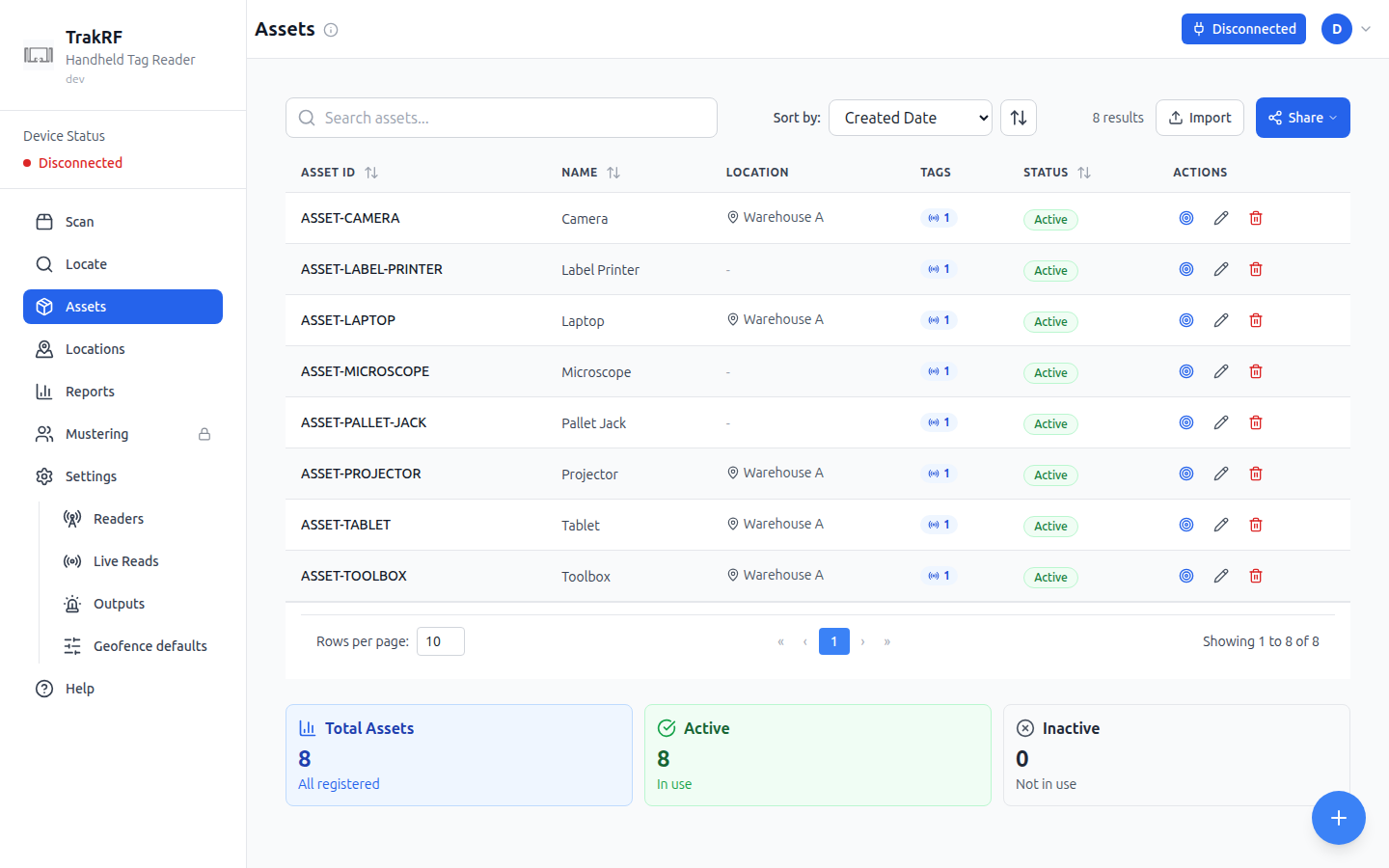
### Mobile
### What this page does
Assets is the catalog of things you're tracking. A search field, a sort-by dropdown (Created Date by default, with a direction toggle), an **Import** button, and a **Share** button sit above the list. Each row shows the asset ID, name, assigned location, a tag count, and an Active/Inactive status badge, with per-row locate, edit, and delete actions; a floating **+** button opens the create form. Footer cards summarize counts: **Total Assets**, **Active** (in use), and **Inactive** (not in use). A fresh workspace with nothing registered yet shows a **Create Asset** call-to-action instead of the table ("No assets yet — Get started by adding your first asset"). On the narrow mobile layout each row and the footer cards are wider than the viewport; the screenshot above shows the initial, unscrolled view, and the Active/Inactive badge and edit/delete actions mean scrolling right.
### How it fits in the app
Assets is the stable record that scanning workflows refer back to: each asset has at least one RFID tag EPC and optionally a barcode, a home location, and metadata. Scan and Locate match scanned tags against these records — a match feeds the **Assets** tile on Scan and the **Found** / **Missing** tiles once a reconcile list is loaded; **Reports** rolls movement history up per asset.
---
## Authoring the App Tour
This page explains how the App Tour was generated and how to regenerate or refresh it.
Screenshots are captured from **platform running locally, or from production** — never from
preview. This is deliberate, not a convenience choice: `environmentLabel` — the purple "Preview
Environment" banner and the `[PRE]` page-title prefix — comes from `window.__APP_CONFIG__`, which
the backend injects at serve time. Vite's local dev server never injects it and production sends
it empty, so both render exactly like production. Preview cannot suppress its banner, so it can
never produce a customer-accurate screenshot.
The two valid sources differ in one visible detail, so don't mix them within a page. The sidebar
version under "Handheld Tag Reader" comes from `VITE_APP_VERSION`, which is injected at Docker
build time and unset under Vite — so local dev reads `dev` where production reads the release
(`v1.4.0`). Capturing against production also means the org you sign in as supplies the
capability set, and every locked nav entry is visible in _every_ frame: granting or revoking one
changes the sidebar on all screens, not just the screen that capability gates.
### Prerequisites
- A `trakrf/platform` checkout (sibling to this repo works fine — `~/platform` is assumed
below; adjust the paths if yours sits elsewhere, e.g. `~/trakrf/platform`).
- Docker, for platform's local database and backend.
- `pnpm install` completed in this repo's root.
- Playwright MCP available to the authoring agent — it's the only capture tool used; there is no
separate deterministic script anymore.
- `.env` present. Start by copying `.env.example`:
```bash
cp .env.example .env
```
Fill in `TRAKRF_DOCS_USER_EMAIL` / `TRAKRF_DOCS_USER_PASSWORD` once you've created the docs
account (see below). `TRAKRF_LOCAL_URL` defaults to `http://localhost:5173` and shouldn't need
changing.
- Run the platform commit that matches what's actually in production. Screenshots are supposed
to document what customers see — capturing against an ahead-of-prod or behind-prod checkout
will quietly drift the docs from reality.
### Starting the local stack
From `~/platform`:
```bash
just dev # database + backend + migrations
just frontend dev-bridge # frontend on http://localhost:5173, wired to the reader bridge
```
`just dev` brings up the database and backend in Docker and runs migrations. `just frontend
dev-bridge` serves the app on `http://localhost:5173` connected to the RFID reader bridge rather
than the plain dev server.
**Non-interactive shells don't load platform's `.env.local`.** If you're driving these commands
from an agent or script rather than an interactive terminal, platform's `just` recipes will fail
with `PG_URL environment variable not set` because direnv never fired. Prefix each command:
```bash
direnv exec /home/mike/platform just dev
direnv exec /home/mike/platform just frontend dev-bridge
```
#### The reader bridge
No extra setup is needed here — the bridge host comes from `BLE_MCP_HOST` in
`~/platform/.env.local`, loaded automatically via platform's `.envrc`. As long as the bridge
server and physical reader are reachable at that host, `just frontend dev-bridge` connects to
them on its own.
**Start the bridge before the frontend.** `dev-bridge` health-checks the bridge on startup and
exits rather than serving if it can't reach it, so `http://localhost:5173` never comes up at all.
That gates every capture, not just the connected-reader ones. Check it first:
```bash
curl -s http://$BLE_MCP_HOST:8081/health
```
#### The physical bench
The other end of the bridge is a **CSL CS108** UHF RFID handheld with a phone mounted in a
3D-printed cradle, pointed at a box carrying the bench tags. Every capture showing real reads —
Scan, Locate, and anything downstream of a saved scan — comes from this setup.
The bench tags are `rfidCollect` labels printed **10018** through **10023**. The printed number
is not literally the EPC: **the EPC is zero-padded, and the leading zeros are trimmed** by tag-value
normalization, which is what makes a read line up with the number on the label. A long zero-padded
value in raw reader output and a short one in the app are the same tag, not two — don't chase it as
a mismatch when reconciling a capture against the bench.
**Expect more than the labelled tags to read.** Alongside 10018–10023 there are soak-test tags,
two unmarked tags taped to the cardboard, and assorted strays around the bench — so a scan total is
never just the labelled six, and it shifts session to session.
The bulk stock — several hundred tags — lives in a **closed metal toolbox**, which shields it from
the reader. Leave that toolbox shut during captures. Opening it puts hundreds of tags in range and
every scan-derived screenshot becomes unusable. See
[Captures that need a saved scan first](#captures-that-need-a-saved-scan-first) — alt text should
follow the capture, not the reverse.
#### Confirm it's rendering prod-like
Before capturing anything, open `http://localhost:5173` and check two things: no purple
environment banner, and the browser tab reads `TrakRF` with no `[DEV]`/`[PRE]` prefix. This is
the entire reason captures happen locally — if a banner appears, something is injecting
`__APP_CONFIG__` and the capture source is wrong. Stop and diagnose before continuing.
### The fixture: the "TrakRF Docs" org
1. Sign up through the local UI at `http://localhost:5173/#signup`, using an organization name
of exactly **`TrakRF Docs`** — the seed script matches on that string. **Company Website** and
**Phone** are required by client-side validation; leaving them blank silently fails the submit
with inline errors and no request is sent.
2. Run `scripts/seed-docs-org.sql` against the local database (`just database psql <
scripts/seed-docs-org.sql`, or the equivalent `docker exec` invocation for your local stack).
Use `just database psql` if you can. `pgcrypto` is installed **into the `trakrf` schema**, so
the id-generation functions the seed calls need `trakrf` on the `search_path`. A bare
`docker exec … psql` connects with the default search path and dies on
`function hmac(bytea, bytea, unknown) does not exist`; pass
`PGOPTIONS='-c search_path=trakrf,public'` if you go that route.
3. **Clear the browser's local storage and reload.** Signing up before seeding means the app has
already cached an empty asset list, and the store's TTL is an hour — so a freshly seeded org
renders as "No assets yet" until the cache is dropped. Keep `auth-storage` if you don't want to
log in again.
The script seeds 8 assets and 5 locations, grants the `geofence` capability so the Outputs and
Geofence defaults pages render real UI instead of a locked upsell page, and creates a second,
empty organization (`TrakRF Docs Empty`) for empty-state captures — the seeded org always has
data, so empty-state screenshots need a separate org.
**Mustering and kitting stay ungranted on purpose.** Those surfaces are out of scope for this
tour, and a locked Mustering tile ("Not enabled for your organization") appearing in the nav is
the accurate, intended state for this org — not a defect to fix.
Five of the seed's registered assets carry sequential bench RFID tags (`10018`–`10022`), matching
a physical reader on the bench. A sixth bench tag, `10023`, is deliberately left unregistered.
Scanning with the bridge-connected reader against this fixture produces a meaningful spread
across all five Scan tiles: **Found** and **Missing** from the registered tags, and **Extra**
from the one that isn't on any asset.
### Capturing
For each screen, at each of two viewports — **1440×900** desktop and **390×844** mobile — take a
viewport-only screenshot with Playwright MCP. **Re-navigate to the page after resizing**, not
just resize in place: several screens size their layout at mount time, so a resize-only capture
can show a desktop layout scaled into a mobile viewport instead of the actual responsive layout.
**Screenshots must be viewport-only, never full-browser.** This is the single most important
rule on this page. Two previously published images captured the full browser chrome, leaking the
author's personal bookmarks bar — email, calendar, job-search bookmarks — into customer-facing
documentation. Always crop to the viewport; never ship a capture that includes the address bar,
tab strip, or bookmarks bar.
**Playwright MCP writes screenshots to its own working directory** — the repository root of the
main checkout, not necessarily the worktree or directory you're working in. Every capture has to
be moved into `static/img/app-tour/` (or `static/img/user-guide/`) explicitly; don't assume the
file landed where you're currently working.
#### What can't be recaptured
`static/img/user-guide/pairing-dialog.png` cannot be recaptured through this workflow. The
browser's native Bluetooth pairing dialog is OS/browser chrome that Playwright cannot screenshot,
and the reader bridge bypasses pairing entirely (it connects without ever showing that dialog).
The current image is cropped from an earlier, pre-bridge capture rather than reshot.
#### Verify row counts before trusting a capture
In local dev, React's StrictMode double-invokes an effect on the Assets screen that appends to
state instead of replacing it, so the page renders **every row twice** — 16 rows and a
`Total Assets 16` tile against a fixture of 8. Production builds don't do this, so a screenshot
taken this way shows something no customer will ever see.
It is easy to miss, and it contaminated four images the first time this tour was captured,
including the dimmed background behind the create-asset modal. Before capturing any page that
lists data, check the visible count against the fixture: **8 assets, 5 locations**. If the
numbers are doubled, temporarily remove `React.StrictMode` from
`platform/frontend/src/main.tsx`, recapture, and restore it afterwards.
**It is intermittent — do the check even if a previous pass looked clean.** The underlying defect
is still open, but it did not reproduce at all during the second capture pass. Seeing correct
counts tells you nothing about the next page you load.
#### Captures that need a saved scan first
Four images show data that only exists after a scan has been **saved** against a location, and
they will silently capture as empty if taken too early:
`app-tour/assets-desktop.png`, `user-guide/assets-populated.png`,
`app-tour/reports-desktop.png`, and `user-guide/reports-populated.png`.
The sequence that produces them:
1. Connect the reader, scan on the **Scan** screen, then **Stop**.
2. Click **Select** next to "No location tag detected" and pick **Warehouse A**.
3. Click **Save**.
4. **Refresh the continuous aggregate.** `trakrf.asset_scan_latest` is a TimescaleDB continuous
aggregate, so the Assets **Location** column and every Reports figure stay empty until it
materialises:
```sql
CALL refresh_continuous_aggregate('trakrf.asset_scan_latest', NULL, NULL);
```
5. Reload, then **visit Locations once** before capturing Assets. The Location column renders
whatever the location-metadata cache holds — with a cold cache it prints raw external keys
(`LOC-WAREHOUSE-A`) instead of display names (`Warehouse A`).
Expect the scanned-tag count to differ from whatever the prose currently claims. The reader picks
up soak-test tags and strays well beyond the labelled bench tags (see
[The physical bench](#the-physical-bench)), so the total varies per session — update the alt text
to match the capture rather than re-shooting for a specific number.
#### Locate has a Start button
Locate exposes an on-screen **Start** button once a reader is connected — it is not
trigger-only. Use it to drive a capture rather than assuming a hardware trigger pull is required.
**Scripted captures can lose the first click.** A script that fills in the EPC and clicks
**Start** back-to-back can land inside a narrow window where the reader is still settling and the
click is dropped — Status stays on **Idle** and no scan starts. Have the script wait for **Start**
to become enabled, or click it twice. Clicking by hand, or pulling the physical trigger, will not
hit this. Either way, confirm Status reads **Searching** before you capture.
#### Which capture path was used
This tour's screenshots were captured using the **physical reader over the bridge**, not
simulated Bluetooth notifications — real EPCs, signal strengths, and read counts, rather than
synthesized ones. Prefer the bridge when a reader is available; fall back to
`navigator.bluetooth.testing.simulateNotification` only if no reader is reachable, and record
which path was used if you regenerate this tour again.
The Readers, Live Reads, Outputs, and Geofence defaults images are the exception: they were
recaptured against **production** at `v1.4.0`, signed in to an org granted only `geofence`. None
of those four screens needs a reader — Live Reads captures its connected-but-idle state, which is
what the published image has always shown — so no bridge was involved.
### Things to know
- **Credentials are local.** `.env` is gitignored. Never commit it. Never paste credentials into
commit messages or PR descriptions.
- **Playwright MCP does not write to a subfolder by default.** See "Capturing" above — always
verify and move each screenshot after taking it.
---
## Geofence defaults
### Desktop
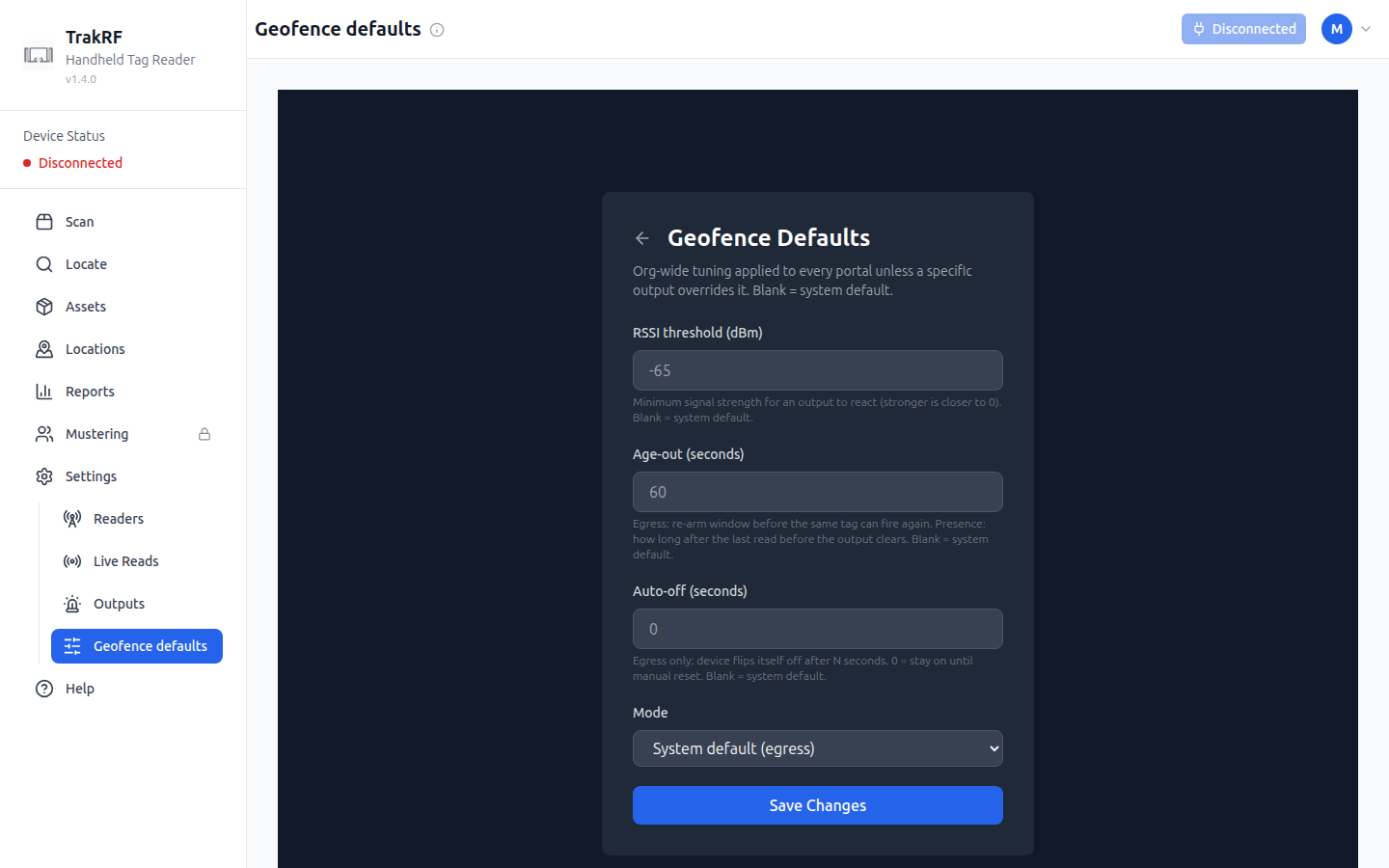
### Mobile
### What this page does
Geofence defaults sets four org-wide values that every output falls back to unless it sets its own: an **RSSI threshold** in dBm (minimum signal strength for an output to react — stronger is closer to 0), an **Age-out** in seconds (the re-arm window before an egress output can fire again on the same tag, or how long a presence output waits after the last read before clearing), an **Auto-off** in seconds (how long before an egress device flips itself off on its own; 0 means stay on until manually reset), and a **Mode** (**System default (egress)**, **Egress**, or **Presence**). Leaving a field blank falls back to the system default rather than to zero.
Geofence defaults is enabled per organization. Organizations without it see a locked page in its place, reading that the feature isn't enabled for their organization and directing them to contact `support@trakrf.id` — a padlock next to **Geofence defaults** in the sidebar is expected in that case, not a bug.
### How it fits in the app
These are the fallback values **Outputs** uses when an individual output doesn't set its own RSSI threshold, age-out, auto-off, or mode — tune coverage once here instead of on every device.
---
## Help
### Desktop
### Mobile
### What this page does
Help is an in-app FAQ organized into expandable accordions. The top **Getting Started - Read This First!** section answers "Which browser should I use?", "How do I connect my scanner?", "How do I scan items?", and "What is this app for?". Below that, five more topical groups cover the rest of the app: **Scan**, **Locate**, **Barcodes**, **Settings**, and **Troubleshooting**, each with short, task-oriented questions and answers. A **Remember** callout at the bottom pins the four most-repeated tips (browser, connect-first, hold the trigger, and the green/red color code).
### How it fits in the app
Help is the only always-accessible surface that doesn't depend on a paired device or existing data — it's the page to land on when something isn't working. Its group headings name the same surfaces the sidebar does — **Scan**, **Locate**, and **Settings** — with **Barcodes** covering Scan's Barcode mode, so an answer that tells you to click something names the entry you'll actually find.
---
## App Tour
A visual walk-through of every screen in the TrakRF web app. Click any card for a closer look at that screen.
---
## Live Reads
### Desktop
### Mobile
### What this page does
Live Reads shows every tag a connected reader can see, matched to an asset or not — the page's own subtitle describes it as covering "every tag in range (registered or not)" for antenna and RSSI coverage tuning, and notes that a tag drops out of view after 30 seconds of silence. A text filter narrows by EPC or tag value, and an antenna dropdown (defaulting to **All antennas**) narrows further once a reader reports more than one. **Split by antenna** and **Show all BLE devices** checkboxes expand the view, and **Pause** and **Clear** control the stream without disconnecting. Four tiles across the bottom — **Tags in view**, **Readers**, **RSSI range**, and **Read rate** — summarize the session, alongside a connection indicator and an elapsed timer.
### How it fits in the app
Where **Scan** turns reads into a checklist against an uploaded CSV, Live Reads is a diagnostic view of raw signal: read counts and RSSI per tag, useful for placing readers, tuning antenna coverage, or confirming a newly registered reader (from **Readers**) is actually publishing.
---
## Locate
### Desktop
### Mobile
### What this page does
Locate is a proximity finder for a single tag. You paste a **Tag EPC Identifier** into the field, then either press the on-screen **Start** button (enabled once a reader is connected) or press and hold the physical trigger — both begin the same search. A semicircular **Signal Strength** gauge, scaled in dBm from -100 to -20 and banded red-to-green, updates in real time as you walk: stronger signal means the tag is closer. A **Statistics** panel and a rolling signal history sit below it, and an **Audio Feedback** toggle, on by default, plays a tone whose pitch rises with signal strength so you don't need to look at the screen while hunting.
#### Reading the signal
Every live readout follows the read stream rather than the search itself, so a value on screen means the tag is being heard **right now**. When reads stop — because you have walked out of range, the tag is not there, or you retargeted to a different EPC — they fall back rather than holding the last value.
| Readout | Shows | When reads stop |
| --------------------------- | ----------------------------------- | ------------------------------------------------- |
| **Signal Strength** gauge | Current strength in dBm | **No signal** |
| **Current** | Most recent reading | **No signal** |
| **Average (1s)** | Mean over the last second | **No signal** |
| **Peak** | Strongest reading of this search | **No signal** |
| **Update Rate** | Readings per second | **0 Hz** |
| Signal history | Rolling 10-second trace | Disappears |
| **Status** | Whether a search is running | Stays **Searching** until you stop |
| **Last search - Peak RSSI** | Best reading of the finished search | Retained — this line is history, not a live value |
Two of those are deliberate exceptions. **Status** reports the search, not the signal, so it keeps saying **Searching** even when nothing is coming back — that is how you tell "still looking" from "found nothing yet". And **Last search - Peak RSSI**, under the EPC field, is the one place a finished search's best reading is kept on purpose.
### How it fits in the app
Locate complements Scan: a Scan sweep's **Found** and **Missing** tiles tell you which listed items turned up and which didn't, but Locate is how you walk down a single one of them and confirm exactly where it is. Tags are usually copied here from a Scan result row or from an **Assets** record.
---
## Locations
### Desktop
### Mobile
### What this page does
Locations lets you model the physical places assets live — buildings, rooms, shelves, vehicles — as a hierarchical tree. The left column searches and lists locations, each row showing its identifier, name, and Active/Inactive badge, with a sort-by dropdown (Identifier, Name, or Created Date) above it. The right column shows details for whichever row is selected: identifier, name, description, linked RFID tags, and a validity period, with Delete, Add Sub-location, Move, and Edit actions; before anything is selected it prompts "Select a location — Choose a location from the tree to view its details." A floating **+** button creates a new location, and a fresh account with nothing set up shows "No locations found. Create a root location to get started." Footer cards summarize **Total Locations**, **Active**, **Inactive**, and **Root Locations** (top-level entries). On the narrow mobile layout the row list and footer cards are wider than the viewport; the screenshot above shows the initial, unscrolled view, and the Active/Inactive badge and the right-hand footer cards mean scrolling right.
### How it fits in the app
Locations give **Assets** a home: each asset can be assigned to one, and Scan can stamp a scan with the current location — picked up from a location-marker tag, shown on this site as "No location tag detected." **Reports** uses these locations to produce movement history and "last seen" summaries.
---
## Outputs
### Desktop
### Mobile
### What this page does
Outputs lists the physical relays wired to react to geofence activity — the empty state on a fresh org reads "No output devices yet. Create one to wire a Shelly relay." Creating one asks for a name, a device type (**Shelly Gen4** or **CSL Reader GPO**), a transport (**HTTP (local edge)** or **MQTT (broker)**), and a base URL (must be reachable from the backend's network) plus a switch ID (the relay channel, usually 0). An optional **Location** binding fires the output only when an asset is seen there on any reader or antenna, and leaving it blank means the output is managed manually instead. A **Mode** setting chooses **Egress** — fire once on crossing, then latch — or **Presence** — stay on while an asset is present and clear when the last one leaves — and per-output **RSSI threshold**, **Age-out**, and **Auto-off** fields override the organization's geofence defaults when set. An **Active** checkbox controls whether the output is live.
Outputs is enabled per organization. Organizations without it see a locked page in its place, reading that the feature isn't enabled for their organization and directing them to contact `support@trakrf.id` — a padlock next to **Outputs** in the sidebar is expected in that case, not a bug.
### How it fits in the app
Outputs is what geofencing acts on: a tag crossing into or out of a bound **Location** can flip a physical device, tuned by this output's own RSSI, age-out, and mode settings or, when those are left blank, by the organization's **Geofence defaults**.
---
## Readers
### Desktop
### Mobile
### What this page does
Readers is where fixed RFID readers — the kind mounted over a doorway or wired into a rack, as opposed to the handheld unit paired from Settings — get registered. A fresh org shows "No scan devices yet. Create one to register a reader." next to a single **New Scan Device** button. Creating one asks for a name, a reader type (**CSL CS463**, **GL S10**, **ESP32 BLE (generic)**, or **CSL CS108**), and a transport: **MQTT**, which requires a publish topic scoped under the org's own prefix, or **Web BLE**. Optional serial number, model, and description fields round out the record, alongside an **Active** toggle.
### How it fits in the app
A reader's reads only reach the app on its registered MQTT topic, so this page is what ties an incoming stream of reads to a named device elsewhere in the app — including the reader count shown on **Live Reads**. It's one of four device- and automation-focused pages that live under **Settings**, alongside **Live Reads**, **Outputs**, and **Geofence defaults**.
---
## Reports
### Desktop
### Mobile
### What this page does
Reports summarizes asset movement over time. Headline stat cards show **Total Assets Tracked**, **Assets Seen Today**, and **Stale Assets (>7 days)** — note that "Total Assets Tracked" counts only assets with location/scan history, which can be lower than the full roster on the **Assets** page. Two tabs switch the view: **Locations History** (default) lists recent asset/location/last-seen rows with a search-by-name field, an "All Locations" filter, and a time-range dropdown (**All Time** by default); **Asset History** instead asks you to pick one asset from a dropdown plus a From/To date range, then shows "Select an Asset — Choose an asset from the dropdown above to view its movement history" until you do. A fresh workspace with no scans shows "No Location Data — No assets have been scanned yet. Assets will appear here once they are detected by RFID readers."
### How it fits in the app
Reports is the read-only analytics surface for data that Scan and Locate produce. Use it after a Scan sweep to confirm assets were seen recently, or to spot stale records before doing a reconcile run. Export via the **Share** button alongside the filters.
---
## Scan
### Desktop
### Mobile
### What this page does
Scan is where a paired handheld reader turns into a live results list. A mode toggle switches the reader between **RFID**, which sweeps every tag in range on each pass, and **Barcode**, which reads a single code at a time — genuinely different behavior, not just a different label. Alongside the toggle, the toolbar holds **Start**, **Reconcile**, **Clear**, an audio toggle, **Share**, and **Save**; Start stays disabled until a reader is connected, while the rest are available regardless. A location-tag selector reading "No location tag detected" sits above the results table so a scan can be tied to a place before it's saved. Below the table, tile cards summarize the session: **Scans** and **Assets** are always present, and running **Reconcile** to upload a CSV of expected tag or asset identifiers adds **Found**, **Missing**, and **Extra** tiles — showing which expected items turned up, which didn't, and which scanned tags aren't in the CSV at all. With no reader connected the table shows a "No items scanned" empty state prompting you to press and hold the trigger. On the narrow mobile layout the toolbar and tile row are wider than the viewport; the screenshot above shows the initial, unscrolled view, and reaching **Save**, the location selector, or the **Assets** tile means scrolling right.
### How it fits in the app
Scan is where physical reads become data: tags that match existing records link straight through to **Assets**, and any tag — matched or not — can be pinpointed with **Locate**. Reconciling against an uploaded CSV turns a scan into a quick check for what's missing or unexpectedly present in a space, without looking anything up by hand.
---
## Settings
### Desktop
### Mobile
### What this page does
Settings, subtitled "Configure your RFID reader", exists primarily to pair a handheld reader. The top **Device Connection** card shows the device status (a red "Disconnected" on a fresh setup with no paired reader) and a **Connect Device** button that initiates Web Bluetooth pairing. Below that, **Basic Settings** exposes a **Signal Power** slider from Low through Medium to High (shown in dBm — e.g. 30 dBm at High), and an **Advanced Settings** collapsible panel holds the rest of the RFID protocol knobs: a Session persistence level (S0 through S3), Worker Log Level (Error/Warn/Info/Debug), a Battery Check Interval, RF power range guidelines (10-15 dBm for 1-2m, 16-22 dBm for 3-5m, 23-30 dBm for 6m+), device information (compatible readers, connection type, frequency range), and a debug panel toggle.
Settings also anchors a family of pages reachable from the sidebar beneath it — **Readers**, **Live Reads**, **Outputs**, and **Geofence defaults** — that go deeper on specific device and automation concerns.
### How it fits in the app
Settings is the only page that directly changes how the handheld reader behaves — signal power affects read range and battery life, and advanced settings cover session, logging, and battery-check tuning. Every reader-driven screen, including Scan (in both RFID and Barcode mode) and Locate, inherits whatever is configured here, so changes made on this page ripple everywhere.
---
## Using the API
## Getting started — using the API
This is the front door for the API track. It takes you from "I have API credentials" to "I called the TrakRF API and got a `200` back" using only standard HTTP tools, then hands off to the [API Quickstart](../api/quickstart) for the rest of the round-trip (CRUD, error catalog, Postman, codegen). It mirrors the [UI quickstart](./ui) — pick whichever track matches your integration plan.
### What you'll need
- A TrakRF account and API credentials. Sign in (or sign up) at the app, then mint a `client_id`/`client_secret` from the **Account menu → API Keys → New Key** ([detail](../api/authentication#mint-your-first-api-key)). The `client_secret` is shown once at creation — copy it immediately.
- An API client of your choice — `curl`, Postman, HTTPie, or your language's standard HTTP library. This guide uses `curl` in examples.
- 10 minutes.
### 1. Pick your environment
You're reading docs. Examples on this page target — the app host that matches this docs site.
If your account lives on the other environment, use the switcher above — the examples and links below will update.
Preview-scoped credentials will not authenticate against production and vice versa; the switcher above keeps the curl snippets aligned with whichever world your credentials were minted on.
### 2. Make your first call
Exchange your credentials for a short-lived access token and save it for the rest of this page:
```bash
export TRAKRF_ACCESS_TOKEN=$(curl -s -X POST "$BASE_URL/api/v1/oauth/token" \
-H "Content-Type: application/json" \
-d '{
"grant_type": "client_credentials",
"client_id": "6f1c2a8e-7d3b-4e90-9a11-2c4d5e6f7a8b",
"client_secret": "trakrf_9f8e7d6c5b4a39281706f5e4d3c2b1a0ffeeddccbbaa99887766554433221100"
}' | python3 -c "import json,sys; print(json.load(sys.stdin)['access_token'])")
# Or, if jq is installed: ... | jq -r '.access_token'
```
Access tokens live 15 minutes; re-exchange when one expires. Full detail: [Authentication → Get an access token](../api/authentication#get-an-access-token).
The `/api/v1/orgs/me` endpoint returns the organization your credentials are scoped to. It's the canonical "tell me about myself" probe — requires no specific scope, depends on no prior data, and confirms end-to-end that your access token authenticates against the right environment. **Use an API-credential access token here — `/orgs/me` rejects session JWTs from the web app, even though most other public endpoints accept them.** See [Private endpoints → Response shape: `/orgs/me`](../api/private-endpoints#orgs-me) for the precise rule.
```bash
curl -H "Authorization: Bearer $TRAKRF_ACCESS_TOKEN" \
"$BASE_URL/api/v1/orgs/me"
```
A successful response looks like:
```json
{
"data": {
"id": 42,
"name": "Acme Logistics",
"scopes": ["assets:read", "assets:write", "tracking:read"],
"api_key_id": "550e8400-e29b-41d4-a716-446655440000"
}
}
```
If the `name` matches the organization you minted the key under, you're authenticated end-to-end and ready to call anything else on the surface. The `scopes` array echoes the scope strings on the bearer (useful for diagnosing a later `403 forbidden` without decoding the JWT), and `api_key_id` is the UUID of the API key — worth quoting in any support ticket. Per-field detail: [Private endpoints → Response shape: `/orgs/me`](../api/private-endpoints#orgs-me).
### Continue at the API Quickstart
The [**API Quickstart**](../api/quickstart) picks up from here with the full round-trip: CRUD (create, read, update, delete), the error envelope and catalog, troubleshooting `401` / `429` / CORS, the Postman collection, and raw spec for codegen. Steps 1 and 2 above mirror its first two sections, so you can skim or skip ahead to **§3 Round-trip: create, read, update, delete** when you arrive.
---
## Getting started
TrakRF can be used two ways — through the first-party web app with a handheld reader, or through the REST API from your own code. Pick the track that matches your integration plan.
### Using the app
End-to-end: pair a handheld reader, scan tags, see reports. 15 minutes, start to first saved scan. You'll need a supported Chromium browser and a Convergence CS108 reader.
[**Start the UI quickstart →**](./ui)
### Using the API
End-to-end: mint an API key, call `/api/v1/reports/asset-locations`, see the current asset-at-location snapshot. 10 minutes, no hardware required.
[**Start the API quickstart →**](./api)
### Not sure which?
If you're evaluating TrakRF for your team's operations, start with the UI quickstart — it's the fastest way to see what the platform does. If you're integrating TrakRF into existing systems (inventory, ERP, custom dashboards), start with the API quickstart.
---
## Using the app
## Getting started — using the app
Welcome to TrakRF — the RFID asset tracking platform built for handheld readers and the browser.
This page takes you from "I just signed up" to "I've saved my first scan" in about 15 minutes, assuming you have a supported RFID reader in hand. Each step links to a deeper page if you want more detail.
### What you'll need
- A supported handheld reader: the Convergence **CS108** (CS463 and other fixed readers are out of scope here).
- A Chromium-based browser on the device that'll talk to the reader:
- **Desktop / Android** — Chrome, Edge, or Opera.
- **iPhone / iPad** — [Bluefy](https://apps.apple.com/us/app/bluefy-web-ble-browser/id1492822055) (free, App Store). iOS Safari and iOS Chrome/Edge don't expose Web BLE.
- Desktop Safari and Firefox are not supported.
- A few RFID tags attached to things you want to track — even a handful of stick-on labels on nearby objects is enough to follow along.
:::note Browser support
TrakRF is a web app. There's no install — you just open it in a browser — but that browser must be Chromium-based. More detail in [Reader Setup](../user-guide/reader-setup#browser-support).
:::
### 1. Create your account
1. Go to the app and click **Sign up** (or navigate directly to `/#signup`).
2. Fill in your name, email, password, and an **Organization** name. The organization is the top-level container for your assets, locations, and teammates — use your company name or a project name.
3. Verify your email when prompted and sign in.
You'll land on **Scan** — the app's home screen. A mode toggle switches the reader between RFID and Barcode, a device-status chip shows whether a reader is connected, and the left nav gives you the rest of the app: **Locate**, **Assets**, **Locations**, **Reports**, and **Settings**.
### 2. Pair your reader
Detailed in [Reader Setup](../user-guide/reader-setup). The short version:
1. Power on your CS108 (hold the power button until the green LED is solid — the BLE indicator starts flashing on its own).
2. In TrakRF, go to **Settings** in the left nav.
3. Click **Connect Device** and pick your reader from the browser's Bluetooth dialog.
4. Watch the **Device Status** pill flip from **Disconnected** to **Connected**.
Chromium remembers the pairing, so subsequent sessions on the same browser profile won't need to re-pair.
### 3. Set up your first location and asset
Before your first scan means anything, give TrakRF a place to put things and at least one thing to find.
1. **Locations** → create a root location (e.g. "Main Warehouse"). See [Asset Management: step 1](../user-guide/asset-management#1-create-a-location).
2. **Assets** → click **Create Asset**, give it a name, pick the location, and paste the EPC (tag number) of one of your RFID tags under **RFID Tags**. See [Asset Management: step 2](../user-guide/asset-management#2-register-an-asset).
:::tip Don't know your tag EPCs?
Skip ahead to step 4 and scan first — unregistered tags show up under **Extra**. You can copy the EPC from there into a new asset record afterwards.
:::
### 4. Run your first scan
1. Open **Scan** (left nav). Confirm the device-status chip reads **Connected**.
2. Press and hold the handheld's trigger. Tags in range stream into the **Scanned** list in real time.
3. Release the trigger when you've covered your area.
4. Click **Save** in the top toolbar to commit the session.
Full detail: [Asset Management: step 3](../user-guide/asset-management#3-run-a-scan-session).
### 5. See what you captured
Open **Reports** to see your saved scan rolled up into **Locations History** and **Asset History**. Filter by time (**Today**, **Last 7 days**, **Stale**) to answer "what did we actually see, and when?"
More: [Asset Management: step 5](../user-guide/asset-management#5-review-in-reports).
### Where to go next
- [Reader Setup](../user-guide/reader-setup) — deeper reader pairing and troubleshooting.
- [Asset Management](../user-guide/asset-management) — the full scan-to-report walkthrough.
- [App Tour](/docs/app-tour) — one page per screen in the app, with screenshots.
---
## Fixed reader setup
### Status
TrakRF's current focus is the handheld scanner workflow. The platform data model and ingest pipeline are carried over from prior fixed-reader deployments and already handle fixed-reader data shapes (MQTT messages, location-anchored events, zone-based rules).
**Self-serve fixed-reader deployment — provisioning the reader, configuring its MQTT target, mapping antennas to TrakRF locations — is planned for post-handheld-launch.** The product sequence is: ship the handheld experience first, then build out the fixed-reader setup surface.
No committed timeline. This page will be replaced with step-by-step deployment and configuration instructions when that work starts.
### If you need this today
[Email support](mailto:support@trakrf.id). Early fixed-reader deployments are handled as engagements for now; documented self-service comes after the handheld launch.
---
## Integrations
This section will cover the non-REST-API integration paths into TrakRF.
### What's available now
None of the integration surfaces below are documented yet for self-service. Early deployments are handled as direct engagements — [email support](mailto:support@trakrf.id) if one of these describes your use case.
- **[MQTT message format](./mqtt-message-format)** — the ingest path used by prior fixed-reader deployments; schema and pipeline live, docs pending.
- **[Fixed reader setup](./fixed-reader-setup)** — deploying CS463 and similar fixed RFID readers against a TrakRF organization.
### What's documented today
For REST API integration (the primary customer-facing integration surface), start at **[Getting started → Using the API](/docs/getting-started/api)** and the **[interactive API reference](/api)**.
---
## MQTT message format
### Status
MQTT is the ingest path TrakRF inherits from prior fixed-reader deployments — the schema and processing pipeline that backs the handheld scan flow today were built against the MQTT message format used in those earlier projects. That foundation is already in place in the platform.
**First-party MQTT integration documentation is planned for post-handheld-launch.** The public handheld scanner experience is the near-term priority; MQTT docs will follow once that ships and the first fixed-reader integration engagements begin.
No committed timeline. This page will be rewritten with the message schema, topic conventions, broker configuration, and authentication details when that work starts.
### If you need this today
[Email support](mailto:support@trakrf.id) with your use case. Concrete early-adopter deployments inform the scope of the first-party docs and can accelerate scheduling.
---
## Release notes
What changed in the TrakRF app, newest first. Every entry describes something you can see or do differently as a user of the app.
Two related logs cover different ground:
- The [API changelog](./api/changelog) tracks the public `/api/v1/` contract for integrators writing code against TrakRF. It follows the API's own version, which moves independently of the app version on this page.
- The release notes here follow the platform version reported by the app itself.
Most releases change nothing you would notice, and those are not listed. A release appears on this page when it changes something in front of you.
### v1.5.0 — September 4, 2026 {#v1-5-0}
Locate is the focus of this release. It could previously show you a signal from a search you had already finished, keep moving after you let go of the trigger, and — in the case that mattered most — look like it had found something when it had found nothing. All of that is fixed. You can also now acquire a Locate target by scanning a barcode, and Settings tells you which reader you are connected to.
#### Locate tells you the truth about what it is hearing {#v1-5-0-locate}
Three separate problems could each make a failed search look like a successful one.
A search that ended without hearing the tag used to leave the previous search's reading on the gauge, so an item that was not there could show a strong signal. Readouts now fall to **No signal** rather than holding a number that is no longer being measured.
Changing the target in the middle of a search did not always reach the reader. The reader went on filtering for the tag you started with, so you were shown another item's signal under your new target's name. A target change now reaches the reader before the search runs, and if it cannot, Locate says so instead of searching for the wrong thing.
Releasing the trigger did not stop the search cleanly. The gauge kept moving and the audio kept sounding for a moment after you let go. The audio now stops on release, and the gauge **freezes at the reading you released on** — you pulled the trigger to read that number, so it stays on screen rather than blanking. If the tag was not being heard when you released, the gauge holds **No signal** instead of reviving the last value it heard.
Locate also now finds tags whose identifier is stored in short form. These previously matched at only one tag size, so a tag could be searched for under a value that did not match it.
#### Acquire a Locate target by scanning a barcode {#v1-5-0-locate-barcode}
You no longer have to type a 24- or 32-character tag identifier to start a Locate search. Scan the barcode instead.
The workflow this is for is not scanning the tag you are standing next to — it is working from a cut sheet, pick list or work order that carries the barcode of the item you have been sent to find. Scan the paperwork, then go and find the thing.
#### Settings shows which reader you are connected to {#v1-5-0-reader-details}
Settings now lists the connected reader's serial number and its three firmware versions. If you contact support about a reader, this is the page to read from — previously there was no way to tell from the app which firmware a reader in the field was running.
#### Tags scanned before you sign in are no longer lost {#v1-5-0-scan-before-login}
You can scan tags without signing in, then sign in to see which assets they are. Signing in was clearing those tags before it looked them up, so the list came back empty and the scan was gone. Your scan now survives signing in, and the asset details fill in behind it.
Switching organizations still clears scanned tags, as it always has — those results belong to the organization you were in.
#### Accounts set up for you must choose their own password {#v1-5-0-password}
When someone sets up your account in person and gives you a starting password, TrakRF now asks you to choose your own the first time you sign in, and the app waits until you have. Nothing changes for any existing account — you will not be asked to change a password you already chose.
#### A more reliable reader connection {#v1-5-0-reader-reliability}
A number of faults that made the reader look broken, unresponsive, or randomly unreliable are fixed. The most visible effect is that the reader recovers from a momentary problem instead of reporting an error it has already recovered from, and a reader that is refusing a command now says so rather than going quiet.
#### Smaller changes {#v1-5-0-smaller}
- Location history is recorded to the minute rather than to the second. A move can take up to a minute to appear on reports; in exchange the history is far smaller and faster to read.
- Saving from the Scan tab while a fixed reader is reading the same asset in the same minute no longer fails.
### v1.4.1 — August 13, 2026 {#v1-4-1}
#### Change your password from your profile {#v1-4-1-change-password}
You can now change your password from **Account menu → Profile** by entering your current one, without going through the forgotten-password email. This matters if your organization's mail system holds or blocks our messages — until now that email was the only way to change a password you knew.
### v1.4.0 — August 9, 2026 {#v1-4-0}
The Assets screen was showing you only part of your data, and a saved scan took up to two minutes to appear on Reports. Both are fixed. Locate now works with 128-bit tags, and you can edit your own name and email.
#### The Assets screen shows every asset {#v1-4-0-assets}
The Assets screen only ever loaded the first 25 assets. The list, the result count above it, and the summary tiles were all built from that first 25 — as was every export, so a CSV, XLSX, or PDF download from a 400-asset organization contained 25 rows and gave no sign anything was missing. All of it now reads your full asset set.
Separately, assets could linger after they were no longer yours to see. Switching organizations, or deleting an asset in another browser session, left the old rows on screen for up to an hour, sometimes as apparent duplicates of an asset you did still have. The screen now rebuilds from each load rather than accumulating across them.
If you exported asset data from TrakRF before this release, re-export it — the earlier file was almost certainly incomplete.
#### A saved scan appears on Reports immediately {#v1-4-0-report-freshness}
Saving from the Scan tab and going straight to the asset locations report used to show those assets at their _previous_ location — often hours or days old — for up to two minutes before catching up. The save itself was always recorded correctly and completely; only the report lagged behind it. The report now includes the most recent scans as it loads, and reopening it after a save refetches rather than reusing a cached view, so what you just saved is there when you arrive.
#### Locate works with 128-bit tags {#v1-4-0-locate}
Locate could not reliably find tags with 128-bit EPCs. It matched only the first 96 bits, so every tag off the same reel looked identical to it and it homed in on whichever one it happened to hear; tags whose EPC began with a zero were searched for under the wrong value entirely. Locate now matches the full EPC.
Locate also no longer reports "No signal" while reads are arriving. The first **Start** click after opening Locate could fail silently and leave the signal gauge empty even though the reader was working.
#### Edit your own name and email {#v1-4-0-profile}
You can now change your own display name and email address from **Account menu → Profile**, without asking an administrator. Changing your email notifies the old address as well as the new one, so an unexpected change doesn't go unnoticed.
#### Clearer guidance when a reader won't connect {#v1-4-0-bluetooth}
TrakRF now tells you _why_ a reader can't be connected rather than failing generically. A missing Bluetooth adapter, a browser without Web Bluetooth support, and a browser that supports it but has it switched off each say so specifically and tell you what to do next. On an iPhone or iPad, where Apple allows only its own browser engine and so no Safari-based browser can reach Bluetooth, TrakRF points you to Bluefy and can reopen the current page there.
On Windows, a CS108 that hasn't yet been paired in Windows itself appears in the browser's device chooser as "Unknown or unsupported device" followed by a string of numbers, rather than by name. Those numbers are the reader's Bluetooth address, printed on the label on the back of the antenna as **BT Mac Addr**, so you can check the device is yours before selecting it. Adding the reader in **Settings → Bluetooth & devices** first makes it list by name instead. Help now explains this before you run into it — see [Reader Setup](./user-guide/reader-setup#windows-first-connect).
#### Smaller changes {#v1-4-0-smaller}
- Readers, Live Reads, Outputs, and Kits show a title in the header; those screens previously opened with a blank one. Live Reads no longer calls a scan an "inventory."
- Account and permission handling has been tightened internally. No action is needed on your part, and nothing you do changes.
### v1.3.0 — July 30, 2026 {#v1-3-0}
The first substantial update since TrakRF moved to production in May. Scanning was reworked, the asset locations report gained dwell time, webhooks arrived, and several problems that made scanning and reporting unreliable are fixed.
#### Inventory is now Scan {#v1-3-0-scan}
The Inventory tab is renamed **Scan**, and the separate Home and Barcode tabs are gone. Barcode is now a mode toggle inside Scan, sitting next to RFID, so you switch between reading a single barcode and sweeping every tag in range without leaving the page. Your status filter is remembered between visits.
Existing bookmarks and links to Home, Inventory, or Barcode still work — they land on Scan.
The summary tiles below the results list are labelled **Scans**, **Assets**, **Found**, **Missing**, and **Extra**. Scans and Assets are always shown. Found, Missing, and Extra appear once you run **Reconcile** against an uploaded CSV of the tags or assets you expected to find, and show which expected items turned up, which did not, and which scanned tags were not on your list at all.
#### Save records exactly what the view shows {#v1-3-0-save}
Saving a scan now persists precisely the rows in front of you — the same list, under the same filter. Items that appear only as reconciliation results, because they were expected but never actually read, are deliberately excluded from the saved scan. What you see is what gets stored.
#### Dwell time on the asset locations report {#v1-3-0-dwell}
The asset locations report now shows how long each asset has been where it is. Dwell is measured across the time the asset was actually observed at that location rather than as the age of a single sighting, so it reflects an ongoing stay. It makes assets that have sat in staging, shipping, or a repair bay longer than they should stand out without cross-checking timestamps by hand.
#### Webhooks tell you when an asset moves {#v1-3-0-webhooks}
You can now register an HTTPS endpoint of your own and have TrakRF call it whenever an asset is scanned at a location different from where it was last seen. Set one up from the **Account menu → Webhooks**; each organization can have one.
Deliveries are signed, so your receiving system can verify a call genuinely came from TrakRF. Because the notification fires on movement, rescanning an asset where it already is sends nothing. Setup instructions and the exact payload are in [Webhooks](./api/webhooks).
#### Scanning and reporting are more reliable {#v1-3-0-reliability}
- The asset locations report no longer intermittently fails to load.
- Scan and Locate no longer break after a new version of the app is released. Previously a tab left open across a release could fail to open part of the app until you reloaded it.
- Geofence alarms no longer re-fire for tags that were already inside the zone when the geofence engine restarts.
#### New surfaces that your organization can enable {#v1-3-0-capabilities}
Kits, Outputs, and Geofence defaults ship in this release but start switched off for every organization. If you see one of these as a locked tile, it marks a feature arriving rather than one taken away — contact TrakRF to have it enabled for your organization.
---
## Asset Management
This walkthrough covers the end-to-end asset flow: creating a location, registering an asset with an RFID tag, running a scan session on the **Scan** screen, saving the results, and reviewing them in **Reports**.
If you haven't paired a handheld reader yet, finish [Reader Setup](./reader-setup) first — steps 3–4 below require a connected reader.
### 1. Create a location
Locations are where assets live (a room, a shelf, a truck). TrakRF supports a hierarchical tree, so you can nest "Warehouse A → Aisle 3 → Shelf B" if you want — but for your first pass, one root location is enough.
1. Open **Locations** from the left nav.
2. If this is a fresh organization you'll see "No locations found. Create a root location to get started."
3. Click the floating **+** button (bottom-right) to open the create dialog.
4. Enter a name — keep it short and human-readable ("Main Warehouse" works fine).
5. Save.
The new location shows up in the tree on the left; the right pane becomes a detail view for whichever location you select. With a few locations registered, the page looks like this:
### 2. Register an asset
Assets are the records TrakRF checks scans against. Each asset has at least one RFID tag number (EPC), plus optional metadata — name, description, home location, active window.
1. Open **Assets** from the left nav. On a new organization you'll see a "No assets yet" empty state with a **Create Asset** button.
2. Click **Create Asset** (in the empty-state card) or the floating **+** button.
3. Fill in the **Create New Asset** modal:
- **Asset ID** — leave blank to auto-generate as `ASSET-XXXX`, or type your own (e.g. a part number).
- **Name** — required. This is what you'll see in scan results and reports.
- **Description** — optional free text.
- **Active** — checked by default. Uncheck to hide the asset from live scan comparisons without deleting it.
- **Valid From / Valid To** — defaults to today / blank. Use these if the asset is only in circulation for a known window.
- **RFID Tags** — click **Add Tag** and paste or type the tag's EPC (hex string). You can attach more than one tag to the same asset.
4. Click **Create Asset**.
There is no **Location** field on this form. An asset's location is derived from where it was last scanned, not set by hand, so the **Location** column stays blank until a saved scan places it.
The asset now appears in the list. The footer cards (**Total Assets**, **Active**, **Inactive**) update immediately. After a few assets, the list looks like this:
:::tip Bulk-import via scan
If you have a pile of already-tagged items and no spreadsheet of EPCs, it's often faster to scan them first (step 3) and then use **Assets** to attach names to the tags you captured. The scanner doesn't require an asset record to read a tag — it'll just show the raw EPC under **Extra** until you register it.
:::
### 3. Run a scan session
With an asset registered and a reader paired (see [Reader Setup](./reader-setup)), you're ready to scan.
1. Open **Scan** from the left nav.
2. Confirm the device-status chip in the top-right reads **Connected**, not **Disconnected**.
- On a supported browser with no paired reader, the banner reads "Connect your device to start scanning" and the **Connect Device** button is live.
- On an unsupported browser (no Web BLE), the banner lists the supported browsers instead and **Connect Device** is disabled — see [Reader Setup: browser support](./reader-setup#browser-support).
3. Pick a scan mode next to the **Scanned** counter. **RFID** sweeps every tag in range on each pass; **Barcode** reads a single code at a time — whichever the reader is aimed at.
4. (Optional) Click **Select** under "No location tag detected" to tell TrakRF which location this scan represents. Scanning a location tag with the reader does the same thing automatically.
5. Press and hold the handheld's trigger. Tags in range stream into the **Scanned** list in real time. By default the footer shows two cards:
- **Scans** — unique tags seen this session.
- **Assets** — of those, how many match a registered asset.
6. Release the trigger when you've covered the area. The list stays on screen; you can resume by pressing the trigger again.
7. Use the top toolbar as needed:
- **Start** — software-trigger equivalent of holding the hardware trigger; handy for bench testing or when you want hands-free scanning.
- **Reconcile** — pick a CSV of expected tag or asset identifiers to check the current scan against. Three more footer cards appear once it's loaded: **Found** (assets matched), **Missing** (assets on the CSV that haven't been seen), and **Extra** (scanned tags not in the CSV).
- **Clear** — wipes the in-progress list without saving.
- **Off / On** — audio feedback toggle.
### 4. Save the session
Once the scan looks right, click **Save** in the top toolbar. This commits the session to history and attaches it to the selected location. The **Share** button next to **Save** generates a link you can send to a teammate — useful for handing off a cycle count or flagging discrepancies.
Saving is what promotes a scan from "live on my screen" to "part of the audit trail." Reports and asset history only reflect saved sessions.
### 5. Review in Reports
1. Open **Reports** from the left nav.
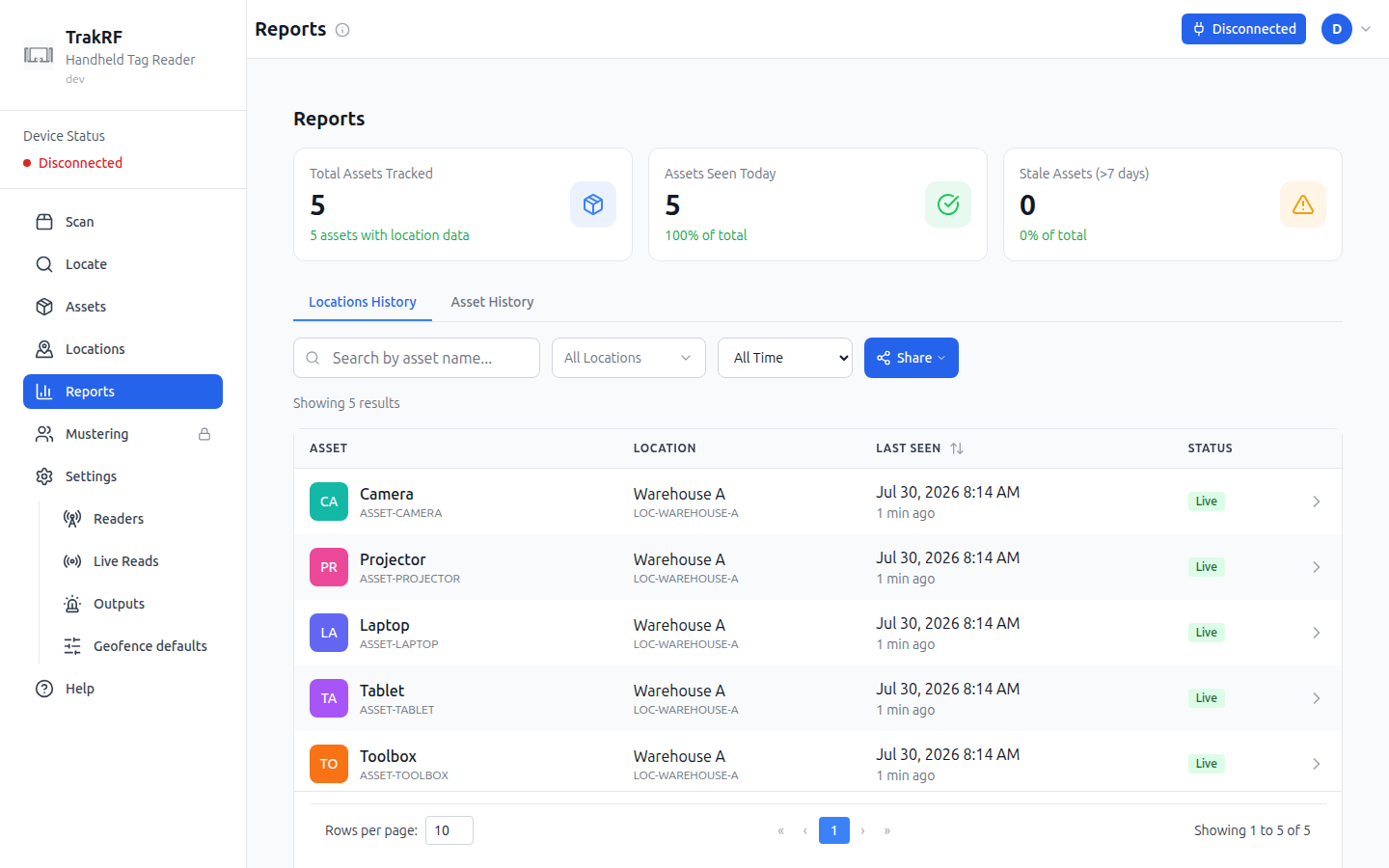
2. The top stat cards show **Total Assets Tracked**, **Assets Seen Today**, and **Stale Assets (> 7 days)** — a quick-read summary of your catalog's recency.
3. Switch between **Locations History** (which locations saw which assets) and **Asset History** (per-asset timeline).
4. Filter by:
- Asset name (search box)
- Location (dropdown)
- Time window — **All Time**, **Live (\< 15min)**, **Today**, **Last 7 days**, **Stale (\> 7 days)**.
5. Click **Share** to hand a filtered view to a teammate.
### Find a specific tag
**Scan** answers "what's here?" **Locate** answers "where is this one?" Paste or type the EPC of the tag you're hunting for (or jump over from an asset's row action) and TrakRF turns the reader into a metal detector: a signal-strength gauge, peak/average stats, and an audio-feedback option whose pitch **and** beep rate both climb as you close the distance.
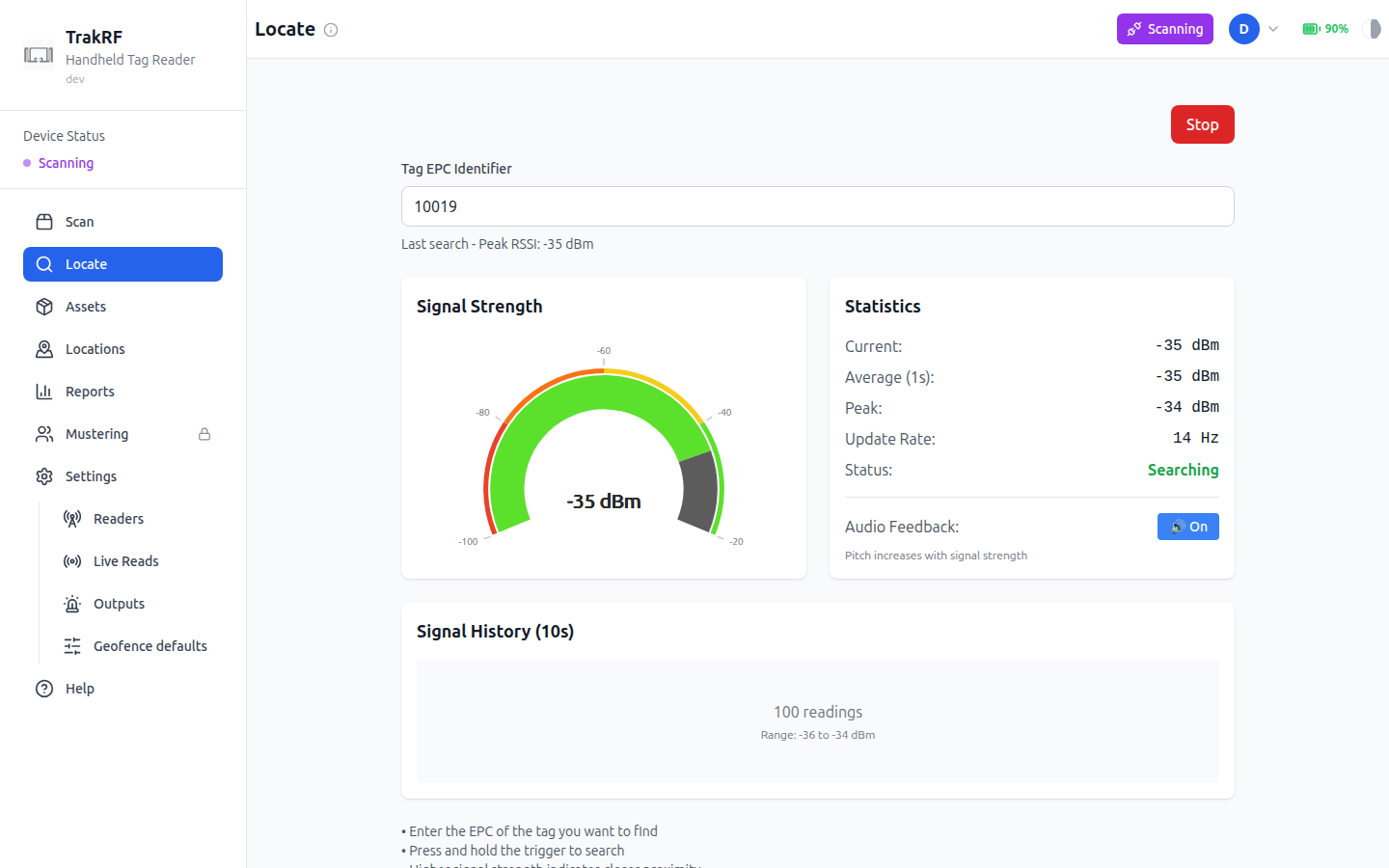
Use it for single-item retrieval after a scan has flagged something as missing or misplaced.
### What's next
- [Location Tracking](./location-tracking) — deeper coverage of the location tree and location-tag workflows.
- [Reports & Exports](./reports-exports) — pulling scan data out of TrakRF.
- [App Tour](/docs/app-tour) — screen-by-screen reference for every page touched above.
:::note Work in progress
This walkthrough describes the happy path for a single-location, single-reader setup. Multi-location workflows, CSV-driven reconciliation, and bulk tag commissioning are covered in [Location Tracking](./location-tracking) and [Reports & Exports](./reports-exports) — flesh those out as needed.
:::
---
## Location Tracking
Monitor asset locations in real time using RFID zone detection.
:::note Coming Soon
This page is a placeholder. Detailed location tracking documentation is on the way.
:::
---
## Organization & Team Management
Everything covered on this page lives in the **account menu**, not the left sidebar. Click the avatar button in the top-right corner of the app (it shows your initials) to open it.
The menu header shows your email address and your role in the currently active organization. Below that:
- **Organizations** lists every organization you belong to. Click a name to switch — the app reloads into that organization's data.
- **Create Organization** starts a new one.
- **Organization Settings**, **Members**, and **API Keys** manage the organization you're currently in.
- **Logout** ends your session.
### Switch or create an organization
If you belong to more than one organization, they're all listed under **Organizations** in the account menu. Selecting one switches your active context — assets, locations, members, and everything else in the app scope to whichever organization is active.
To create a new one, click **Create Organization**. A dialog asks for an organization name and explains that you'll be the owner, able to invite others once it's created. Enter a name and click **Create**; TrakRF switches you into the new organization immediately.
### Organization Settings
Click **Organization Settings** to land on a single page covering the active organization's basics:
- **Subscription** — a status line showing your current plan state, e.g. "Trial — expires \".
- **Organization Name** — an editable text field. The **Save Changes** button stays disabled until you actually change the value.
- An **API Keys** shortcut card that summarizes the feature and links to the same API Keys page reachable from the account menu.
- A **Danger Zone** with a **Delete Organization** button. The page warns plainly that deletion can't be undone.
### Members
Click **Members** to see a table of everyone in the active organization: **Name**, **Email**, **Role**, **Joined**, and **Actions**. Your own row is marked **You**. Each member's role is a dropdown you can change inline — **Owner**, **Admin**, **Manager**, **Operator**, or **Viewer** — if your own role has permission to do so.
Below the table, **Pending Invitations** lists outstanding invites (or "No pending invitations" if there aren't any) next to an **Invite Member** button. Clicking it opens a small form:
1. Enter the invitee's **email address**.
2. Pick a **Role** — Admin, Manager, Operator, or Viewer (Viewer is the default; new members can't be invited directly as Owner).
3. Click **Send Invitation**.
### API Keys
Click **API Keys** to manage tokens that let an external system talk to TrakRF. A fresh organization shows an empty state ("No API keys yet") and a **New key** button. Creating one opens a form:
- **Name** — defaults to something like "API key — \"; free text.
- **Permissions** — separate access levels per area: **Assets** and **Locations** each offer None / Read / Read + Write, and **Tracking** offers None / Read.
- **Expiration** — Never, 30 days, 90 days, 1 year, or a custom date.
Click **Create key** to generate it. This page is where you provision and revoke integration credentials from the UI — it doesn't expose the organization or member data itself, just the keys used to access it externally.
---
## Reader Setup
TrakRF pairs with supported RFID readers directly from the browser using Web Bluetooth (Web BLE). No driver install, no companion app — you click **Connect Device**, pick your reader from the OS pairing dialog, and you're scanning.
### Before you start
#### Browser support
Web BLE is a Chromium feature. TrakRF works in:
- **Google Chrome** (desktop and Android)
- **Microsoft Edge**
- **Opera**
- **[Bluefy](https://apps.apple.com/us/app/bluefy-web-ble-browser/id1492822055)** (iOS/iPadOS) — free from the App Store. iOS Safari doesn't expose Web BLE, and Chrome/Edge on iOS are Safari under the hood, so Bluefy is the only option on iPhone and iPad.
Desktop Safari and Firefox do **not** support Web BLE. In place of the connect button they show a banner naming the browsers that work on your platform, and TrakRF distinguishes the reasons it can't reach a reader — an unsupported browser, a browser with Web Bluetooth switched off, a machine with no Bluetooth adapter, or a page served over plain `http://` each get their own explanation.
#### Bluetooth permissions
- **Desktop** — make sure Bluetooth is on in the OS and the browser has permission to access it.
- **Android** — Chrome needs **Location** permission on first pair (Android ties BLE scans to location). Grant it when prompted; you won't be asked again.
- **HTTPS required** — Web BLE only works over HTTPS. The hosted TrakRF app is HTTPS by default, so this only matters if you're running a local build.
#### Supported readers
TrakRF currently supports the **CS108** handheld from Convergence Systems (UHF, BLE).
:::note Fixed readers
The Convergence **CS463** fixed reader shares the CS108 API and has a BLE radio, but in practice it's driven over its HTTP API / web UI rather than Web BLE. Fixed-reader workflows are out of scope for this guide.
:::
### Pair your reader
1. Power on the CS108 — hold the power button for ~3 seconds until the **green** power LED lights solid. The Bluetooth indicator starts flashing automatically on power-up, meaning the reader is advertising and ready to be discovered; there's no separate pairing-mode button.
:::tip First-time battery
A fresh CS108 battery wants roughly a 4-hour initial charge. The charge LED is **red** while charging and goes out when full. Seat the battery with its metal contacts facing **down**.
:::
2. In TrakRF, open **Settings** (left nav). The page has a **Device Connection** card at the top.
3. Click **Connect Device**.
4. Your browser opens the Web BLE pairing dialog. Pick your reader by name — it advertises as `CS108ReaderXXXXXX`, where `XXXXXX` is the last six hex digits of its Bluetooth address — and click **Pair**.
:::caution On Windows, expect no name here the first time
The dialog will most likely offer your reader as **Unknown or unsupported device** beside a string of numbers. That is normal and the reader is fine — see [Windows: the reader is listed unnamed the first time](#windows-first-connect) below before you cancel the dialog.
:::
5. The page-status chip in the top-right flips from **Disconnected** (red) to **Connected** (green), and the **Device Status** pill in the left sidebar updates to match.
6. The reader is now paired. OS-level pairing happens once per device; from then on, clicking the status button in TrakRF reopens the browser's connect dialog with the reader already listed — just select it and confirm to reconnect. You only need to re-pair through System Settings / Control Panel if you explicitly **forget** the device.
#### Windows: the reader is listed unnamed the first time {#windows-first-connect}
On Windows, a CS108 that hasn't yet been paired in Windows itself is offered in the browser's dialog **without a name** — as `Unknown or unsupported device` followed by a string of numbers, rather than as `CS108ReaderXXXXXX`. Nothing is wrong and the reader is not unsupported. Windows doesn't hand the browser the device's name until the two have been paired at the OS level, and the browser fills the gap with that label. This is the single most common reason a first-time Windows user cancels the dialog.
Those numbers are the reader's Bluetooth address, and it is printed on the serial-number label on the back of the antenna as **BT Mac Addr**. Check the two against each other — that is how you know you're selecting your own reader rather than a colleague's CS108 switched on in the same room — then select it and click **Pair**.
To get a legible name instead, add the reader in **Settings → Bluetooth & devices** before you connect, entering PIN `0000` if Windows asks for one. The browser's dialog then lists it as `CS108ReaderXXXXXX - Paired` from that point on. Two things to know before you try:
- **Disconnect from TrakRF first.** A Bluetooth LE device talks to one host at a time, so while the browser is holding the reader, Windows' own device search won't find it at all — you'll get an empty list and conclude the reader is broken.
- **This step is worth doing for the name alone.** We've also seen a first connect on Windows fail until the reader was paired this way, so if the browser dialog won't connect, do this before troubleshooting anything else.
### Adjust basic settings
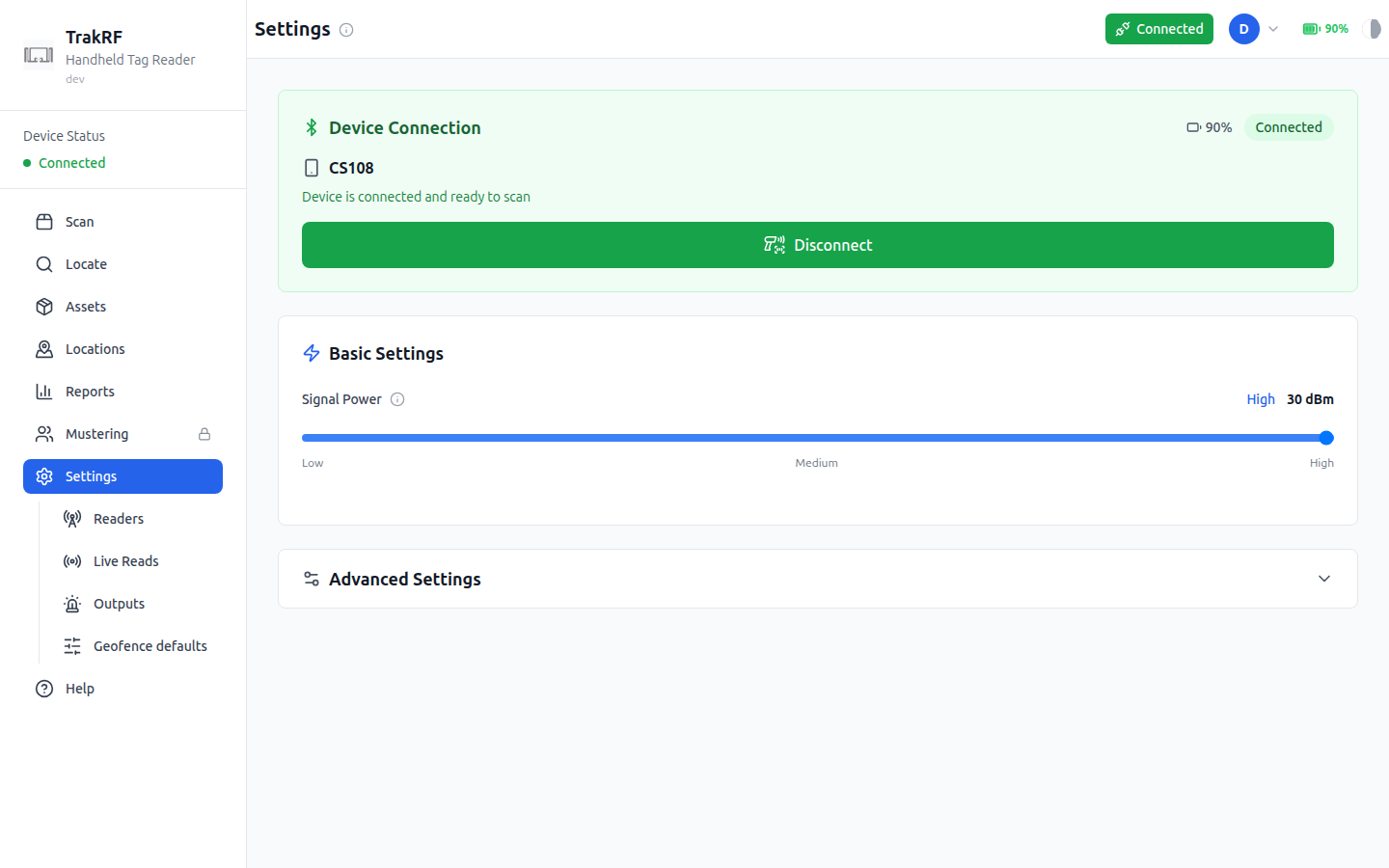
Once connected, the **Basic Settings** card on the same page exposes:
- **Signal Power** slider — controls the reader's transmit power in **dBm EIRP**. The CS108 supports roughly **+10.0 to +30.0 dBm** (and up to **+31.5 dBm** in some regions / with certain power supplies), so the practical range is constrained by your regulatory region — FCC, ETSI, etc. The slider is marked **Low / Medium / High** and shows the current value (e.g. `30 dBm`) on the right. Higher power = longer read range, but also more cross-reads from neighbouring shelves. Start at the max and dial back if you're picking up tags you don't want.
:::note
The on-screen slider currently runs from 0 to 30 dBm; alignment with the hardware's real floor of +10 dBm is in progress.
:::
The **Advanced Settings** section (collapsed by default) holds session/query tuning for denser environments. Most users won't need to touch it.
### Troubleshooting
Most pairing and connection issues resolve with the same small set of steps. Try them in order:
1. **Power-cycle the reader.** Hold the power button until the green LED goes out, wait a few seconds, power it back on. The BLE indicator should start flashing again.
2. **Reload the TrakRF tab**, then click the status button to retry the connect. Web BLE sometimes drops silently after sleep/resume — especially on macOS.
3. **Restart the host's Bluetooth stack.** Toggle Bluetooth off and back on in the OS (or use the airplane-mode trick on mobile).
4. **Forget and re-pair.** Open your OS's Bluetooth settings — **System Settings → Bluetooth** on macOS, **Settings → Bluetooth & devices** on Windows, the Bluetooth panel under Android/iOS settings — find the `CS108ReaderXXXXXX` entry, remove/forget it, then run through the pair flow above from scratch. Disconnect from TrakRF before you do: the OS can't see the reader while the browser is holding it.
5. **Check battery seating and charge.** A low battery can let pairing succeed and then fail mid-scan. Re-seat the pack (metal contacts down) and confirm it's charged — red LED while charging, dark when full.
6. **Try a different browser profile.** Stale site permissions are the usual cause of "it worked yesterday." A fresh profile sidesteps them without touching your main one.
### What's next
- [Asset Management](./asset-management) — register assets and run your first scan.
- [App Tour: Settings](/docs/app-tour/settings) — visual reference for every control on this page.
---
## Reports & Exports
Generate reports and export data from the TrakRF platform.
:::note Coming Soon
This page is a placeholder. Detailed reporting documentation is on the way.
:::